PixGenN
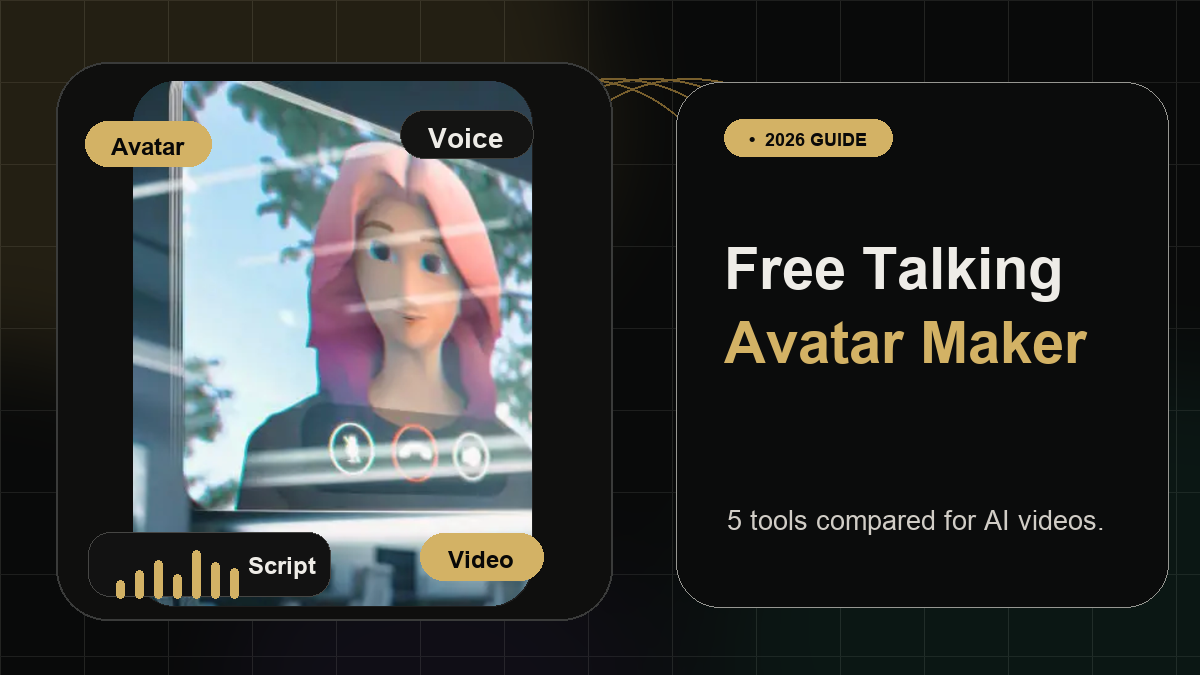
Free Talking Avatar Video Maker: 5 Tools Compared
Summary
A free talking avatar video maker turns a static photo, digital character, or avatar into a speaking video by syncing mouth movement with text or audio. For users who want a practical free AI talking avatar video maker, PixGenN is a strong option to test first because it supports AI avatar-style video creation, fast generation, multilingual voices, commercial-use output, and flexible model choice. Media.io and EaseMate AI are better for simple photo-to-talking-head workflows, HeyGen is stronger for polished avatar videos, and Canva is useful when the avatar needs to be placed inside a broader design.
What Is a Talking Avatar Video Maker?
A talking avatar video maker is an AI tool that animates a face, photo, portrait, or digital character so it appears to speak. In most workflows, the user uploads an image, adds a script or audio file, chooses a voice, and generates a short video with lip sync, facial motion, and sometimes head movement.
The best tools in this category save time because they remove the need for cameras, actors, microphones, lighting, and retakes. They are commonly used for social videos, online courses, explainer videos, onboarding, product demos, personal messages, and multilingual marketing content.
There is one important distinction: some tools are simple talking-photo generators, while others are broader AI video platforms. A basic free avatar talking video maker may only animate a face from one image. A more complete AI talking avatar video maker may also support text-to-speech, branded scenes, multi-language voices, custom avatars, commercial usage, and different video models.
That difference matters. If the goal is a quick speaking photo, a lightweight browser tool may be enough. If the goal is repeatable avatar-led content for marketing, education, or client work, it is better to choose a platform with stronger video generation, voice, export, and usage-rights support.
5 Free Talking Avatar Video Makers
The tools below are free, freemium, or free-to-start options. “Free” usually means test access, limited credits, watermarks, or restricted exports, so it is worth checking the current plan details before using any result in a public campaign.
1. PixGenN: Flexible AI Avatar Video Creation
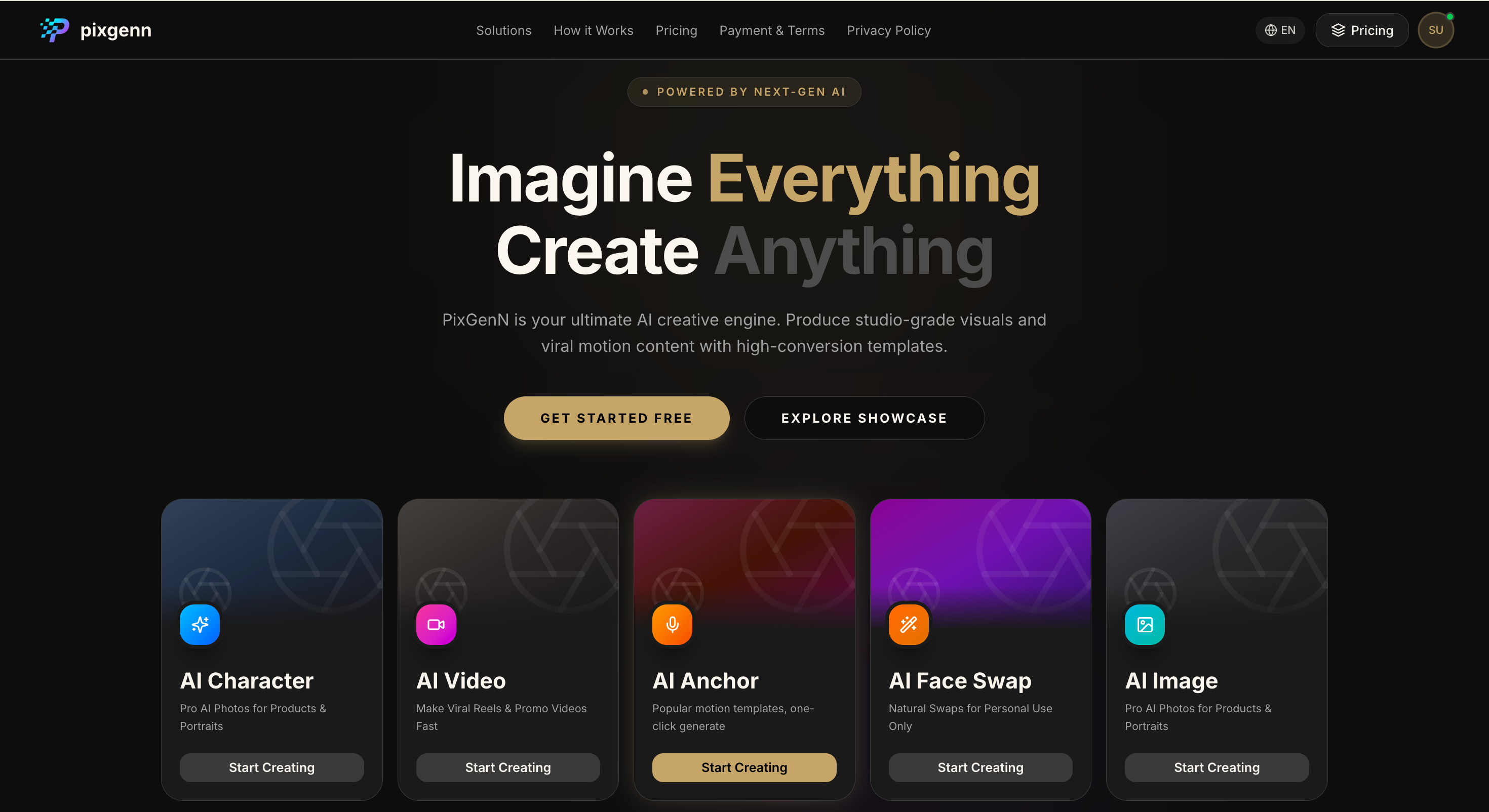
PixGenN is best suited for users who want more than a simple talking photo. It is positioned as an AI video generator for creating videos from images, which makes it useful when the user wants to build avatar-style content from a portrait, character, or visual asset. The platform is especially relevant for creators and teams that care about speed, multilingual output, commercial use, and flexible model choice.
Its main advantage is workflow balance. Instead of focusing only on lip sync, the platform fits a broader free AI avatar talking video maker use case: create a virtual avatar, generate a video quickly, test before paying, and use the output for commercial content when the license supports it.
Key features:
AI video generation from image-based inputs.
Avatar-style video creation for digital presenters and virtual characters.
Free trial access for testing the workflow.
Fast video generation for short-form content.
Commercial-use permission for generated videos.
Multilingual voice support.
Multiple AI model options for different creative styles.
Pros:
Strong fit for users who want a broader video workflow, not just a one-off talking photo.
Useful for creators, educators, ecommerce teams, and agencies.
Multilingual voice support helps with localized avatar videos.
Commercial-use positioning makes it more practical for business content.
Flexible model choice gives more control over the final style.
Cons:
Users who only need a quick photo-to-lip-sync result may prefer a simpler browser tool.
Final quality depends on the source image, script, voice choice, and selected model.
Teams may still need a separate editor for detailed captions, layouts, or brand templates.
Best for:
Creators, marketers, educators, and small teams that want a flexible free talking avatar video maker for avatar-led videos, commercial content, and multilingual campaigns.
2. Media.io: Simple Photo-to-Talking-Head Videos
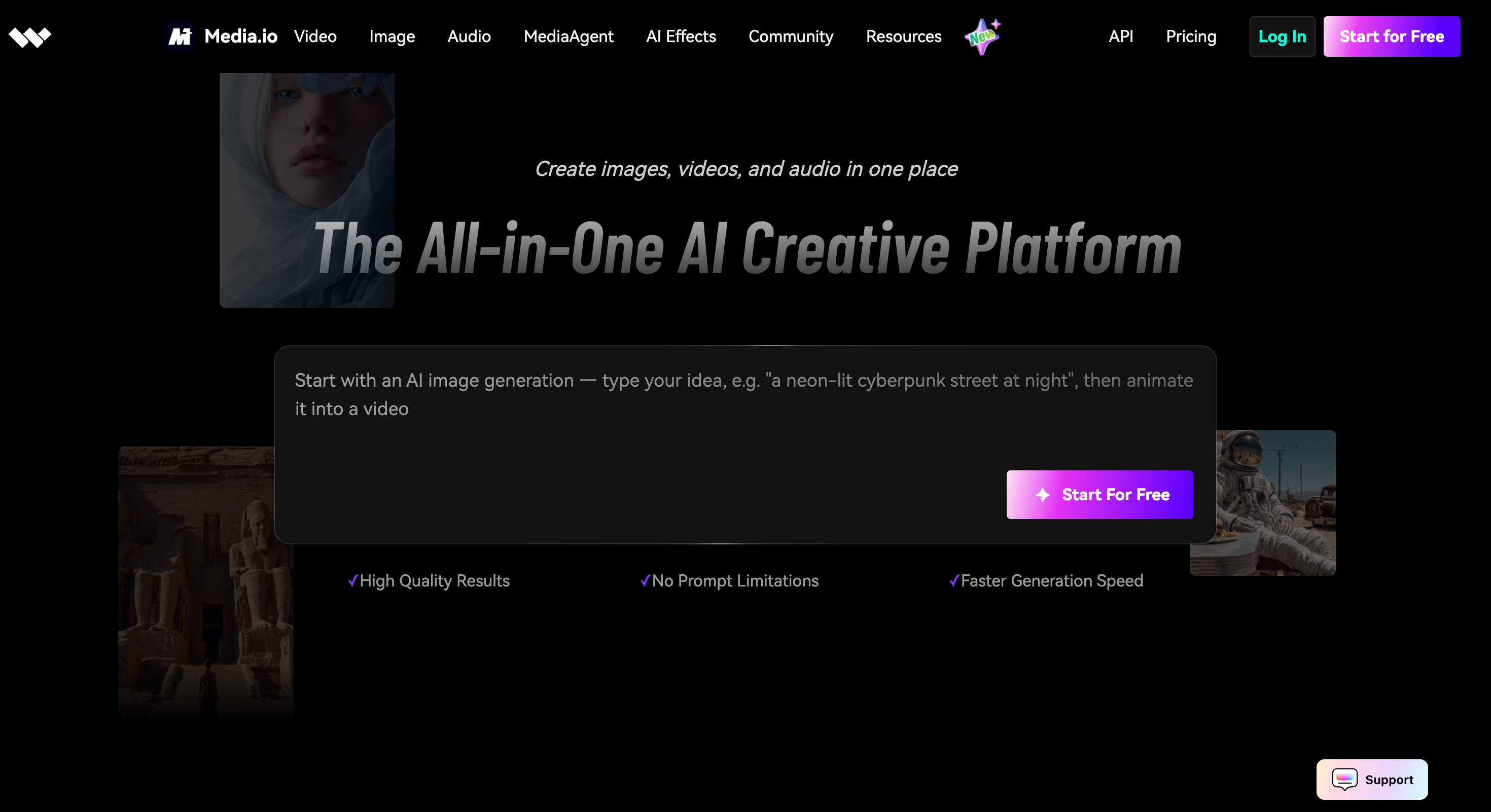
Media.io is a straightforward option for turning a clear face image into a talking avatar. Its talking avatar page says users can upload a face, add a script, and generate a realistic AI talking avatar for social videos, presentations, tutorials, or personalized messages. The tool also supports uploading an audio file, and its page describes AI lip sync, facial expressions, head motion, and integrated text-to-speech.
This makes it a practical choice when the user wants a fast speaking-photo workflow. It is not the deepest avatar studio, but it is easy to understand and well aligned with the search intent behind “make my photo talk.”
Key features:
Upload a face image to create a talking head video.
Audio upload support for voice recordings or narration.
Integrated text-to-speech for script-based generation.
AI lip sync with facial movement and head motion.
Supports common image formats such as JPG, PNG, and JPEG.
Designed for social videos, tutorials, presentations, and messages.
Free-to-try access with credits and paid continuation options.
Pros:
Easy workflow for beginners.
Good fit for quick talking-photo videos.
Text-to-speech is built into the process.
Useful for training, education, marketing, and personal messages.
Does not require filming or editing skills.
Cons:
Less suited to advanced avatar branding or multi-scene video production.
Credit limits may affect repeated free use.
Users should check export quality and watermark rules before publishing.
Not as broad as full AI video generation platforms.
Best for:
Users who want a simple free AI talking avatar video maker for animating a portrait with text or audio.
3. EaseMate AI: Fast Talking Avatar From Photo, Text, or Audio
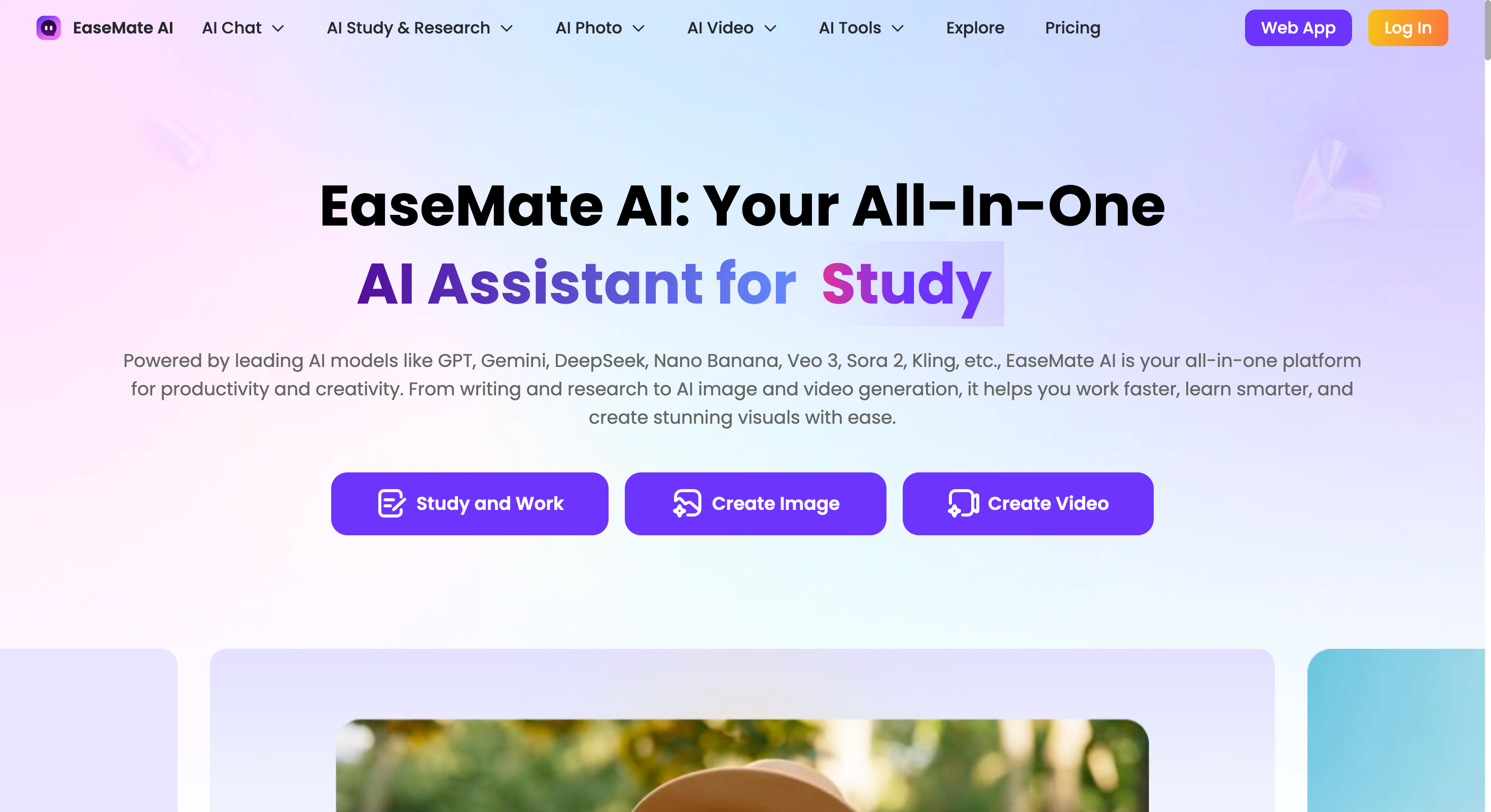
EaseMate AI offers a dedicated talking avatar creator that lets users build a talking avatar from text, photo, or audio. Its page describes uploading a clear face image, adding an audio file or script, and generating a digital presenter. It also notes that creating a 5-second avatar video requires credits, so the free workflow is better understood as free-to-start rather than unlimited.
This tool is strongest when the user wants a guided web-based workflow with image upload, audio input, prompts, and quick generation. It may not be the most polished enterprise tool, but it is useful for testing talking avatar content quickly.
Key features:
Talking avatar creation from photo, text, or audio.
Upload support for clear face images.
Audio upload for spoken content.
Optional prompt field for style, expression, or gesture direction.
Lip sync and facial-expression animation.
Text-to-speech capabilities.
Credit-based free or freemium generation.
Pros:
Simple workflow for beginners.
Good for testing short avatar clips.
Supports both uploaded audio and written scripts.
Prompt field adds extra creative direction.
Useful for customer service, entertainment, training, and virtual assistance.
Cons:
Free usage depends on available credits.
Short test videos may not fully show quality for longer content.
Users should verify watermark and export limitations.
Less suited to complex branded video campaigns.
Best for:
Beginners who want a free avatar talking video maker for quick photo-to-avatar tests with text or audio.
HeyGen: Polished Talking Avatars and Localization
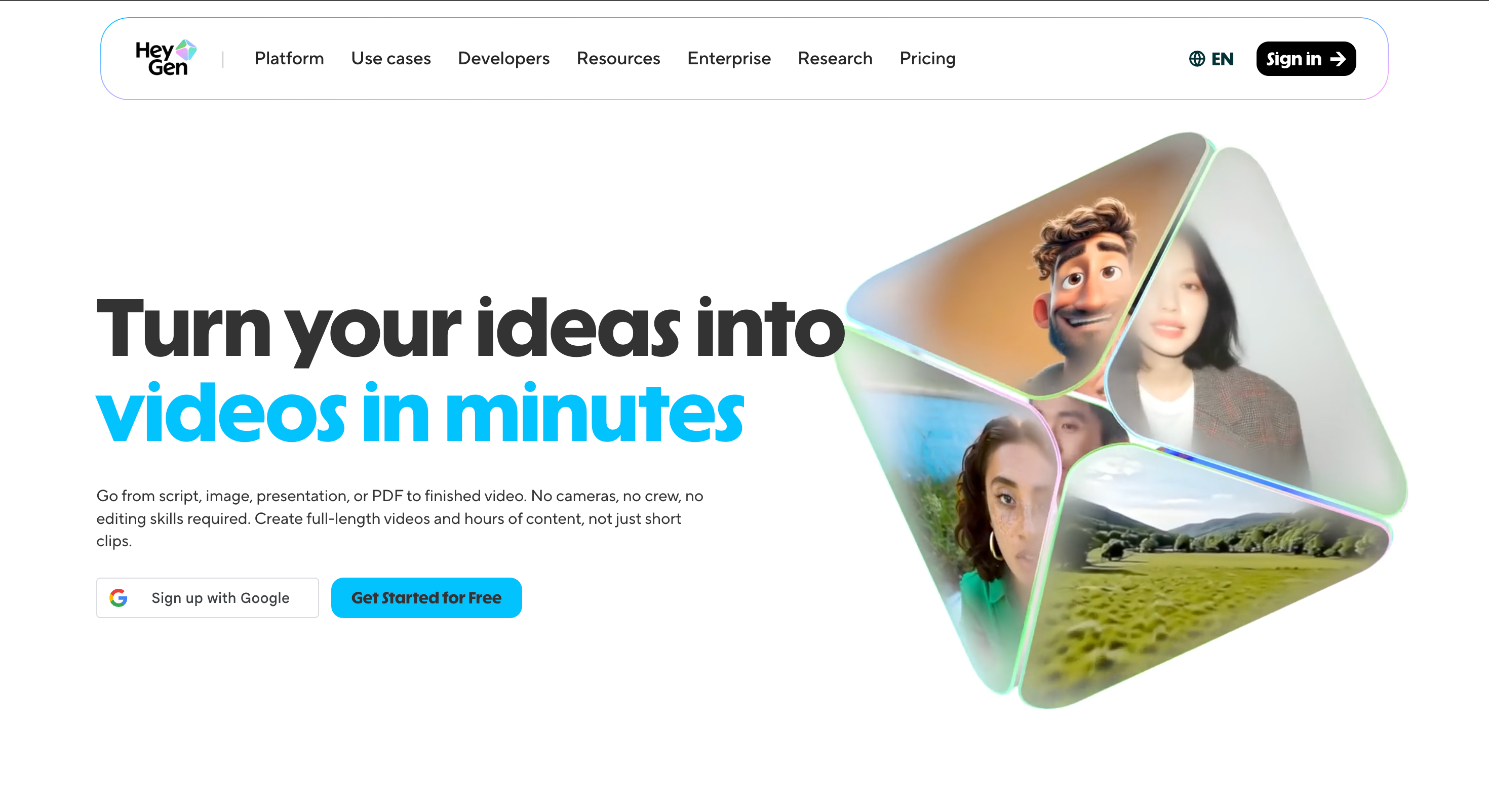
HeyGen is one of the strongest options for users who want higher-end avatar videos. Its homepage says users can go from script, image, presentation, or PDF to finished video, and it promotes free starting access. The platform also describes realistic avatars, photo-to-video, product ads, UGC ads, voice cloning, lip sync, and translation into 175+ languages and dialects.
This makes it a better fit for business, training, sales, and multilingual marketing than for casual one-off avatar experiments. If the goal is a realistic digital presenter, it is one of the most capable tools in the list.
Key features:
Script, image, presentation, and PDF-to-video workflows.
Realistic AI avatars and photo avatars.
Lip sync and natural facial expressions.
Voice cloning and multilingual dubbing.
Translation into 175+ languages and dialects.
Text-based video editing.
Free-to-start access.
Pros:
Strong avatar realism and localization.
Good fit for business videos, training, and marketing.
Supports both short social videos and longer presenter-led content.
Useful when the same avatar message needs many language versions.
More polished than many lightweight talking-photo tools.
Cons:
May be more advanced than needed for a simple free talking photo.
Some premium avatar or localization features may require paid access.
The output can feel more professional than casual social UGC.
Users should check commercial and export rules by plan.
Best for:
Teams that need a polished AI talking avatar video maker for localization, presenter videos, business content, and scalable avatar production.
Canva: Best for Designing Around an Avatar
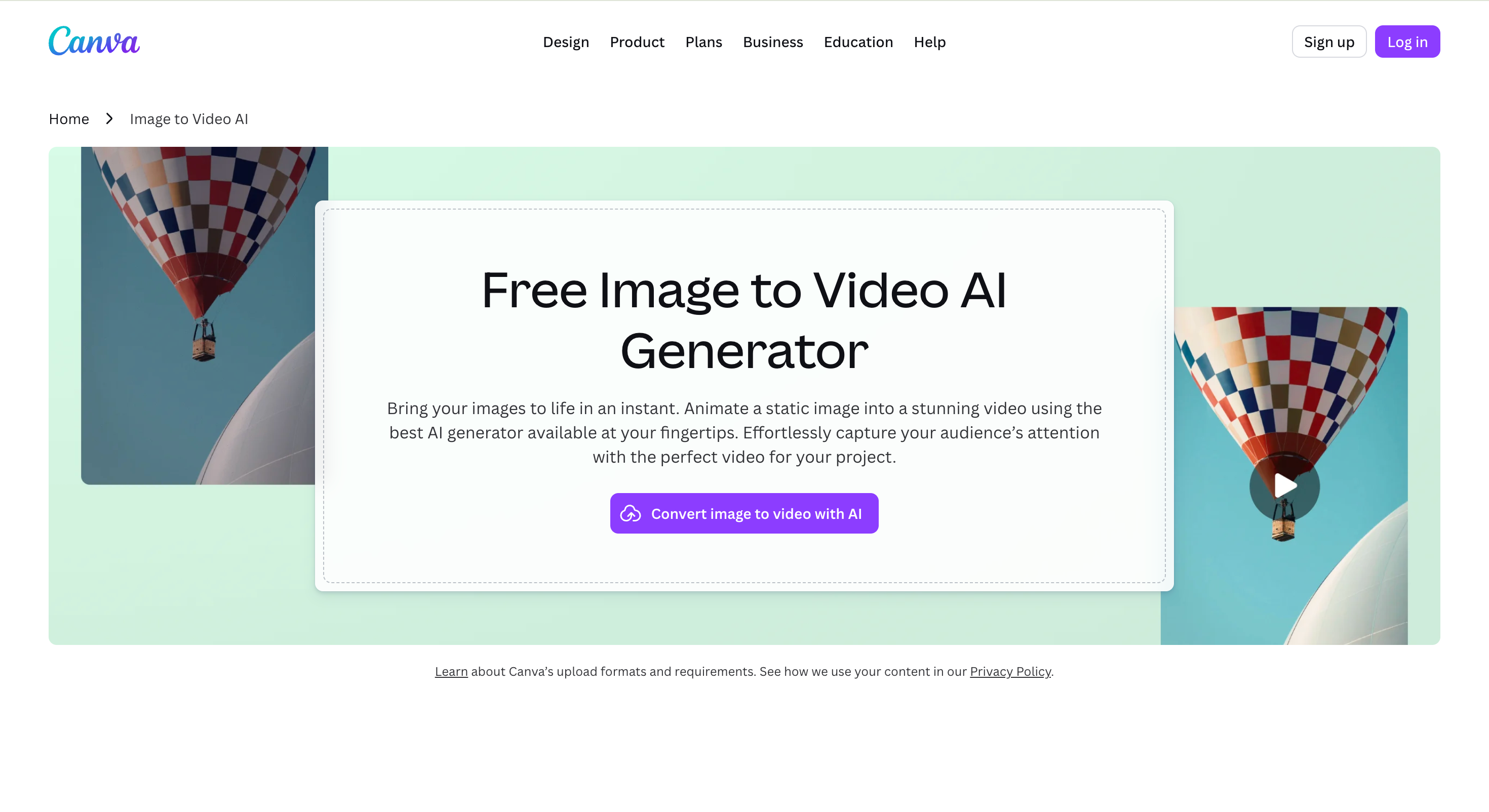
It is not only a talking avatar generator; it is a design platform with avatar-making options and a large app ecosystem. Canva’s avatar page says users can create avatars, explore AI avatar generator apps, use avatar makers inside the editor, and design or download avatars for profile images, marketing materials, presentations, and other visual projects.
This makes it useful when the avatar is only one part of the final asset. For example, a user might create or import an avatar, then design a thumbnail, social post, presentation, short video layout, or branded scene around it.
Key features:
Free avatar maker and design editor.
Access to AI avatar generator apps inside the platform.
Templates for social, presentation, video, and marketing designs.
Drag-and-drop editor for adding text, frames, backgrounds, and branding.
Download and sharing options.
Support for creating avatars for profiles, communities, and brand materials.
Video and audio tools available in the broader editor.
Pros:
Excellent for designing the final visual layout around an avatar.
Useful for thumbnails, posts, decks, and branded assets.
Easy for non-designers.
Works well when avatar content needs text, frames, or templates.
Strong option for teams already using the platform for marketing assets.
Cons:
Not the most direct talking-avatar tool by itself.
Talking avatar workflows may depend on connected apps.
Less specialized for lip sync than dedicated avatar video generators.
Advanced AI features or premium assets may require paid access.
Best for:
Creators and marketers who want to design social graphics, thumbnails, presentations, or branded videos around an avatar rather than only generate a talking-head clip.
Conclusion
A free talking avatar video maker can be as simple as a photo-to-lip-sync tool or as broad as a full AI video platform. The right choice depends on whether the user needs a quick talking photo, a professional presenter, a multilingual avatar, or a designed social asset.
PixGenN is a strong first option for users who want a more complete free AI avatar talking video maker with avatar-style video creation, free testing, commercial-use output, multilingual voices, and model flexibility. Media.io is better for a simple talking photo, EaseMate AI is useful for short guided tests, HeyGen is strongest for polished and localized avatar videos, and Canva is best when the avatar needs to sit inside a broader design.
For most users, the safest approach is to test one short script across two tools. Compare lip sync, voice quality, export limits, watermark rules, commercial rights, and how easily the result fits the final publishing workflow.
Try PixGenN to turn your images into talking avatar videos in one click
No video editing skills required. Start for free.
Start Create Now