PixGenN
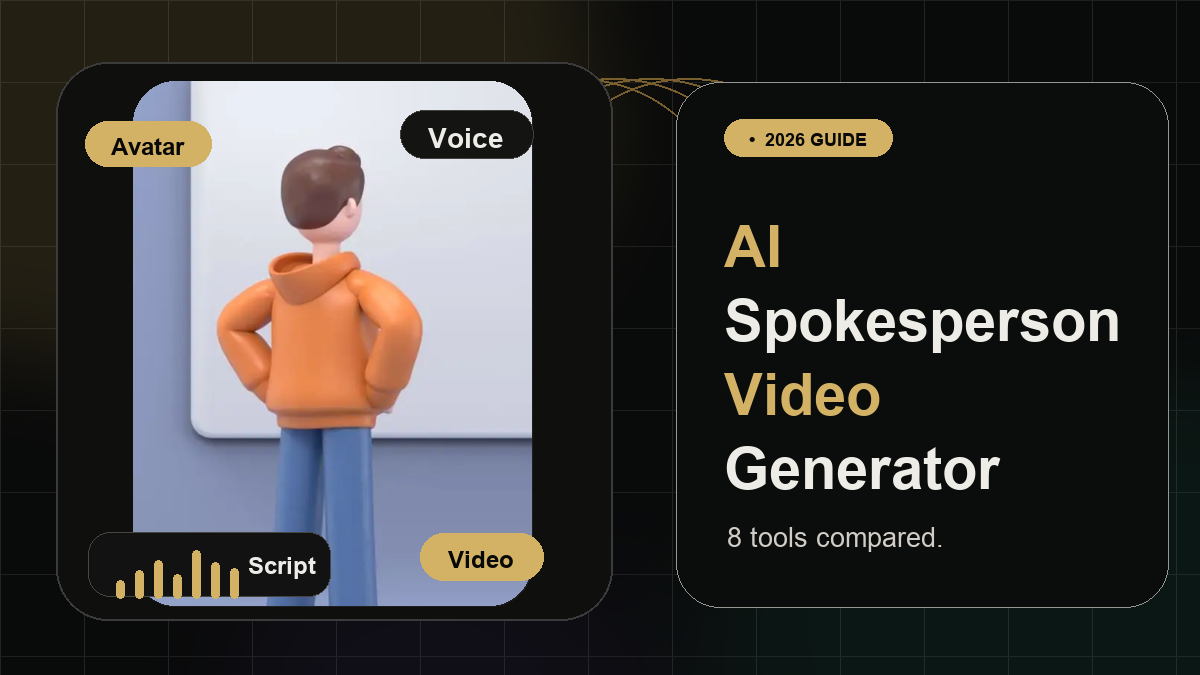
8 Best AI Spokesperson Video Generator (2026)
Summary
An AI spokesperson video generator helps create presenter-led videos from scripts, images, slides, or prompts without filming a human speaker every time. For a flexible starting point, PixGenN is a strong option because it supports AI avatar-style video creation, free testing, fast generation, commercial-use output, multilingual voices, and model flexibility. Other tools may be better for enterprise training, clipping existing videos, polished avatars, or full editing suites.
8 Best AI Spokesperson Video Generator Tools
The best tool depends on the job. Some platforms are built for realistic AI presenters. Some are better for training videos. Others help repurpose existing footage into short clips. Before choosing a free AI spokesperson video generator, check avatar quality, script control, voice options, export limits, watermark rules, and commercial-use terms.
1. PixGenN: Best Balanced AI Spokesperson Workflow
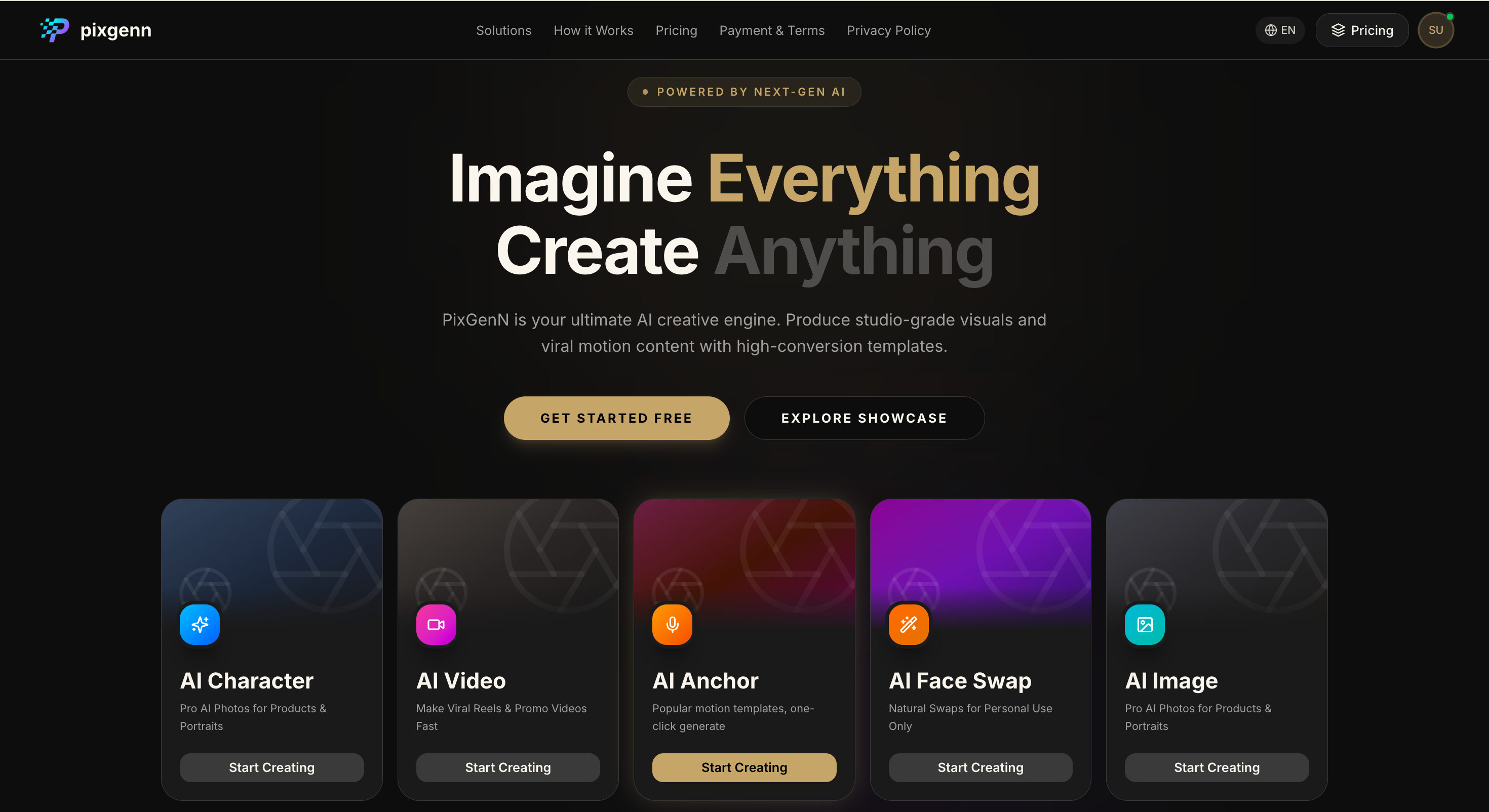
PixGenN is a practical choice for users who want to create spokesperson-style videos from visual assets rather than manage a full production setup. Its site positions the product as an AI video generator for creating videos from images, which makes it relevant for avatar-led explainers, social videos, product messages, and creator-style business content.
Pros:
Balanced fit for creators, educators, marketers, and small teams.
Useful for AI avatar videos, social explainers, and product-led content.
Good option when multilingual spokesperson videos are part of the workflow.
More flexible than tools built only for corporate training or clipping.
Commercial-use positioning makes it practical for business publishing.
Cons:
Users who need enterprise learning features may prefer a training-first platform.
Output quality still depends on the image, script, voice, and selected model.
Detailed editing, templates, or captions may require a separate editor.
Best for:
Creators, agencies, educators, ecommerce teams, and small businesses that want an AI spokesperson video generator for flexible avatar-led videos.
2. Colossyan: Best for Training and Enablement Videos
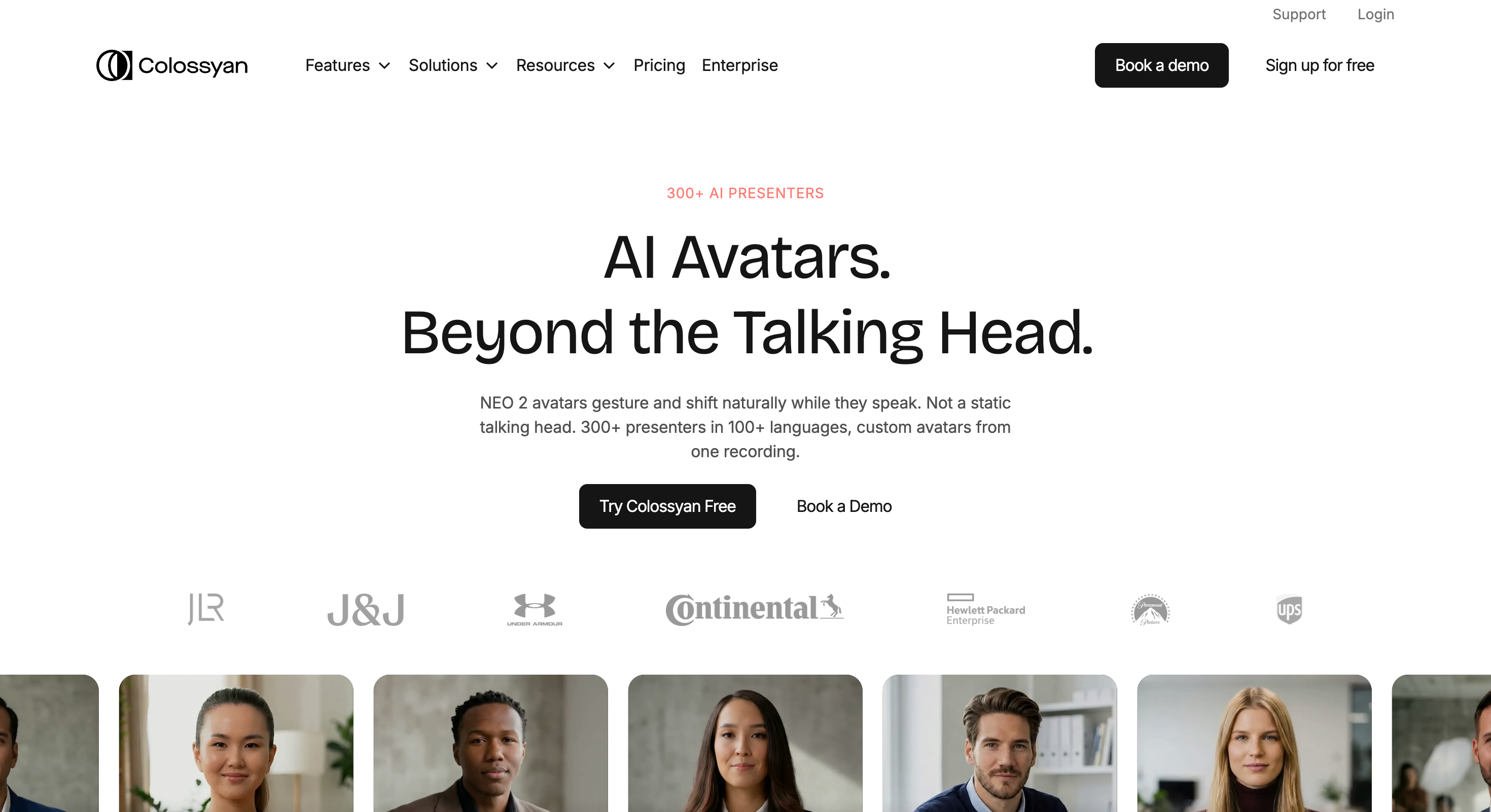
Colossyan is built around training, enablement, and corporate knowledge workflows. Its platform includes AI avatars, AI voiceovers, custom avatars, auto translation, brand kits, collaboration, interactive video, and SCORM export, making it especially relevant for learning teams and internal communications.
Pros:
Strong for corporate training and onboarding.
Useful for compliance, sales enablement, product explainers, and internal updates.
Collaboration and brand tools support larger teams.
Good choice when spokesperson videos need to become structured learning content.
Localization and LMS-friendly features add business value.
Cons:
More training-oriented than casual social video tools.
May feel too structured for quick UGC-style spokesperson clips.
Advanced team and enterprise features may require paid plans.
Best for:
Learning teams, HR departments, sales enablement teams, and enterprises that need presenter-led training content.
3. Synthesia: Best for Professional Avatar Presenters
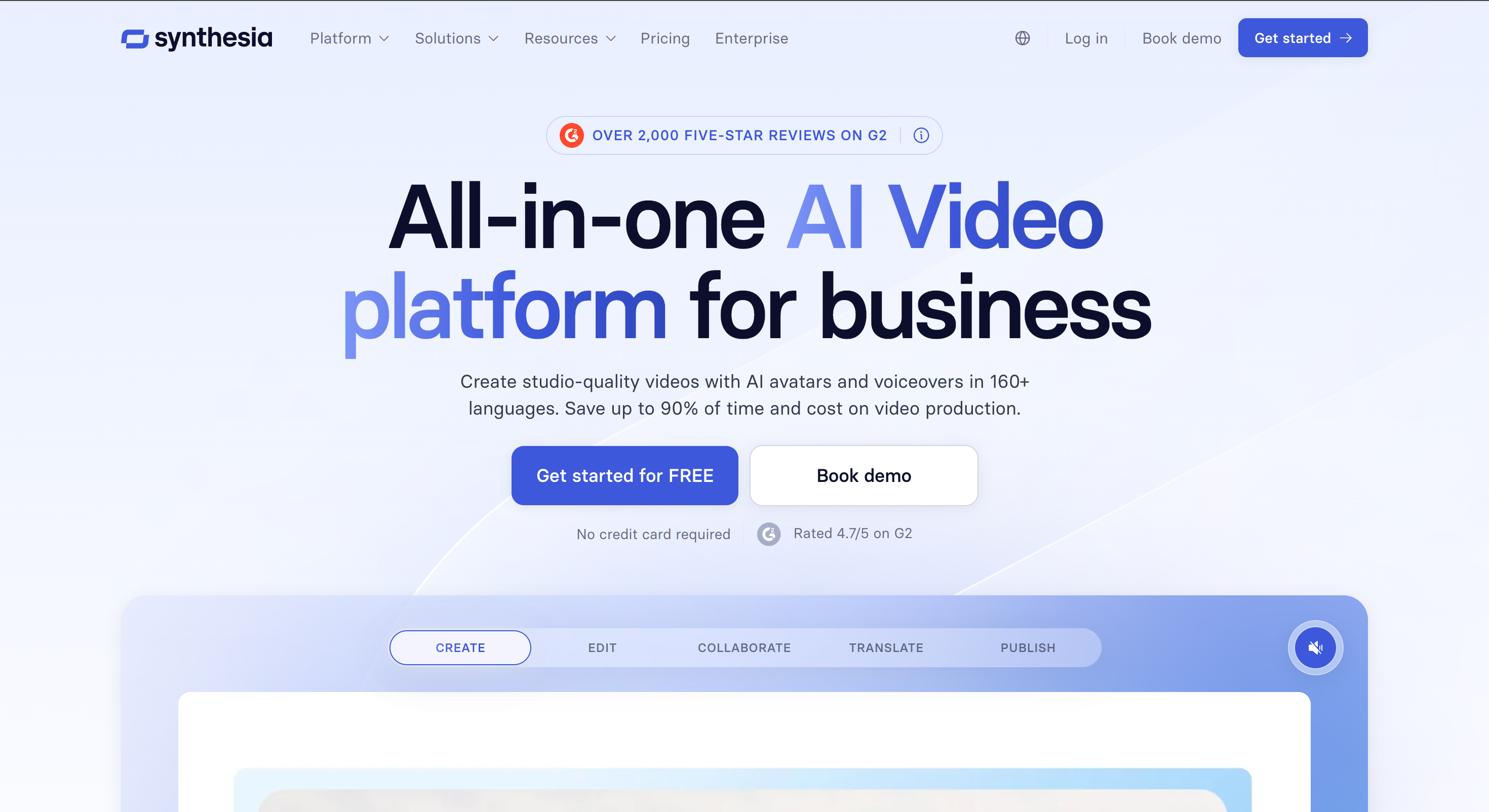
Synthesia is one of the most established AI avatar video platforms. Its avatar product is positioned around customizable AI avatars, video creation, and business use cases, making it a strong option for polished presenter videos, training, marketing, and internal communications.
Pros:
Strong fit for polished business videos.
Useful for training, onboarding, product explainers, and professional communication.
Good option when consistency and brand control matter.
Better suited to enterprise workflows than lightweight tools.
Strong reputation in the AI avatar video category.
Cons:
May feel too formal for casual social or UGC-style spokesperson content.
Advanced avatar and business features may require paid access.
Less focused on quick creator-style experimentation.
Best for:
Enterprise teams, training departments, and professional marketers that need polished digital presenters.
4. Opus Clip: Best for Repurposing Existing Spokesperson Footage
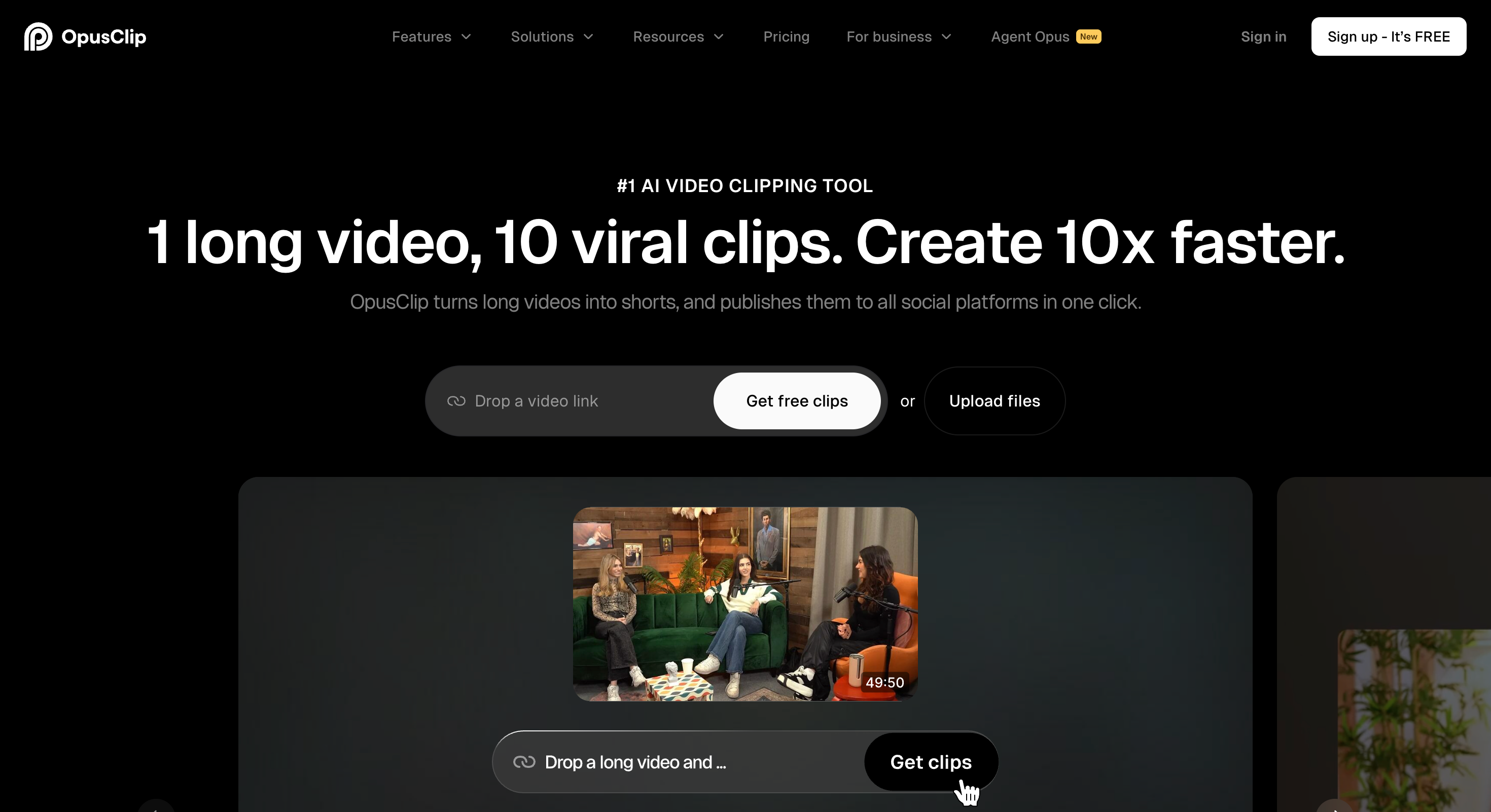
Opus Clip is not a traditional AI spokesperson generator. It is better understood as an AI video clipping and editing tool for turning longer videos into short, shareable clips. Its official site positions it as an AI clipping and editing platform, which makes it useful when the spokesperson footage already exists.
Pros:
Strong for extracting social clips from existing videos.
Useful when a real founder, customer, or expert has already recorded content.
Helps turn webinars and interviews into short assets.
Good companion tool for spokesperson video workflows.
Reduces editing time for content teams.
Cons:
Not an avatar-first video generator.
Requires source footage to be useful.
Less relevant if the user wants to create a spokesperson from scratch.
Does not replace AI avatar platforms for script-to-presenter videos.
Best for:
Creators, podcasters, webinar teams, and marketers who already have spokesperson footage and need short clips.
5. Synthesys: Best for AI Ads and Spokesperson Formats
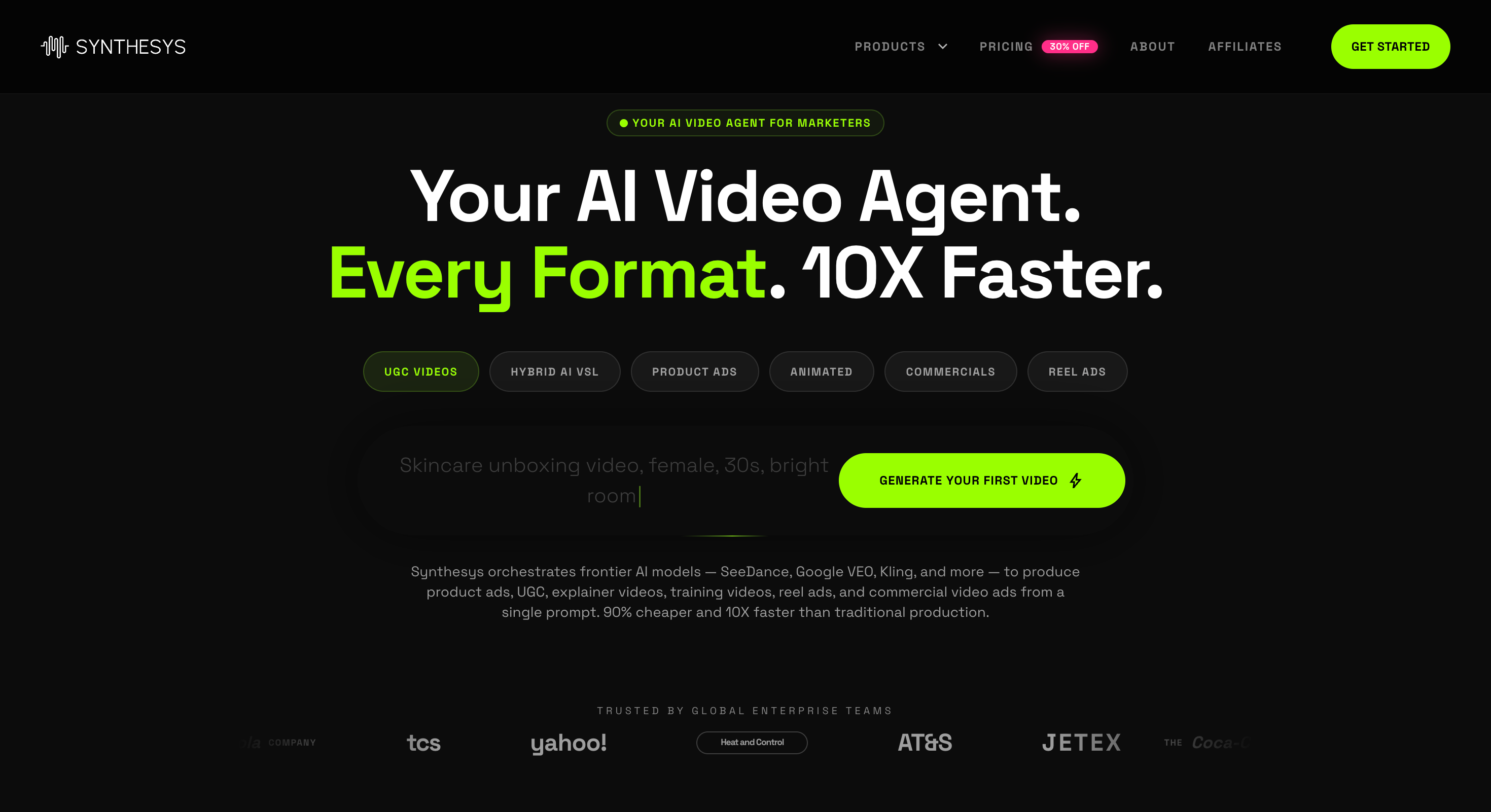
Synthesys offers a broad AI video agent workflow for marketing teams, including AI video generation, AI avatars, AI UGC videos, AI avatar videos, AI talking photos, and an AI spokesperson video creator. Its official site also describes templates for sales videos, product explainers, UGC ads, commercial ads, and spokesperson content.
Pros:
Strong range of spokesperson and ad formats.
Useful for marketing, ecommerce, product demos, and UGC-style videos.
Good fit for teams that want many video types in one platform.
Offers avatar, voice, and ad-generation workflows together.
Helpful when video output needs to feel campaign-ready.
Cons:
Broad feature set may feel heavy for simple videos.
Users should test output quality across formats before committing.
May require more prompt and script direction than narrower tools.
Best for:
Marketing teams, ecommerce brands, and agencies that need AI spokesperson videos, ad creatives, and product videos.
6. D-ID: Best for Interactive Avatars and APIs
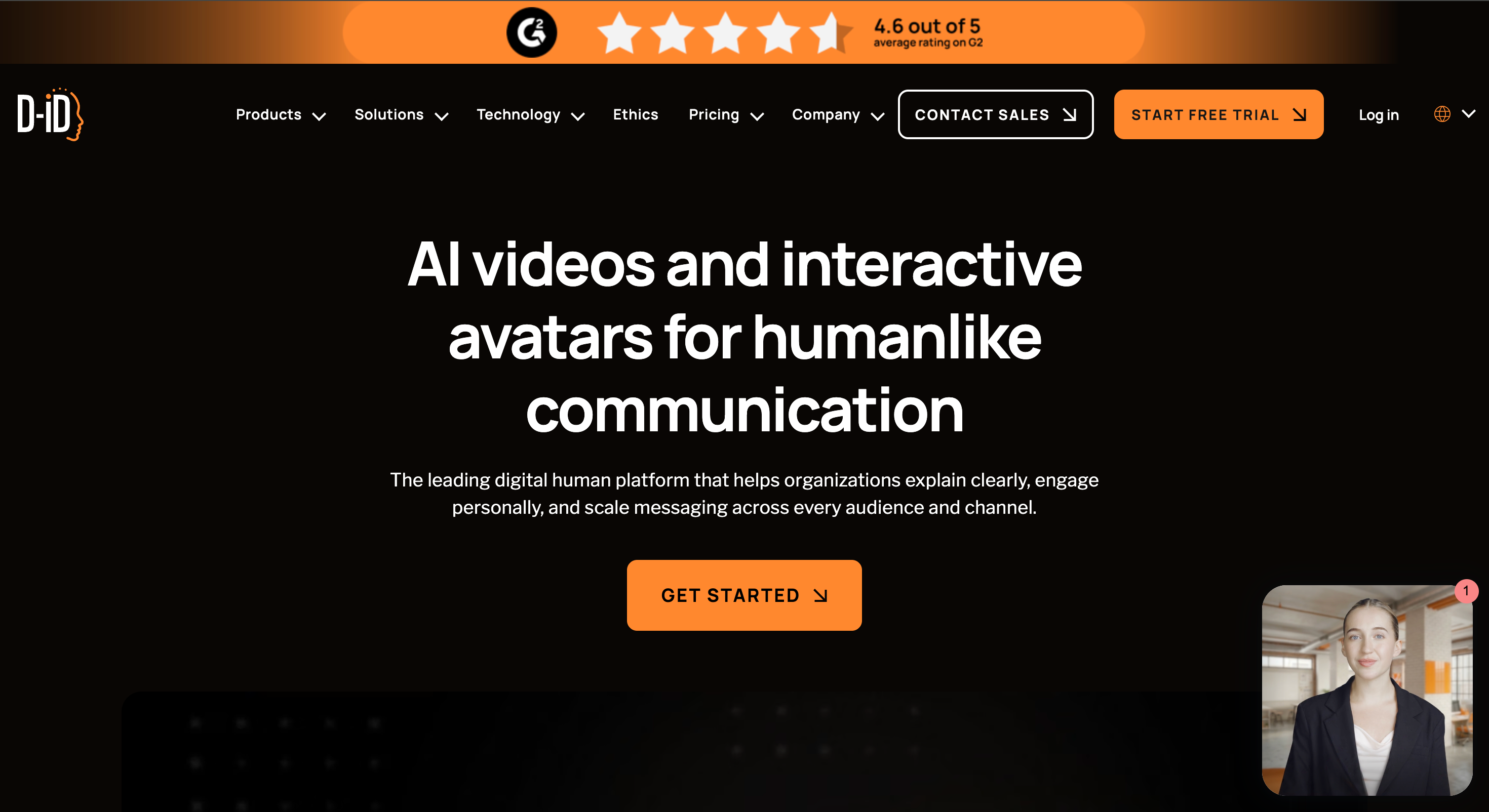
D-ID is strong for avatar videos and interactive digital humans. Its official site describes customizable avatar style, voice, backgrounds, layouts, and media; support for 120+ languages; video creation from scripts, briefs, decks, or documents; AI avatars from images or video; and API-based workflow integration.
Pros:
Strong for interactive and scalable avatar experiences.
Good fit for multilingual business communication.
API options help technical teams integrate avatar video into products.
Useful for training, customer engagement, and digital agents.
More flexible than simple script-to-video tools.
Cons:
May be more technical than beginners need.
Interactive agent features may be unnecessary for basic spokesperson videos.
Users should review pricing, credits, and commercial-use terms.
Best for:
Product teams, enterprises, educators, and developers that need avatar videos or interactive digital humans.
7. VEED: Best for Editing and Social Publishing
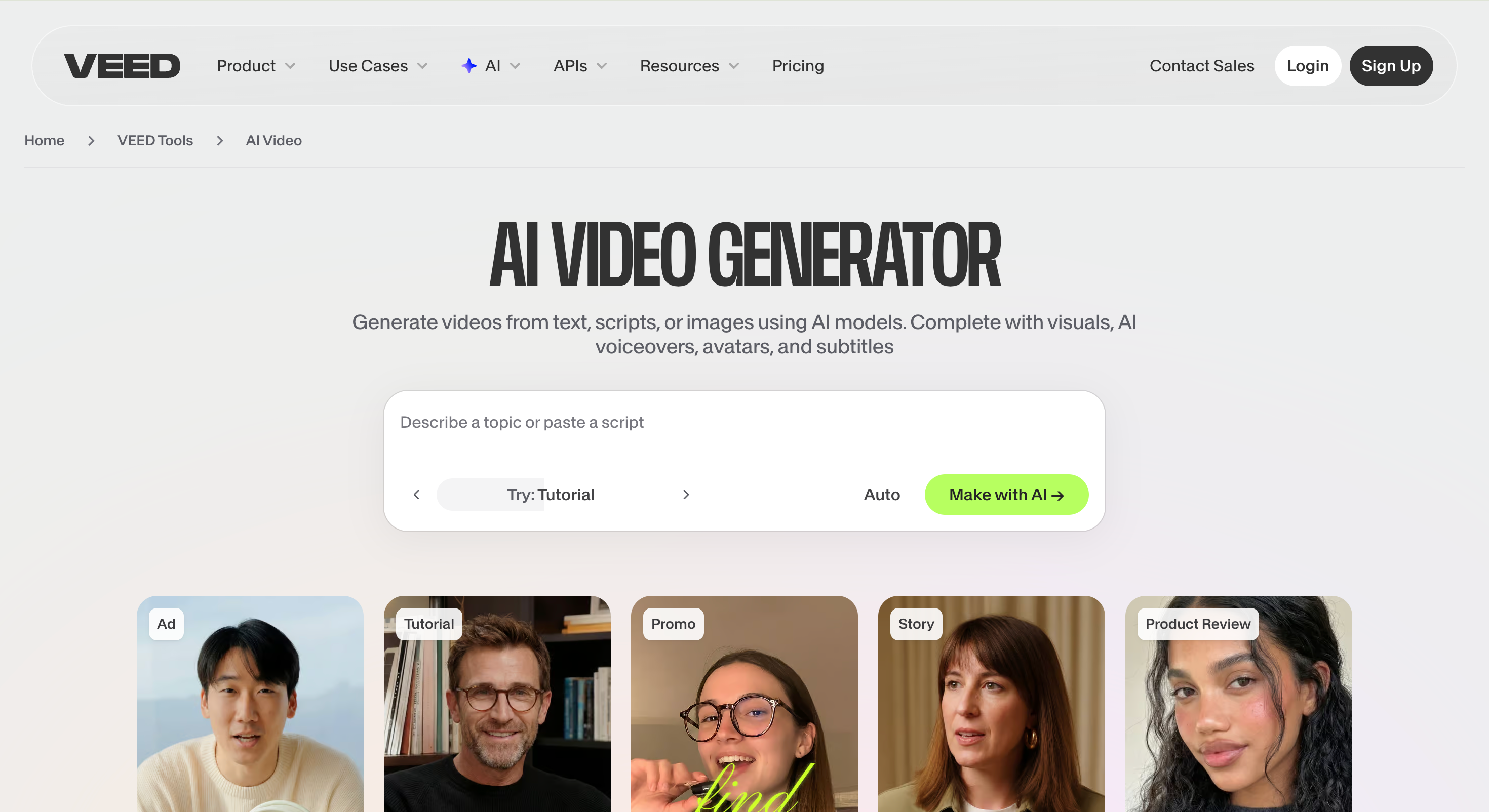
VEED combines AI avatars with a full browser-based editing suite. Its AI avatar page says users can generate avatars by typing a script, choose from 60+ stock avatars, create a digital clone, use text-to-speech, and edit videos with subtitles, logos, music, and other tools. It also says stock AI avatars are free to try.
Pros:
Strong for editing, captions, and social formatting.
Easy browser workflow for creators and marketers.
Useful when avatar videos need subtitles, branding, and layout polish.
Good for social media, product demos, and video ads.
Better editing environment than many avatar-only tools.
Cons:
Not the deepest enterprise avatar platform.
Advanced exports or usage credits may require paid access.
Users focused only on avatar realism may prefer a more specialized tool.
Best for:
Social media teams, creators, educators, and marketers who need avatar generation plus editing in one tool.
8. HeyGen: Best for Realistic Avatar Variety
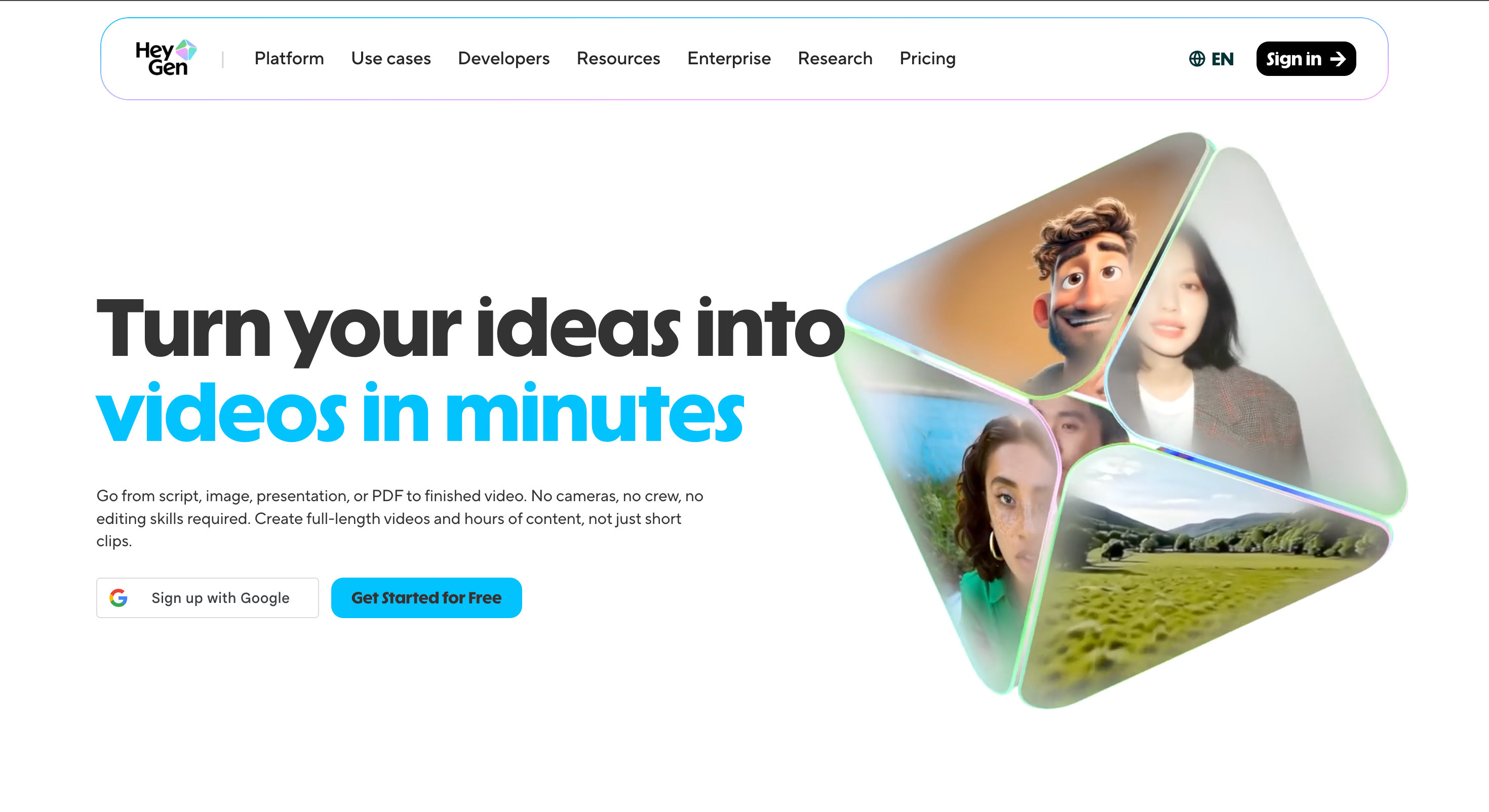
HeyGen is a strong option for realistic avatar videos. Its avatar page is positioned around free AI avatar generation and a large avatar library, with workflows for stock avatars, photo avatars, UGC avatars, scripts, and video creation.
Pros:
Strong avatar realism and variety.
Useful for social media, product explainers, and business videos.
Good fit when users need polished spokesperson clips.
Works well for avatar-led marketing and creator-style content.
Free-start positioning makes it easy to test.
Cons:
Advanced avatar or commercial features may require paid access.
The polished look may be less casual than raw creator footage.
Users should check plan limits before scaling production.
Best for:
Creators, marketers, educators, and business teams that want realistic AI spokesperson videos.
Conclusion
The best AI spokesperson video generator depends on whether the user needs a virtual presenter, a training video platform, a social editing suite, or a way to repurpose existing footage.
PixGenN is a strong first test for users who want a balanced avatar video workflow with free trial access, commercial-use output, multilingual voices, fast generation, and flexible model choice. Colossyan and Synthesia are stronger for enterprise training and professional communication. Opus Clip is better for editing existing spokesperson footage. Synthesys fits marketing and ad formats. D-ID is useful for interactive avatars and API workflows. VEED works well for editing and social publishing, while HeyGen is a strong choice for realistic avatar-led videos.
For the best result, test one short script across two or three tools. Compare avatar realism, voice quality, lip sync, export limits, watermark rules, commercial-use rights, editing control, and how easily the final video fits your publishing workflow.
Try PixGenN to turn your images into talking avatar videos in one click
No video editing skills required. Start for free.
Start Create Now