PixGenN
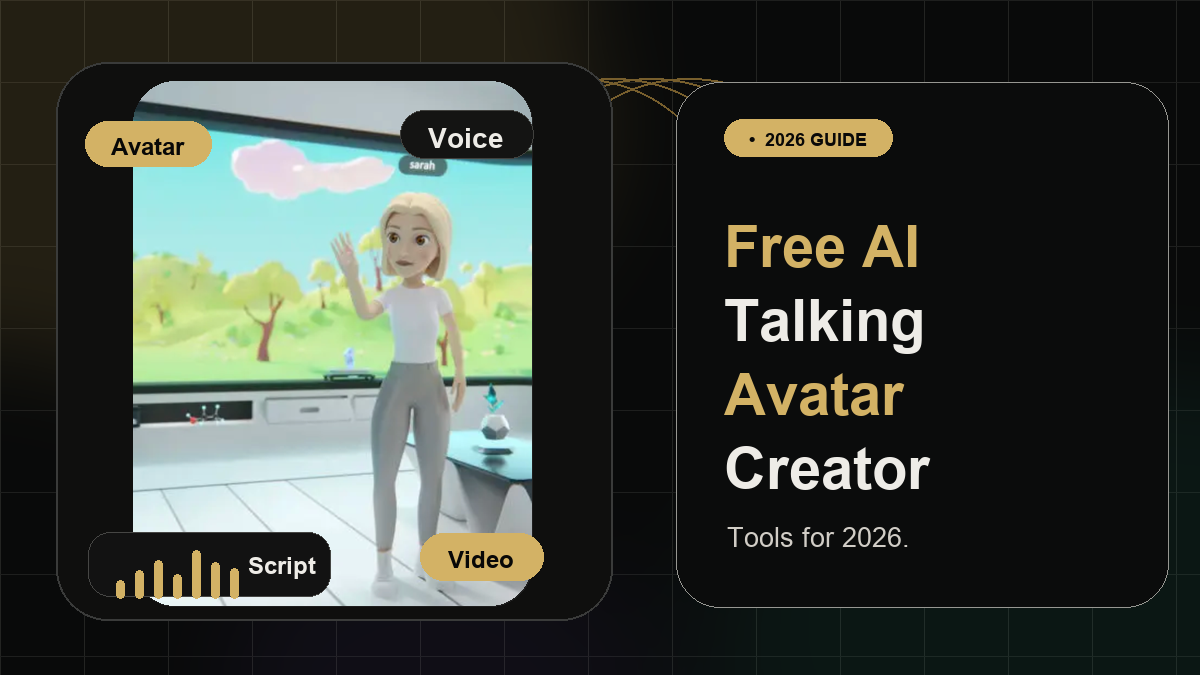
5 Best Free AI Talking Avatar Creator Tools for 2026
Summary
A free AI talking avatar creator helps turn a photo, digital character, or stock avatar into a speaking video with AI voices, lip sync, and facial movement. For users who want a balanced workflow, PixGenN is a strong first option because it supports avatar-style AI video creation, free testing, fast generation, multilingual voice support, commercial-use output, and flexible model choice. Other tools may be better for dedicated lip sync, enterprise avatar videos, text-to-video editing, or polished localization.
What Is an AI Talking Avatar Creator?
An AI talking avatar creator is a tool that makes a digital character, uploaded photo, or stock presenter appear to speak. In a typical workflow, users choose or upload an avatar, add a script or audio file, select a voice, and generate a video where the mouth movement and facial expression match the speech.
The main benefit is speed. Instead of recording yourself, hiring actors, booking a studio, or editing manually, you can create a presenter-style video directly from text, audio, or images. This is why these tools are popular for tutorials, product explainers, social media clips, training videos, customer support, and short marketing assets.
There is an important difference between a simple lip-sync tool and a complete avatar video platform. A lightweight talking AI avatar creator free tool may only animate a face. A broader platform may also include AI voices, brand templates, subtitles, editing, localization, and commercial-use options.
What Can I Use an AI Talking Avatar Creator For?
Before choosing a tool, it helps to define the job. Some users only need a quick talking-head clip. Others need repeatable avatar videos for business, education, or marketing.
1. Create Presenter Videos Without Filming
A talking avatar can act as a virtual presenter for product demos, course intros, onboarding videos, or social clips. This is useful when a team needs consistent video output but does not want to record every update manually.
For this use case, prioritize avatar quality, voice options, lip sync, and whether the platform supports commercial use. A broader video platform is usually better than a one-feature lip-sync tool if the video will be published for business.
2. Localize Scripts Into Multiple Languages
Many avatar tools can pair a script with AI voices or dubbing. This makes it easier to create different versions of the same video for international audiences.
If localization matters, look for multilingual voice support, lip-sync quality, subtitle options, and export control. HeyGen and Synthesia are strong in this area, while PixGenN is useful for users who want multilingual avatar-style videos with flexible model choice. HeyGen says its free version supports avatar generation, voice, and short videos, while premium plans unlock features such as HD/4K rendering and commercial use.
3. Turn Existing Content Into Video
Not every avatar video starts from a blank script. Some users want to turn blog posts, URLs, scripts, images, slides, or audio into video. In that case, tools with editing, captions, templates, and AI video generation can be more efficient than a pure avatar maker.
Pictory, for example, positions its platform around turning text, blogs, scripts, ideas, images, screen recordings, URLs, and existing videos into edited videos with captions, AI voices, avatars, and templates.
5 Free AI Talking Avatar Creator Tools
The tools below are free, free-to-start, or freemium. Always check current limits before publishing: free plans may include watermarks, credit limits, lower resolution, export restrictions, or non-commercial terms.
PixGenN
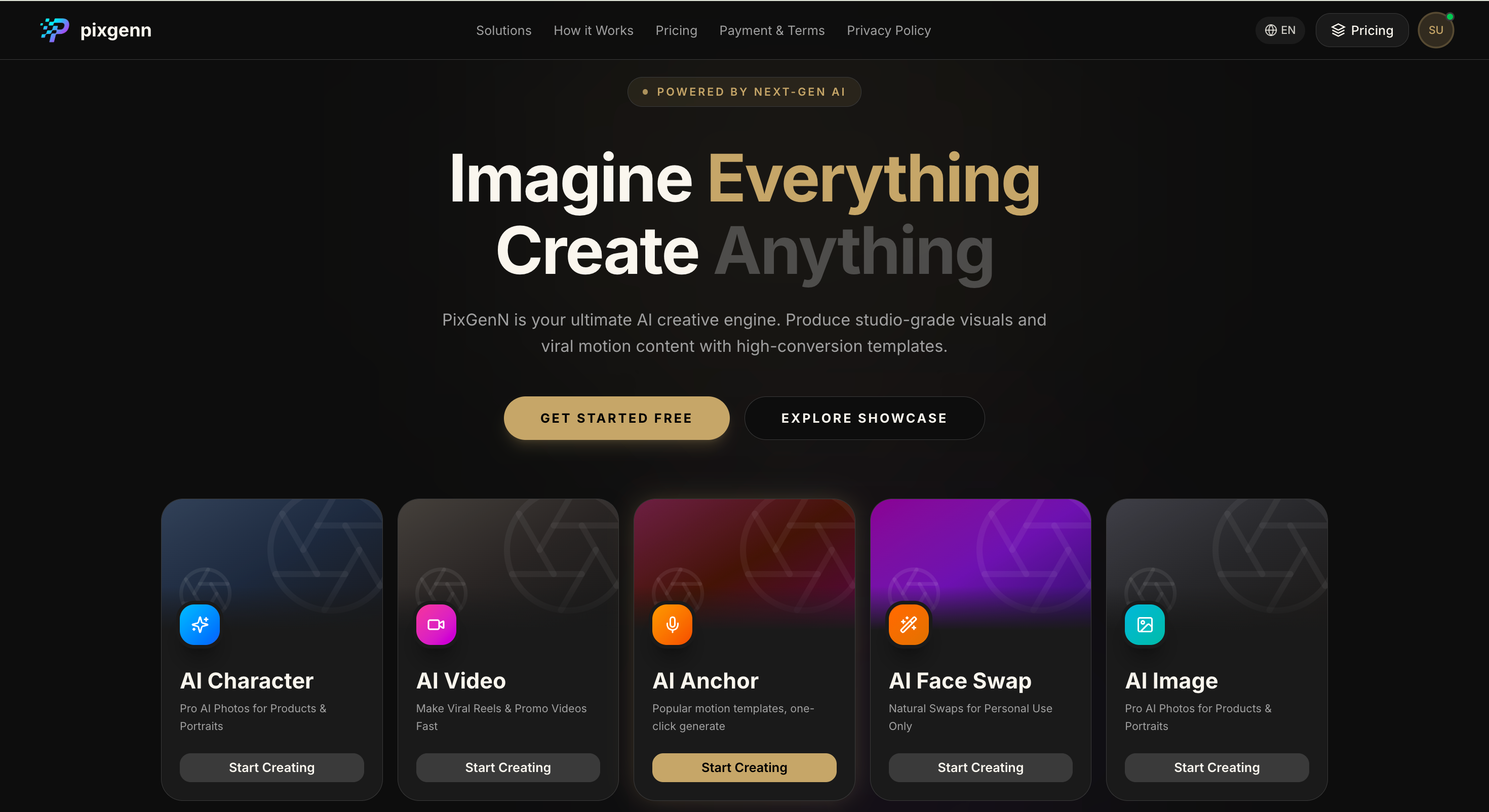
PixGenN is a strong option for users who want more than a basic talking-photo animation. It is positioned as an AI video generator for creating videos from images, which makes it useful when the goal is to turn a portrait, character, or visual concept into a short avatar-style video.
Its main advantage is balance. The platform fits creators, educators, ecommerce teams, and marketers who want fast generation, free trial access, multilingual voices, commercial-use output, and multiple model choices. It is especially practical when the avatar video needs to support real content workflows rather than a one-off demo.
Key features:
AI video generation from image-based inputs.
Avatar-style video creation for digital presenters.
Free trial access for testing the workflow.
Fast generation for short-form content.
Commercial-use permission for generated videos.
Multilingual voice support.
Multiple model options for different creative styles.
Pros:
Good fit for avatar-led social videos, explainers, and marketing content.
More flexible than tools focused only on lip sync.
Useful for multilingual campaigns and creator-style videos.
Commercial-use positioning makes it practical for business workflows.
Easy to evaluate before committing because free testing is available.
Cons:
Users who only need a quick face animation may prefer a simpler tool.
Output quality still depends on the source image, script, voice, and prompt.
Detailed editing, captions, or brand layouts may need a separate editor.
Best for:
Creators, marketers, educators, and small teams looking for the best free AI talking avatar creator 2026 option for flexible avatar video production.
Lipsync
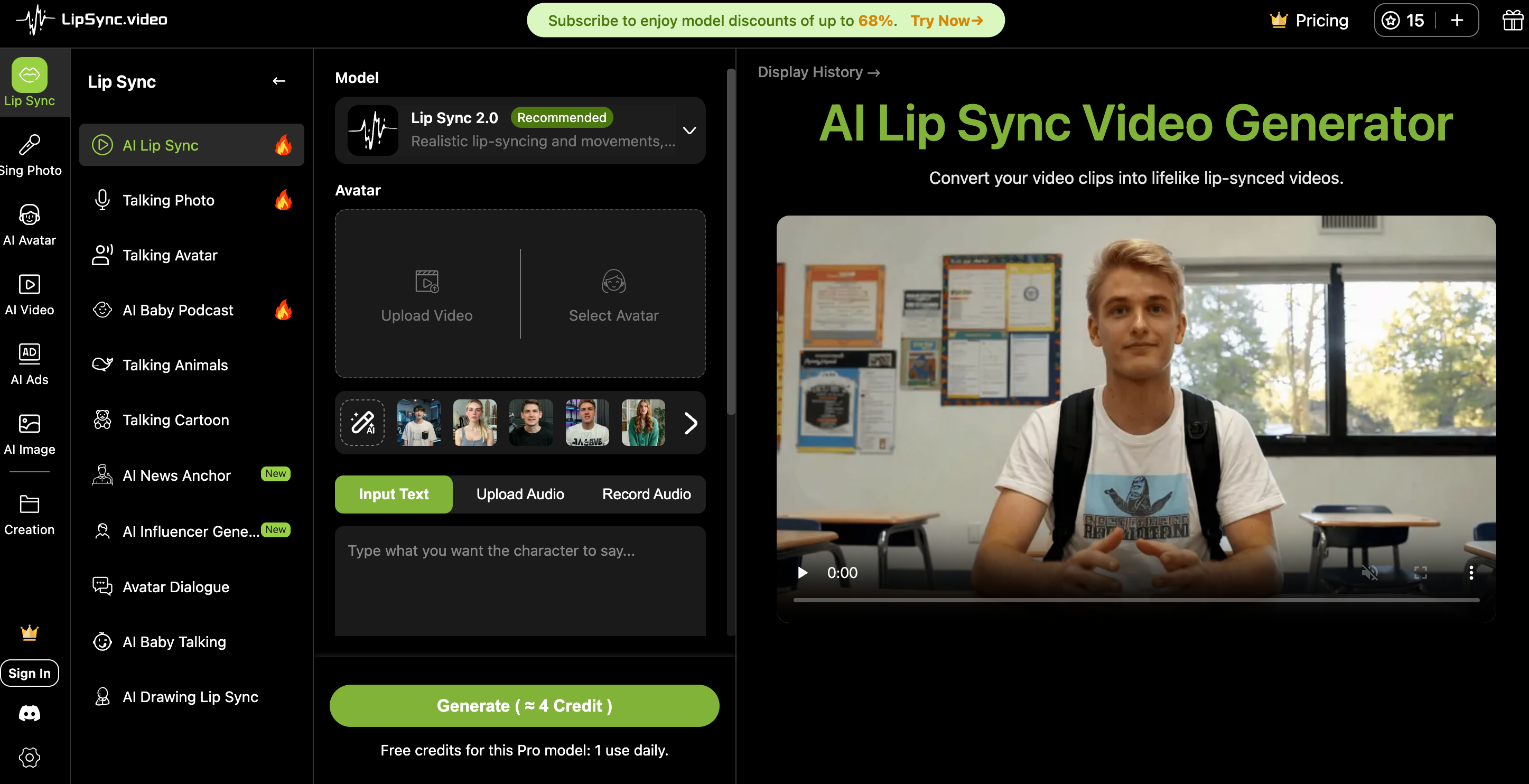
“Lipsync” is best treated as a dedicated lip-sync option in this comparison. Because the name can refer to multiple lip-sync tools or products, users should verify the exact official URL, pricing, export terms, and commercial-use rules before publishing content.
A dedicated lip-sync tool is most useful when the avatar image already exists and the main job is simply to make the mouth movement match a script or audio file. It is usually faster than a full video suite, but less complete for brand design, editing, subtitles, and campaign workflows.
Key features:
Photo or avatar-based lip-sync workflow.
Script or audio-driven mouth animation.
Fast generation for short talking clips.
Useful for testing character voice concepts.
Simple workflow for quick avatar experiments.
Best when paired with another editor for final polish.
Should be verified for current export and licensing rules.
Pros:
Straightforward for simple talking-face videos.
Good for testing whether an avatar image works on camera.
Easier to use than a full video production platform.
Useful for prototypes, demos, memes, or quick social clips.
Can be paired with other tools for captions and editing.
Cons:
Exact product details should be verified before recommending it commercially.
May not include advanced voices, templates, or localization.
Less suitable for full marketing videos or multi-scene production.
Commercial rights and watermark rules may vary by provider.
Best for:
Users who already have an avatar image and need a quick lip-sync test before moving into a larger video workflow.
Synthesia
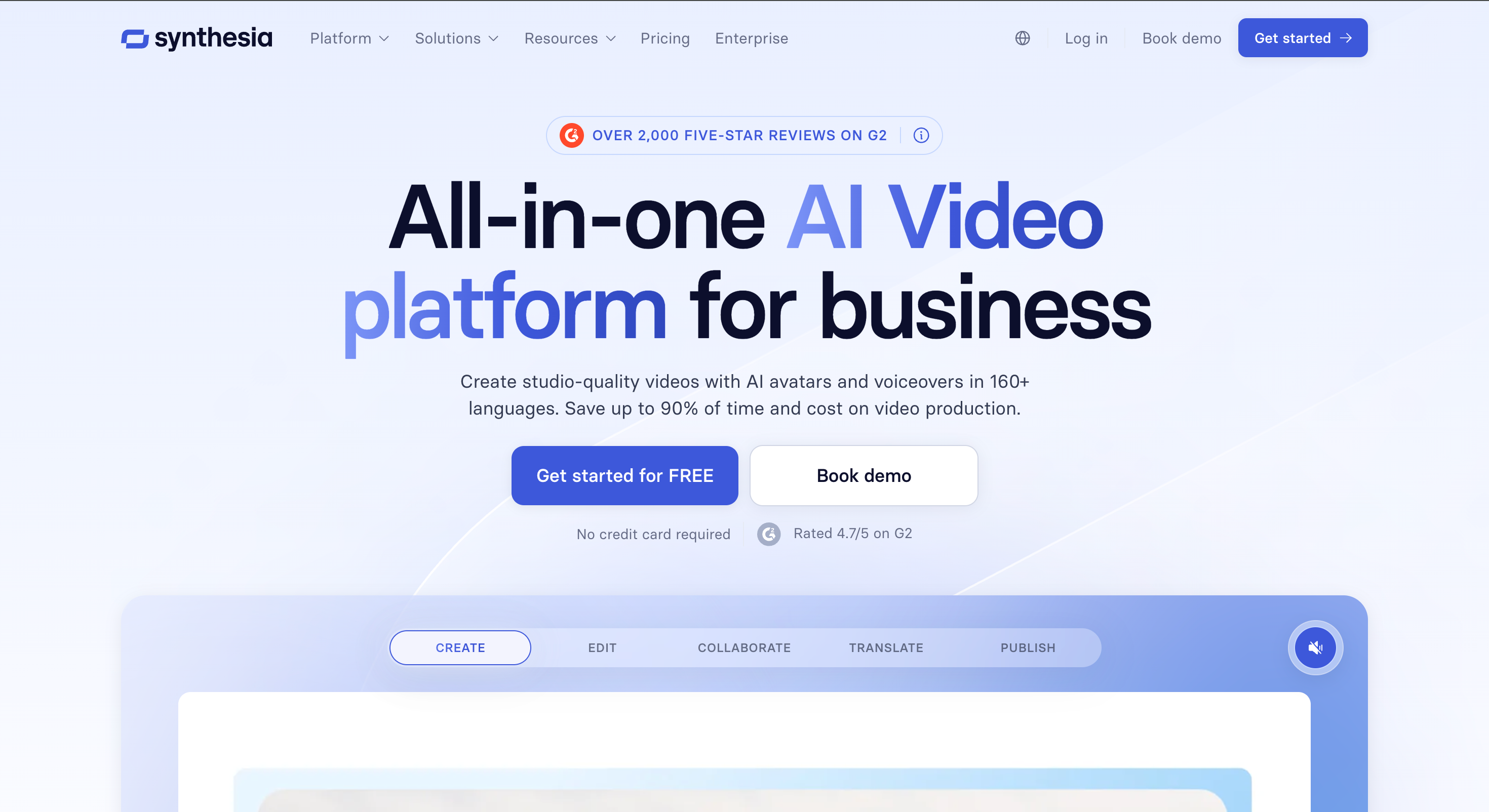
Synthesia is a mature AI avatar platform for business users. Its avatar page describes realistic AI avatars that can move, gesture, and speak naturally, with options for ready-made avatars, personal avatars from a photo, studio-grade avatars, voice cloning, AI dubbing, brand kits, analytics, and multilingual publishing.
It is stronger for professional presenter videos than casual avatar experiments. The platform is especially relevant for training, internal communications, product explainers, sales videos, and global localization.
Key features:
240+ ready-made AI avatars.
Personal avatar creation from a photo.
Studio-grade avatar options.
AI voice cloning and dubbing.
Brand kits and analytics.
AI video creation for training, marketing, and sales.
Free plan access for avatar video creation.
Pros:
Strong for polished business videos.
Good localization and language support.
Useful for training, onboarding, product explainers, and internal updates.
Brand controls help teams keep videos consistent.
More complete than simple talking-photo tools.
Cons:
May feel too corporate for casual social avatar clips.
Advanced features may require paid access.
Not the lightest option for fast experiments.
Less focused on playful or creator-style avatar content.
Best for:
Businesses, training teams, and marketers who need professional AI avatar videos with brand consistency and localization.
Pictory AI
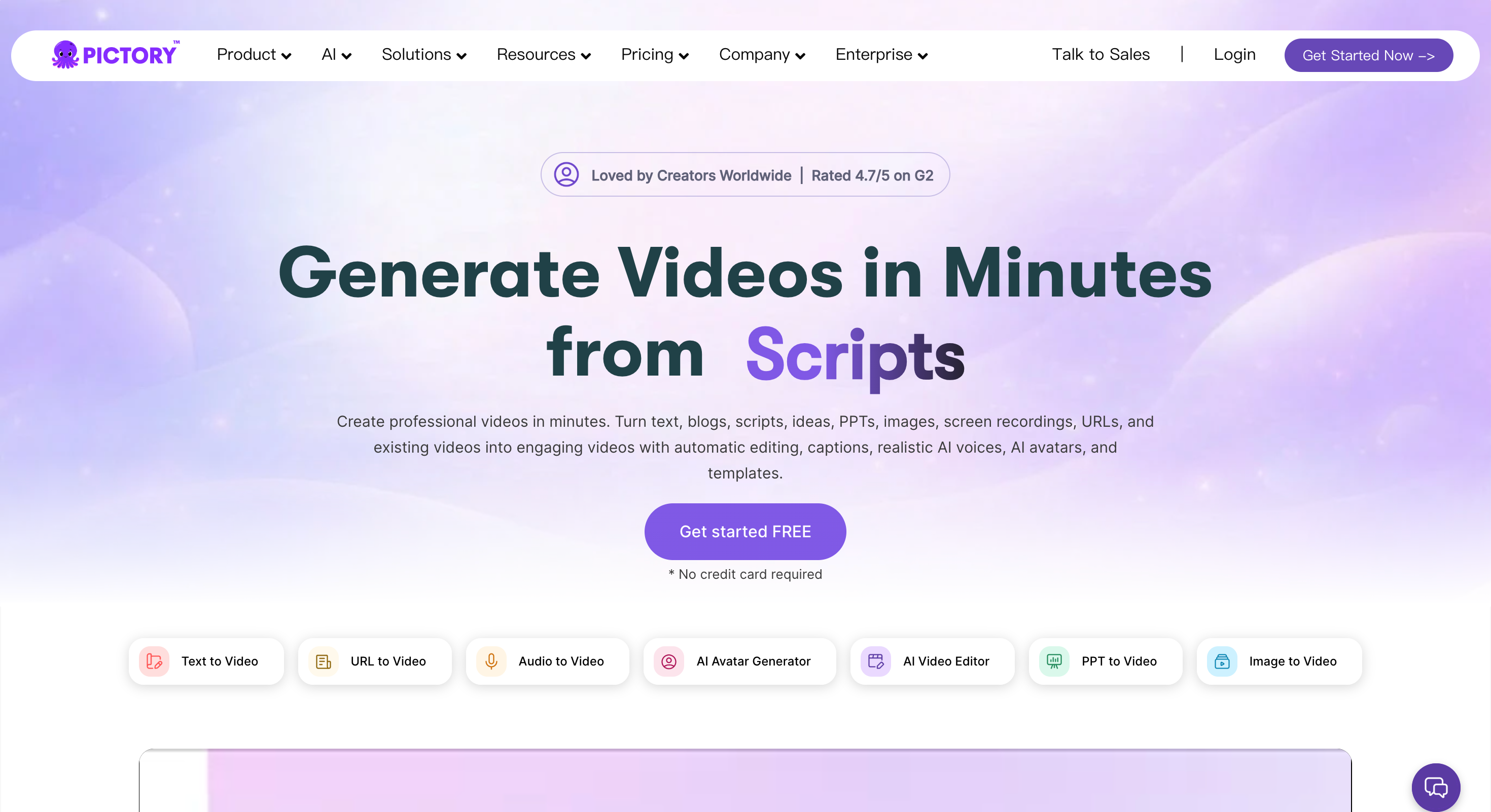
Pictory AI is best for users who want avatar support inside a broader video creation workflow. Its platform includes text-to-video, URL-to-video, audio-to-video, image-to-video, AI avatars, captions, AI voices, templates, and editing tools. It also says users can get started for free without a credit card.
This makes it useful when the talking avatar is only one part of the final video. For example, a user may want to turn a blog post into a video, add an avatar presenter, apply captions, and format it for social media.
Key features:
Text-to-video and script-to-video generation.
URL, audio, image, and PPT-to-video workflows.
AI avatars and realistic AI voices.
Automatic captions and video editing.
Templates and brand customization.
Social media and marketing video formats.
Free start option with no credit card required.
Pros:
Strong for repurposing written content into video.
Useful when captions, templates, and editing matter.
Works well for marketing, education, and social media.
Better than a pure avatar tool for content-heavy videos.
Supports multiple input types beyond scripts.
Cons:
Not primarily a dedicated talking-avatar creator.
Avatar realism may not be the main differentiator.
Users who only need lip sync may find it broader than necessary.
Some advanced features may require a paid plan.
Best for:
Marketers, educators, and content teams that want a free AI talking avatar creator as part of a larger text-to-video and editing workflow.
HeyGen
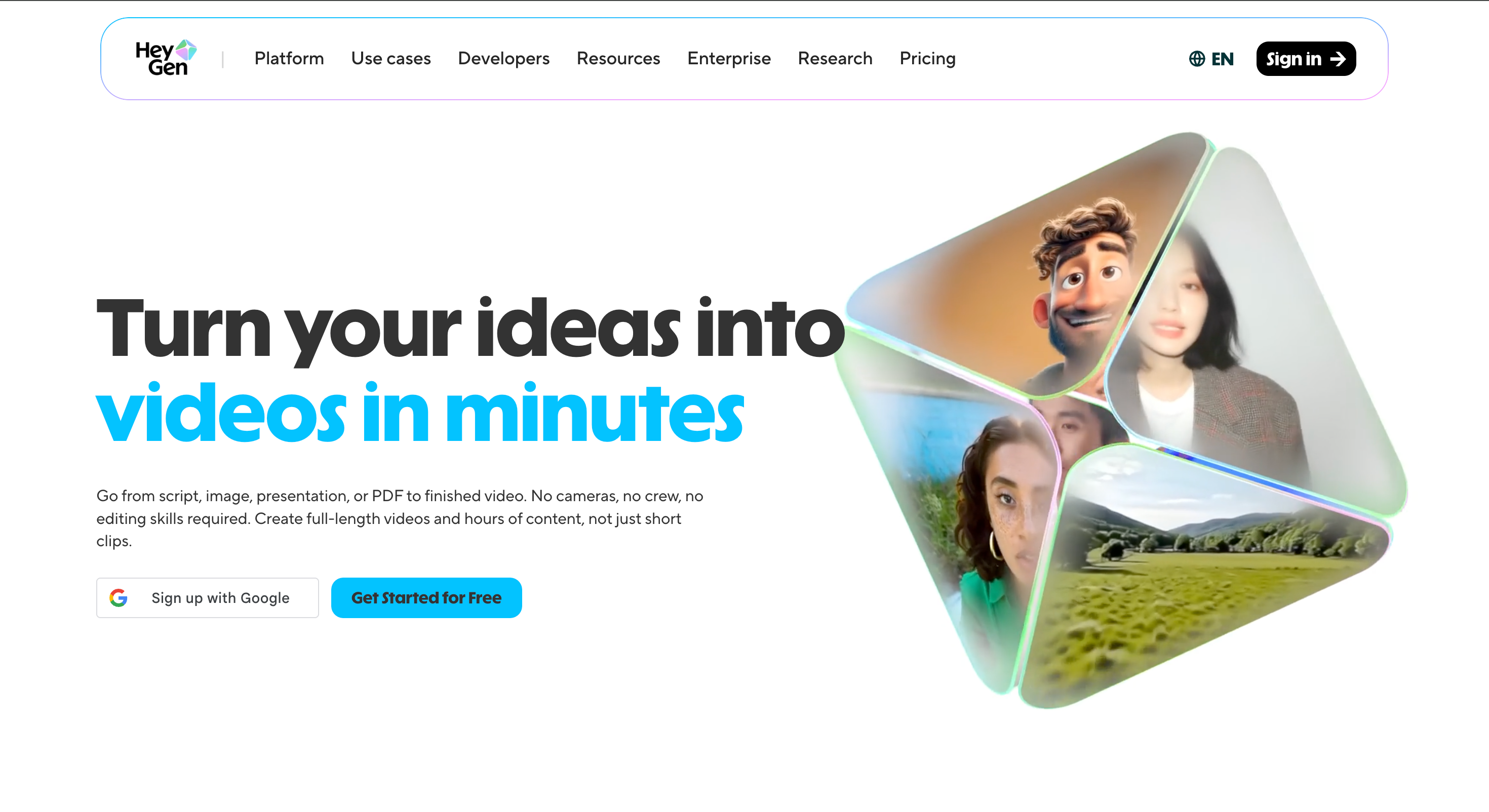
HeyGen is one of the most recognizable avatar video tools. Its avatar page highlights photo avatars, UGC avatars, free AI avatar generation, voice, short video creation, stock avatars, custom avatars, scripts, lip sync, and export/publish workflows.
This makes it a strong choice for users who want polished avatar videos, creator-style content, or multilingual marketing assets. It is more complete than a simple free lip-sync tool, but some commercial and high-resolution features may require paid access.
Key features:
Stock avatar and custom avatar workflows.
Photo avatar generation from a single image.
UGC avatar videos for TikTok, Reels, and YouTube.
Script-based avatar video creation.
AI voice and lip-sync support.
Free version for avatar generation and short videos.
Premium options for HD/4K and commercial use.
Pros:
Strong fit for polished avatar videos.
Useful for social, UGC-style, and business content.
Good option when realism and lip sync matter.
Free version makes it easy to test.
Broader than basic photo animation tools.
Cons:
Commercial use may require a paid plan.
Advanced rendering and customization can add cost.
Output may feel more polished than casual social content.
Not always the cheapest choice for frequent production.
Best for:
Creators, marketers, and teams that want a polished AI talking avatar creator for UGC videos, business content, and social media.
Conclusion
A free AI talking avatar creator can be a simple face-animation tool or a full AI video platform. The right choice depends on whether you need lip sync only, a polished business presenter, multilingual videos, or a complete content-to-video workflow.
PixGenN is a strong first option for users who want a balanced avatar video workflow with free testing, fast generation, commercial-use output, multilingual voices, and model flexibility. Lipsync is better for quick mouth-sync experiments, Synthesia is stronger for professional business videos, Pictory AI is useful for turning scripts and existing content into videos, and HeyGen is a polished choice for avatar-led social content.
For the best result, test one short script across two tools. Compare lip sync, voice quality, avatar realism, export limits, watermark rules, commercial rights, and how easily the final video fits your publishing workflow.
Try PixGenN to turn your images into talking avatar videos in one click
No video editing skills required. Start for free.
Start Create Now