 PixGenN
6 Best UGC Video Maker for AI UGC Ads (Tested)
Summary
A UGC video maker helps brands create customer-style videos such as reviews, tutorials, unboxings, testimonials, and product ads without managing a full shoot. For teams that want an AI UGC video maker, PixGenN is a strong balanced option because it supports avatar-style video creation, free testing, fast generation, commercial-use output, multilingual voices, and flexible model choice. More specialized tools may be better for product-link ads, raw-footage clipping, or large-scale paid social testing.
What Can a UGC Video Maker Do?
A modern UGC AI video maker is not only a video editor. It can help with ideation, scripts, avatars, product visuals, captions, localization, and export formats. The best choice depends on whether a brand wants AI-generated creator videos, edited real customer footage, or a mix of both.
1. Create Creator-Style Product Videos Without Filming
A UGC video maker can generate short videos that feel similar to creator reviews, product demos, or social ads. Instead of hiring a creator for every angle, a team can use an AI avatar, product image, script, and voiceover to create a first version quickly.
This is useful for ecommerce brands, SaaS teams, agencies, and solo founders that need many creative variations. Tools in this category often focus on hooks, product benefits, pain points, and short calls to action rather than cinematic storytelling.
2. Turn Long or Raw Footage Into Social Clips
Not every workflow starts from AI avatars. Some teams already have webinars, customer interviews, podcasts, testimonials, or product demos. In that case, the right tool should identify strong moments, add captions, reframe the video, and create platform-ready clips.
This is where editors built for repurposing can be useful. Vizard.ai, for example, positions itself around turning long-form videos into short clips for TikTok, Instagram, YouTube Shorts, and similar channels.
3. Test Hooks, Formats, and Ad Variations Faster
UGC performance often depends on small creative changes. A different opening line, avatar, camera angle, caption style, or product shot can change how authentic the video feels.
For paid social teams, this also raises a practical question: does the tool support the workflow around ads? A keyword like ugc video maker facebook ads manager integration usually means the buyer wants a smooth path from creative production to campaign testing. Since direct integrations vary by product and plan, teams should verify current Meta/Facebook Ads Manager export or integration options before choosing any platform.
How to Choose the Best UGC Video Maker for You
Choosing the right ugc video maker free or paid tool starts with the actual production problem. A product-link generator, an avatar platform, and a clipping editor can all be useful, but they solve different jobs.
1. Check Whether You Need AI Avatars or Real Footage
If the goal is to create videos without filming, prioritize AI avatar quality, voice realism, commercial-use rights, and editing control. If the goal is to repurpose real customer or creator footage, prioritize clipping, captions, reframing, and social exports.
For AI-generated UGC, look closely at ugc video maker authentic human expressions. Realistic faces, natural gestures, believable voice delivery, and proper lip sync matter because UGC depends on trust. If the video feels too polished or synthetic, it may lose the casual quality that makes creator-style content effective.
2. Review Free Access, Licensing, and Commercial Use
A free AI UGC video maker can be useful for testing, but free plans may include watermarks, low export limits, limited avatars, or unclear commercial usage. Before using generated content in ads, check export quality, usage rights, and whether the tool allows commercial campaigns.
This is one reason PixGenN is worth considering early. Its value proposition is broad rather than narrow: free trial access, fast video generation, commercial-use output, multilingual voices, and multiple model options. The platform is positioned as an AI video generator for creating videos from images, which fits avatar-led and product-led workflows.
3. Match the Tool to Your Ad Workflow
A good ugc ai video maker should reduce production friction, not add another complicated step. Ecommerce teams may need product URL input. Agencies may need batch variations. Social teams may need captions and resizing. Global teams may need multilingual output. Paid media teams may need an easy way to hand off videos for Meta, TikTok, YouTube, or other ad managers.
The safest approach is to test one or two short videos before committing. Use the same script, product, and target audience across tools, then compare output quality, editing speed, export options, and how much manual cleanup is required.
6 Best AI UGC Video Maker Tools
The tools below are organized by practical use case. Each can support UGC-style content, but they are not interchangeable. Some are better for avatar-led AI ads, some for product URL workflows, and some for editing existing footage.
1. PixGenN
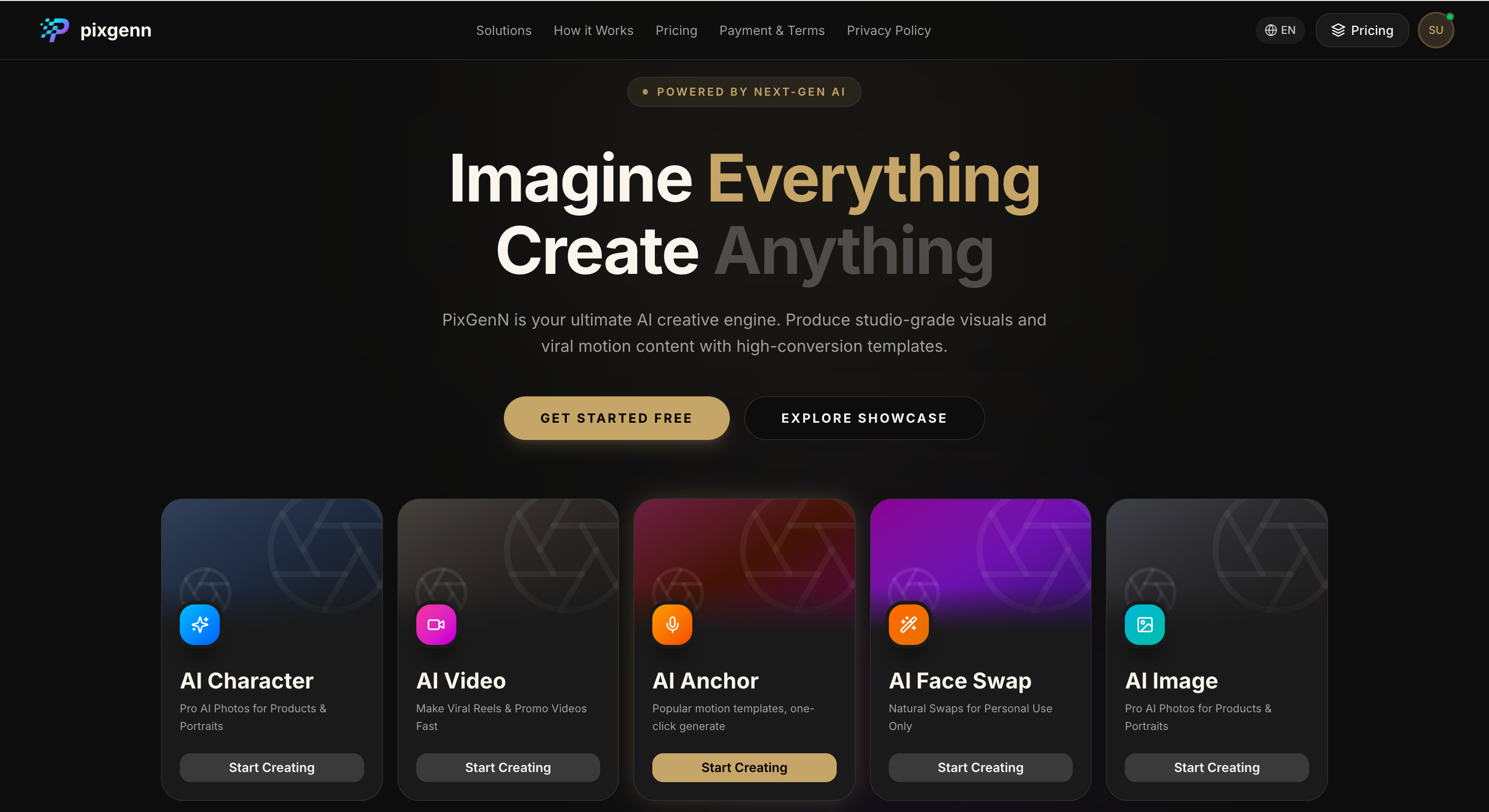
PixGenN is a good starting point for teams that want a flexible AI UGC workflow without committing to a tool built only for ecommerce product ads. It fits use cases where a brand needs avatar-led videos, multilingual versions, faster production, and commercial-use content.
Its main strength is balance. It supports AI virtual avatar creation, free testing, fast generation, commercial-use output, multilingual voices, and model flexibility. That makes it relevant for creators, founders, agencies, educators, and ecommerce teams that want repeatable short-form video production.
Key features:
AI video generation for creator-style social content.
AI virtual avatar creation for spokesperson and UGC-style videos.
Free trial access for testing the workflow.
Fast generation for rapid creative iteration.
Commercial-use permission for generated videos.
Multilingual voice support for localized campaigns.
Multiple AI model options for different visual styles.
Pros:
Balanced feature set for avatar-led marketing videos.
Useful for both individual creators and business teams.
Strong fit when a campaign needs multilingual content.
More flexible than product-link-only ad generators.
Practical for testing scripts, avatars, and video styles quickly.
Cons:
Teams focused only on product-in-hand ecommerce ads may prefer a more specialized tool.
Output quality still depends on scripts, prompts, and source assets.
Ad analytics and campaign management may require separate tools.
Best for:
Creators, founders, agencies, educators, and ecommerce teams that want a flexible AI UGC video maker for commercial avatar-led content.
2. creatify.ai
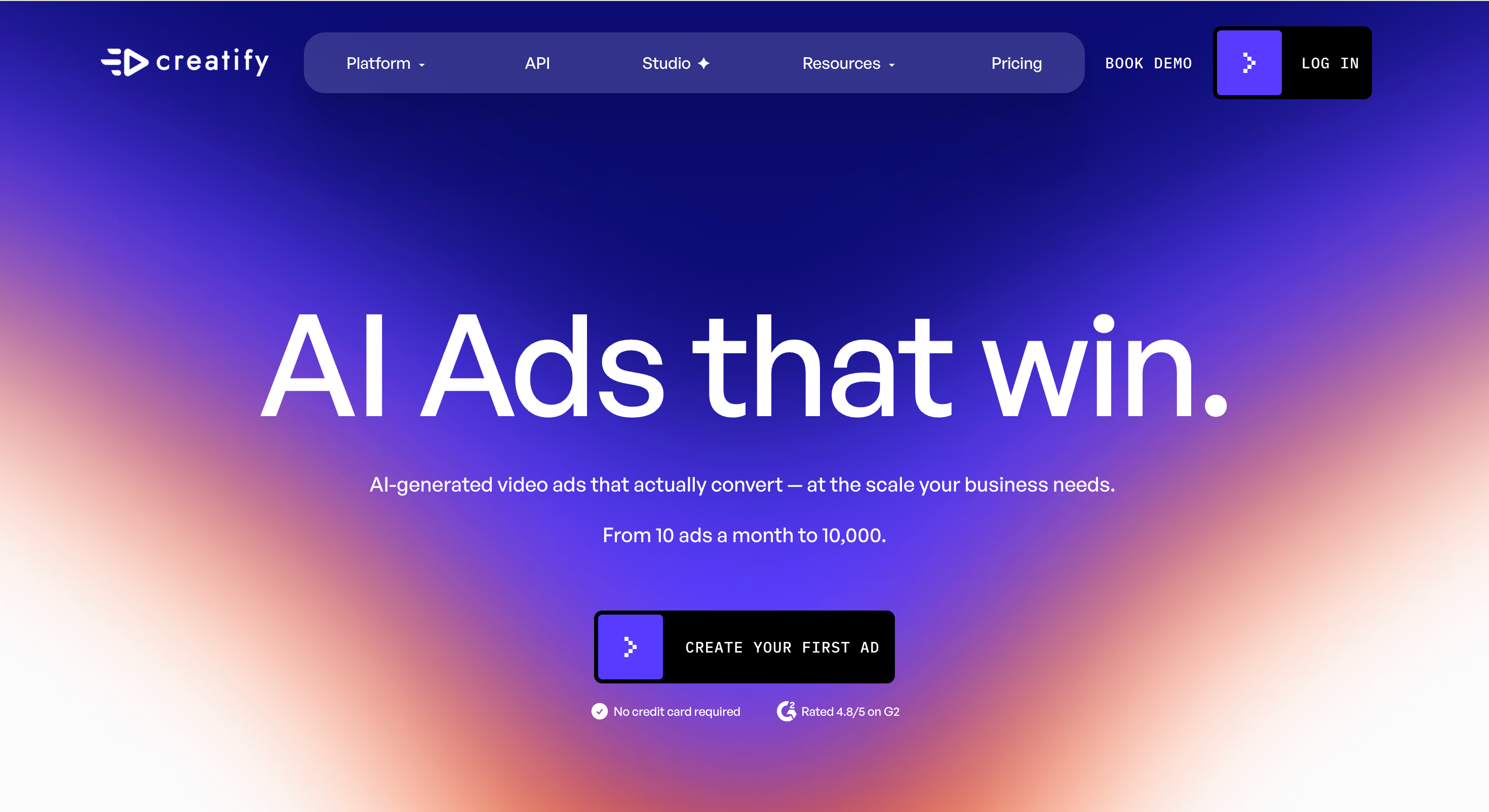
creatify.ai is built for AI-generated video ads at scale. Its site highlights URL-to-video, AI avatars, product ads, AI shorts, batch generation, inspiration libraries, and ad cloning. It also positions the platform around turning product pages into video ads and creating many ad variations. (creatify.ai)
This makes it a strong fit for performance marketing teams. It may be more than a small creator needs, but it is useful when the goal is to generate many product ad concepts quickly.
Key features:
URL-to-video workflow.
AI avatar video ads.
Product ad generation.
Batch creation for multiple variations.
AI shorts from scripts and visual styles.
Inspiration library for ad ideas.
Ad cloning and performance-oriented creative tools.
Pros:
Strong for high-volume creative testing.
Useful for ecommerce and paid social teams.
Good for generating multiple hooks and ad angles.
Supports both UGC-style and polished ad formats.
Helpful when teams need fast product-page-to-video output.
Cons:
More ad-platform-focused than creator-focused.
May feel complex for simple one-off videos.
Best value comes from active ad testing.
Not the most lightweight free option for beginners.
Best for:
Growth teams, agencies, and ecommerce brands that need many AI-generated product ad variations.
3. vizard.ai
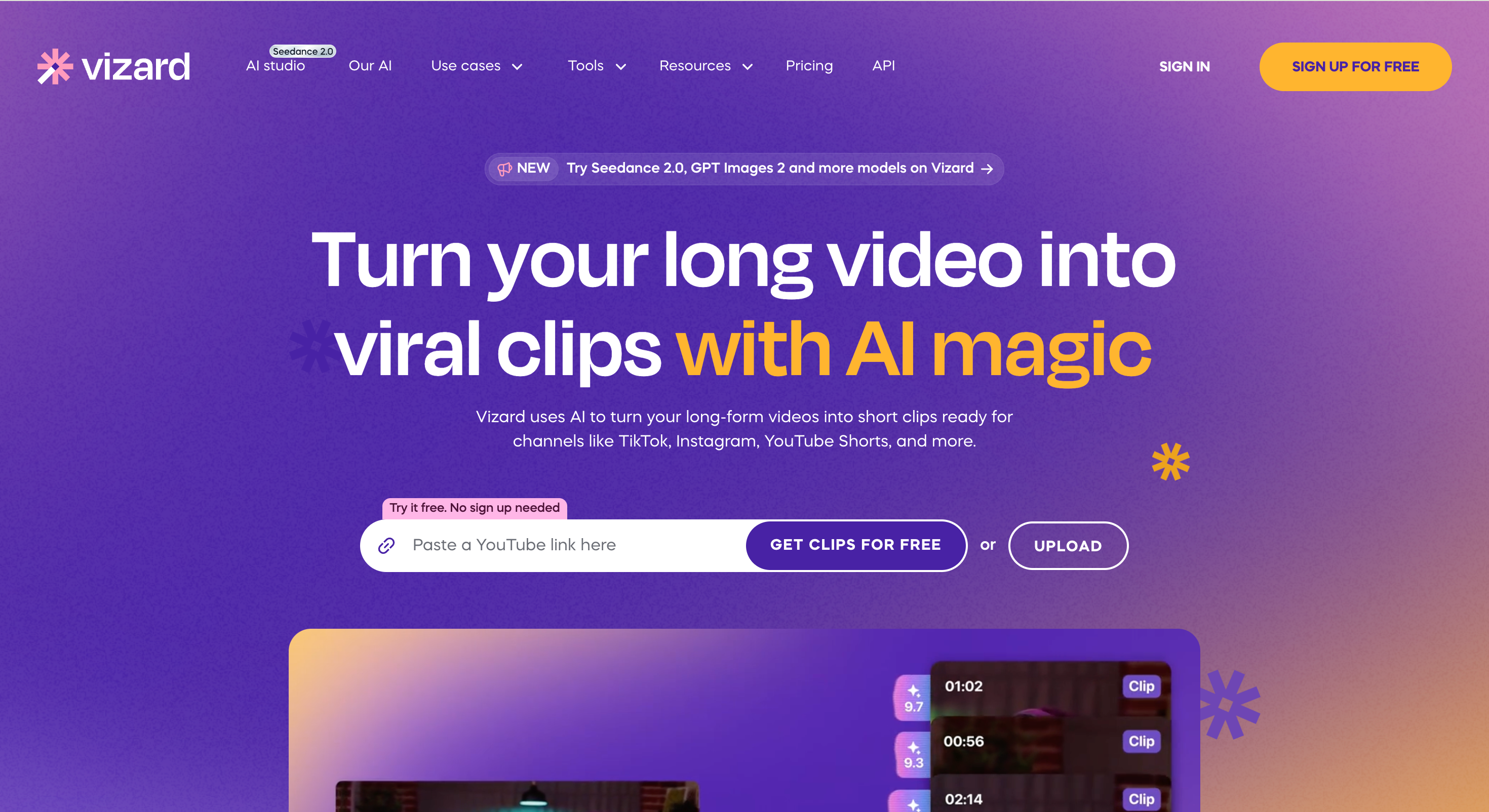
vizard.ai is different from avatar-first tools. It is strongest when a team already has long-form or raw video and wants to turn it into social-ready clips. The platform says it uses AI to turn long videos into short clips for platforms like TikTok, Instagram, and YouTube Shorts, and it offers free clip generation access.
This makes it useful for customer interviews, webinars, podcasts, events, and product demos. It is not the first choice for generating AI actors from scratch, but it can be valuable when the brand wants to preserve real human footage.
Key features:
AI clipping for long-form video.
Short-form exports for social channels.
Captioning and clip-ready formatting.
Useful for webinars, podcasts, interviews, and demos.
Free clip creation entry point.
Workflows for marketers, creators, and agencies.
Repurposing support for existing video libraries.
Pros:
Strong for turning real footage into UGC-style clips.
Useful when authenticity comes from actual customers or team members.
Saves editing time on long videos.
Good for content teams with existing video assets.
Helps produce more social clips from one recording.
Cons:
Not primarily an AI avatar generator.
Requires existing footage to get the most value.
Less suited for product URL-to-video workflows.
May not replace a dedicated AI UGC ad generator.
Best for:
Marketers, coaches, podcasters, agencies, and brands that want to repurpose real video into short-form UGC-style content.
4. Arcads
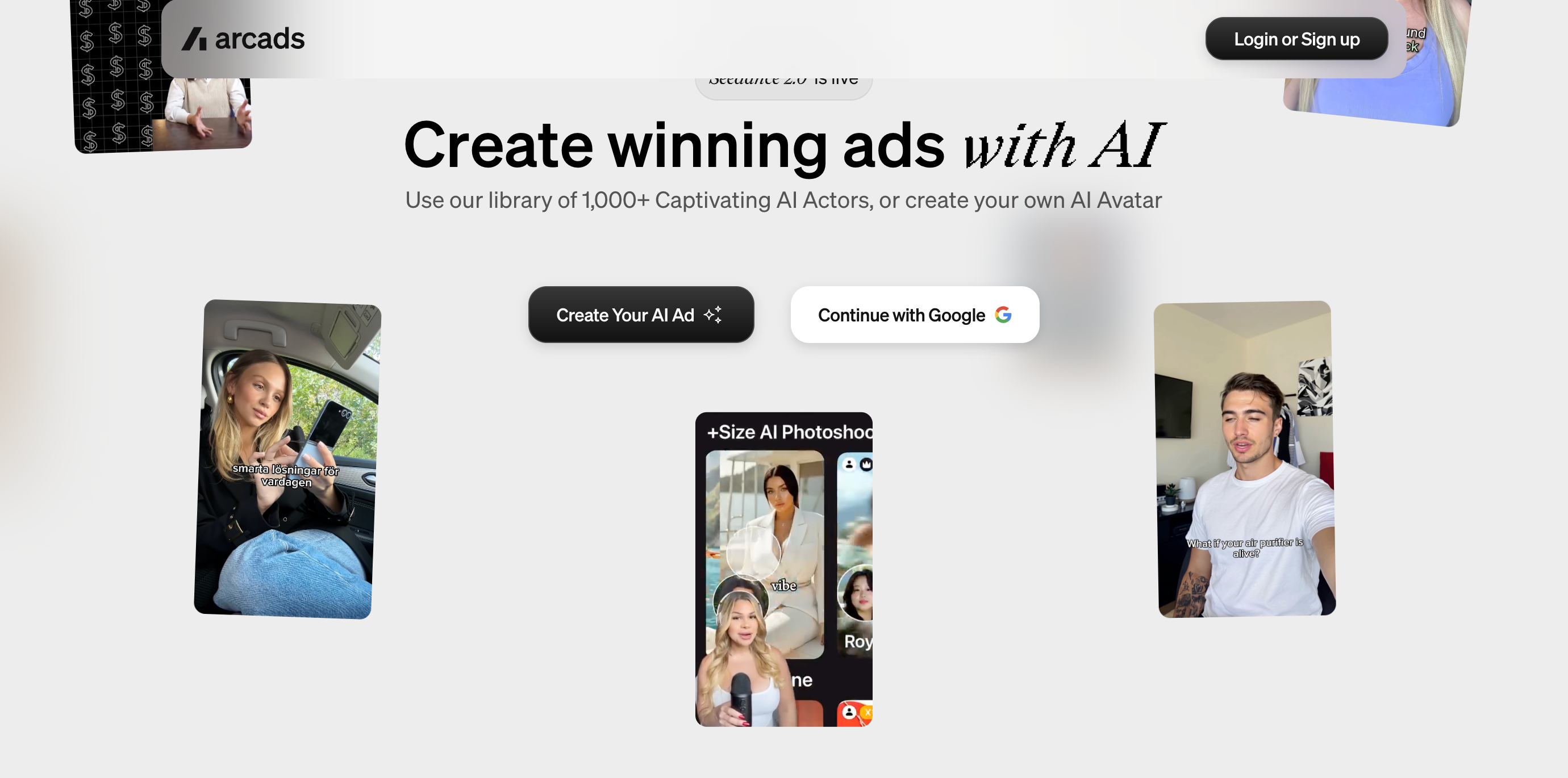
Arcads focuses on AI-powered ad creation. Its site highlights a library of 1,000+ AI actors, custom avatar creation, captions, actor swapping, camera angle controls, voice changes, translation, product showcase, unboxing, and UGC Studio features.
This makes it a strong choice for paid social teams that need many AI actor-led ad variations. It is more ad-centric than general creator-centric, so it works best when the goal is campaign testing rather than broad video creation.
Key features:
Large AI actor library.
Custom AI avatar creation.
Product showcase and unboxing tools.
Captions, translation, and voice changes.
Actor swapping and camera angle controls.
UGC Studio for ad production.
Model selection for different creative goals.
Pros:
Strong for AI actor-led ad campaigns.
Useful for ecommerce and paid social testing.
Good range of ad refinement tools.
Helps teams create many creator-style variations.
Practical for performance marketers and agencies.
Cons:
More focused on ads than general video content.
May feel heavy for simple creator videos.
Less ideal for repurposing existing customer footage.
Best suited to teams with a clear testing workflow.
Best for:
Ecommerce advertisers, agencies, and paid media teams that need scalable AI actor ads.
5. HeyGen
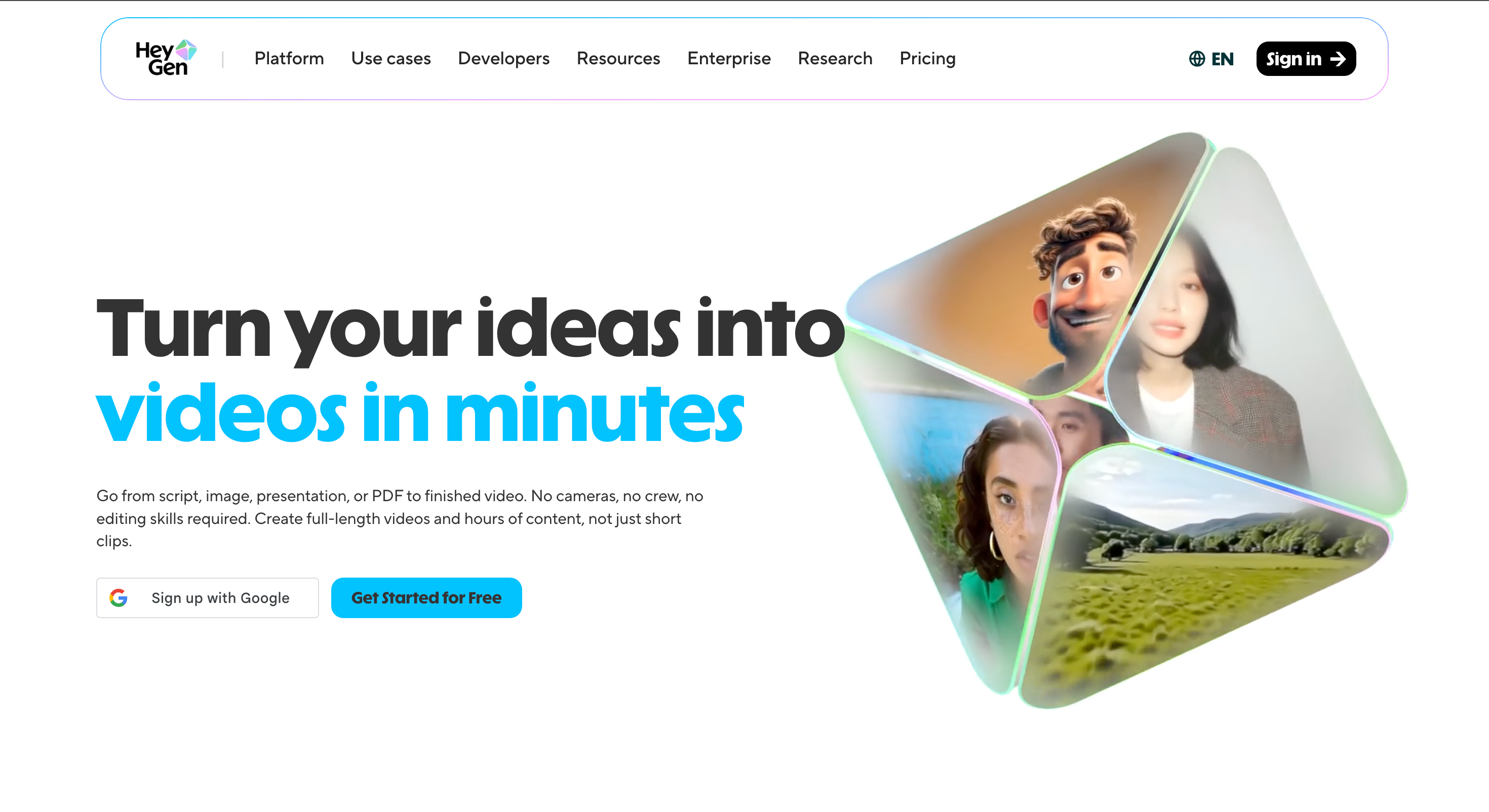
HeyGen is a strong option for polished avatar videos and multilingual production. Its homepage describes generating videos from a script, image, presentation, or PDF, and highlights free starting access. It also promotes realistic avatars, lip-sync, natural facial expressions, and translation/dubbing into 175+ languages and dialects.
This makes it a good fit for brands that care about presentation quality and localization. It may feel more polished than casual UGC, but it is useful for spokesperson videos, explainers, training, and global campaigns.
Key features:
Script, image, presentation, and PDF-to-video workflows.
Realistic avatar generation.
Lip-sync and facial expression support.
Video translation and dubbing.
Text-based video editing.
Free starting option.
Useful for longer-form and polished videos.
Pros:
Strong avatar realism and localization support.
Useful for multilingual campaigns.
Good for professional spokesperson videos.
Works beyond short ad clips.
Helpful for training, sales, and marketing content.
Cons:
Can feel more polished than casual UGC.
May be more than needed for quick product ad tests.
Some advanced features may depend on plan level.
Not as ecommerce-specific as product URL tools.
Best for:
Brands, educators, sales teams, and marketers that need polished avatar videos and multilingual localization.
6. CreateUGC
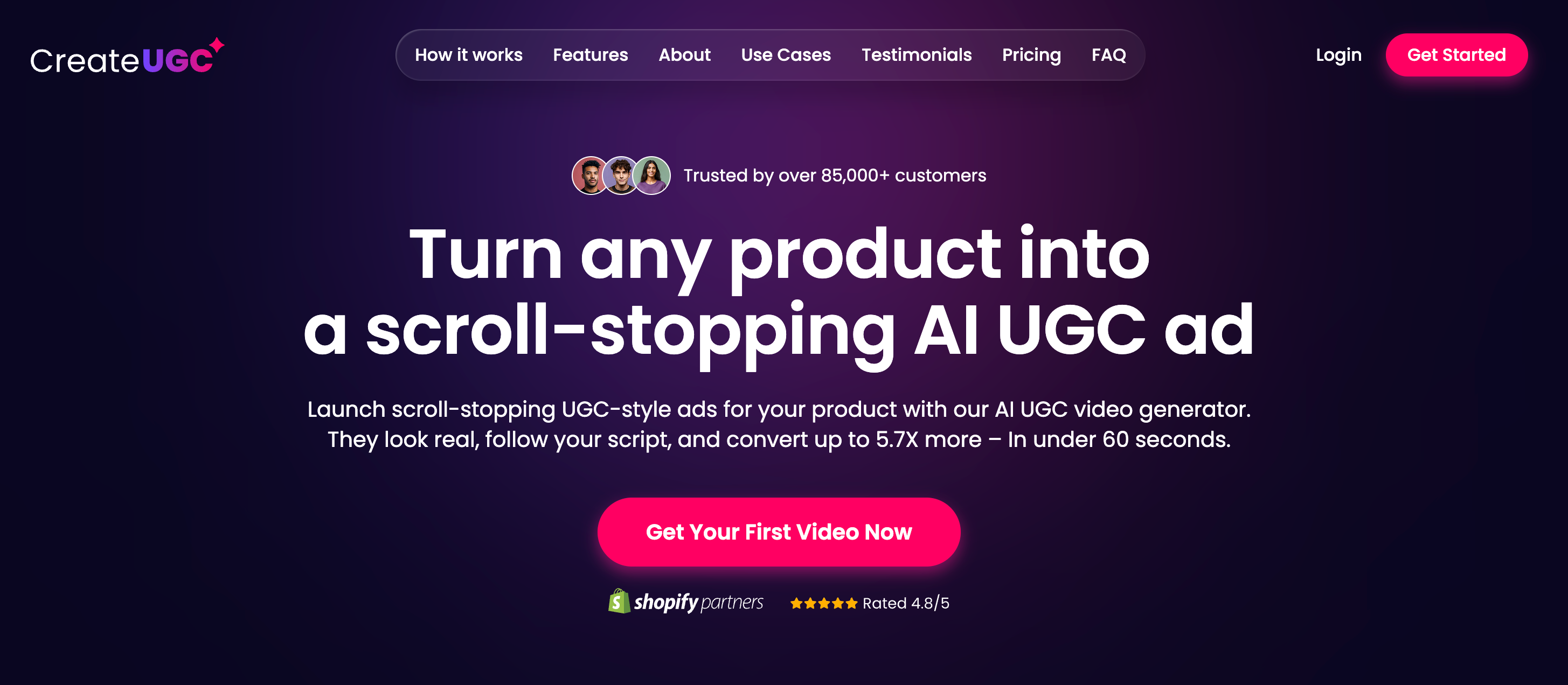
CreateUGC is designed for ecommerce sellers who want to turn product pages into UGC-style ads. Its site describes a workflow where users paste a product link, set up a video, choose an AI avatar, customize a script, and generate a UGC ad. It also mentions Shopify, Amazon, and other product page use cases.
This tool is practical when the product page is the starting point. It is less broad than a general video maker, but useful for dropshippers, marketplace sellers, and DTC brands that need quick product ad drafts.
Key features:
Product URL-to-video workflow.
AI avatar selection.
Script customization.
Ecommerce-focused UGC ad generation.
Product page support for common selling platforms.
Social-ready ad output.
Product-in-hand options depending on plan.
Pros:
Clear ecommerce workflow.
Useful for product ad drafts.
Helps reduce manual scripting and filming.
Good for sellers testing different products.
Practical for short-form ad creation.
Cons:
Less flexible for non-ecommerce content.
Advanced avatar features may depend on the plan.
Not ideal for repurposing real customer footage.
Free or trial access may include restrictions.
Best for:
Shopify sellers, Amazon sellers, dropshippers, and ecommerce marketers that want product-page-to-video ads.
Conclusion
A UGC video maker can mean several different things. Some tools generate AI avatar videos from scripts. Some turn product pages into ads. Others repurpose real footage into social clips. The right choice depends on whether the priority is authenticity, speed, editing control, product workflows, localization, or ad testing.
PixGenN is a practical first option for teams that want an AI UGC video maker with avatar-style creation, free trial access, fast generation, commercial-use output, multilingual voices, and model flexibility. If the workflow is more specialized, creatify.ai is better for high-volume ad testing, vizard.ai is better for clipping real footage, Arcads is useful for AI actor campaigns, HeyGen fits polished avatar localization, and CreateUGC works well for ecommerce product-link ads.
For most brands, the best approach is to test one short video first. Use the same product, script, and target audience, then compare realism, editing effort, export quality, commercial rights, and how easily the result fits the wider ad workflow.
Try PixGenN to turn your images into talking avatar videos in one click
No video editing skills required. Start for free.
Start Create NowRelated Articles
Best AI Influencer Maker Tools: 5 Picks for 2026
7 Best AI Ad Tools for UGC (Compared)
Best AI UGC Creator: 6 Tools for Authentic UGC Ads
Best AI UGC Video Generator: 8 Tools I’d Use First (2026)
AI News Anchor Generator: Best 2026 Tools for Video News
7 Best AI Influencer Generator: 2026 Hands-On Review