 PixGenN
7 Best AI Ad Tools for UGC (Compared)
Summary
The best AI ad tools for UGC help teams create creator-style ads with AI avatars, scripts, product visuals, captions, and localized voiceovers without running a full creator production process. For a balanced AI video workflow, PixGenN is a strong starting point. For narrower needs, ClipLoft focuses on fast creative testing, creatify.ai is useful for ecommerce ad volume, Arcads is strong for AI actors, vizard.ai fits repurposing existing footage, HeyGen and Synthesia are better for polished avatar localization, and Zeely works well for small-business product-page ads. Many competitor roundups focus heavily on URL-to-ad speed, actor realism, or ecommerce ad volume. This guide keeps those criteria, but also adds commercial-use clarity, multilingual workflows, model flexibility, and whether each tool is actually suited to UGC-style paid social rather than generic AI video.
7 Best AI Ad Tools for UGC
The tools below are compared by workflow fit: AI avatar creation, product-page-to-ad generation, batch testing, localization, editing control, and whether the output can realistically support short-form paid social.
PixGenN: Balanced AI Video Creation for UGC Ads
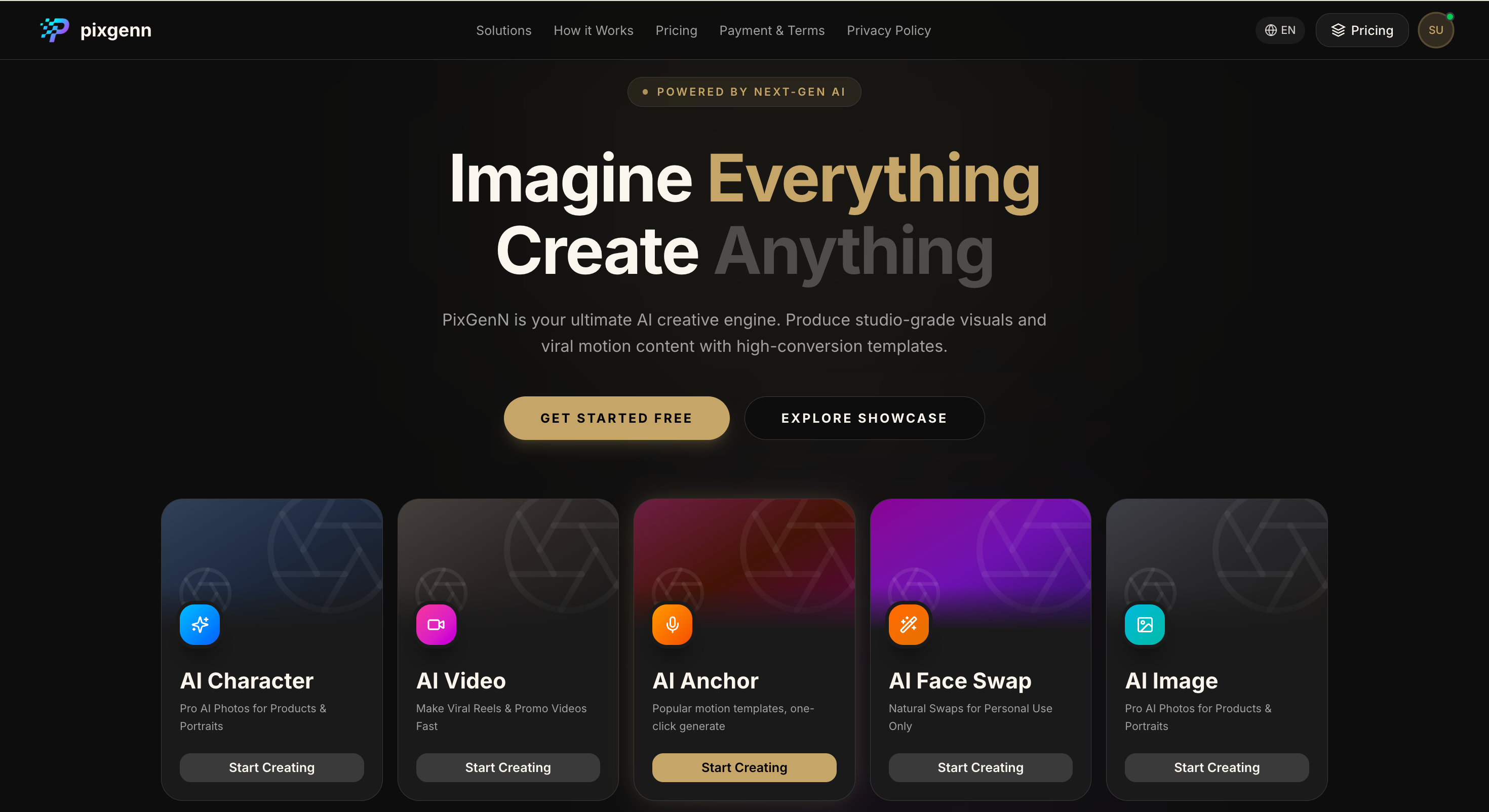
PixGenN is a practical option for teams that want AI avatar-style content, fast generation, multilingual voices, commercial-use output, and flexible model choice in one workflow. Its official site positions it as an AI video generator for creating videos from images, which fits use cases where brands need quick social-ready video concepts rather than a full filming setup.
Pros:
Balanced fit for creators, ecommerce teams, agencies, and founders.
Useful when the goal is repeatable AI avatar video production.
More flexible than tools focused only on product URL input.
Good match for teams comparing best AI-generated UGC ad tools with commercial usage in mind.
Supports a broader creative workflow than a single-purpose ad generator.
Cons:
Teams that only need product-in-hand ecommerce ads may prefer a more specialized ad platform.
Output quality still depends on the prompt, script, asset quality, and selected model.
Built-in ad analytics may need to be handled outside the platform.
Best for:
Teams that want an AI UGC ad generator for flexible avatar-led videos, commercial social content, multilingual variations, and fast creative testing.
ClipLoft: Fast Creative Testing for Paid Social
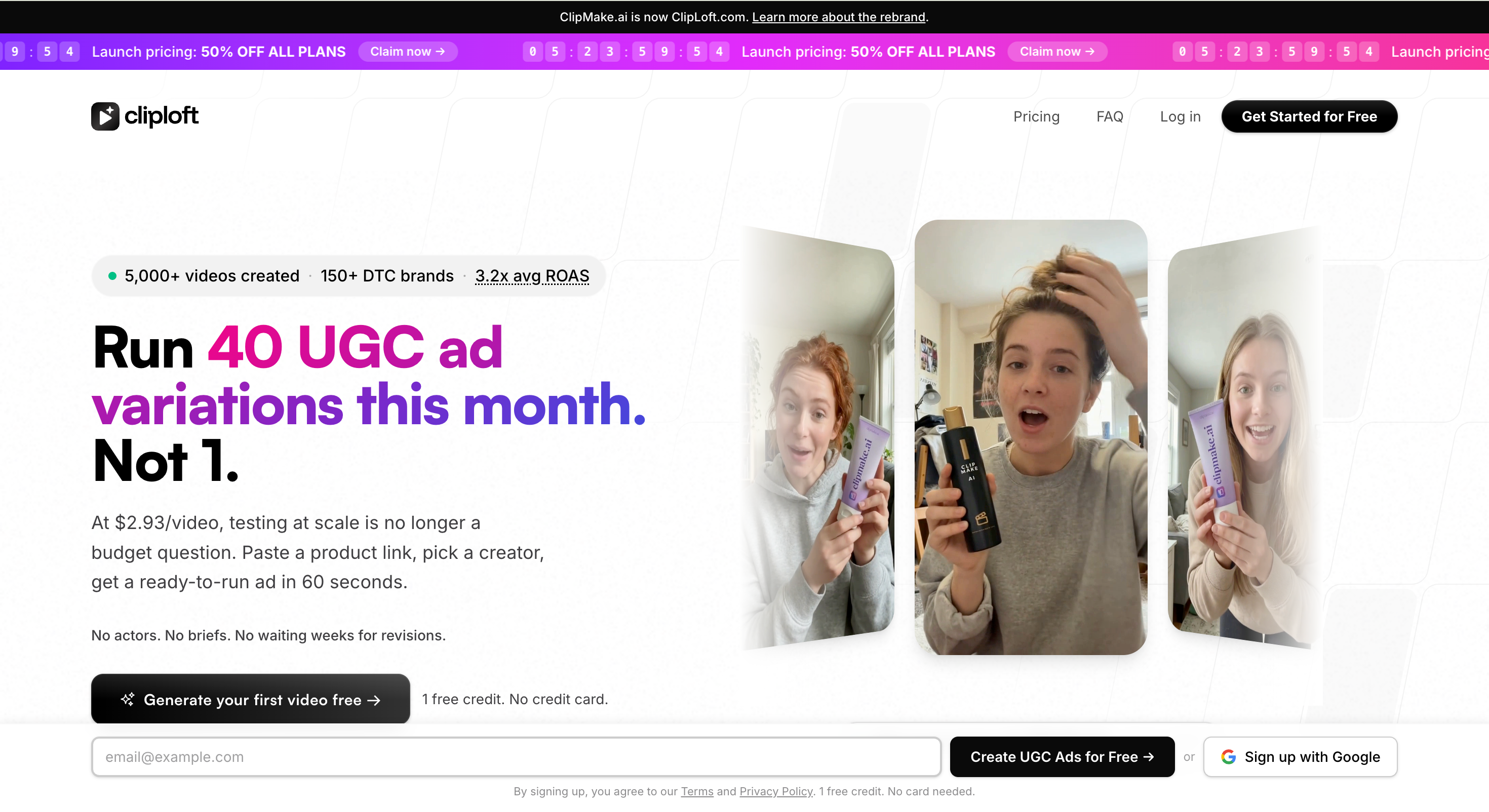
ClipLoft is frequently positioned as a fast testing tool for AI UGC ads. DesignRevision describes it as a newer entrant focused on speed-to-creative, rapid script-to-video generation, batch variants, and direct export to ad platform formats. The public homepage currently shows that ClipMake.ai has rebranded to ClipLoft.com, so buyers should verify the latest feature set and plans directly before choosing it.
Pros:
Built around testing speed rather than polished corporate video.
Useful for teams that need many hook and layout variations.
Relevant for paid social buyers comparing best AI ad tools for creating UGC.
May reduce the gap between product brief and first ad draft.
Good fit for lean teams that test weekly creative.
Cons:
Official crawlable information is limited compared with more established tools.
Buyers should confirm avatar library size, export rules, pricing, and commercial use.
Less proven publicly than older platforms in the category.
Best for:
Performance marketers that care most about rapid UGC ad testing and quick creative variation.
creatify.ai: Ecommerce URL-to-Ad at Scale
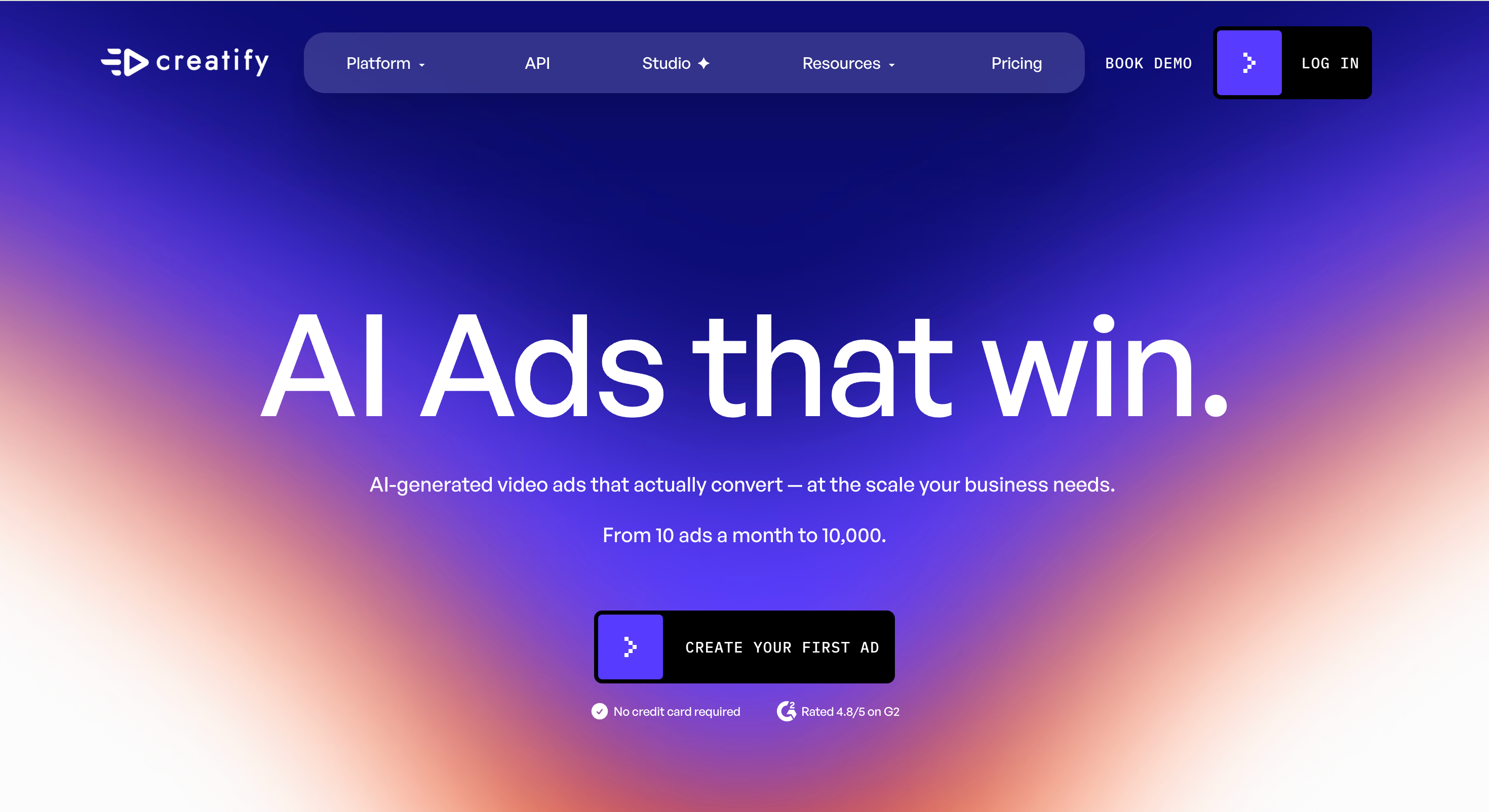
creatify.ai is one of the clearest ecommerce-focused options in this category. Its site highlights URL-to-video, AI avatars, product ads, batch generation, ad cloning, and tools for creating video ads from product pages. That makes it a strong fit when the campaign starts with a product URL and needs many ad variations.
Pros:
Strong for ecommerce brands producing many ad concepts.
Useful when volume matters more than manual creative control.
Good option for testing multiple hooks, voices, and angles.
Clear fit for AI video ad generation gen UGC workflows.
Helpful when product pages already contain the core selling points.
Cons:
More ad-platform-focused than broad creator-focused.
May feel too complex for one-off avatar videos.
Quality can depend on product page clarity and source visuals.
Best value comes from active paid social testing.
Best for:
Ecommerce teams, agencies, and growth marketers that need product-link ads and high-volume creative testing.
vizard.ai: Repurposing Existing Video Into UGC Clips
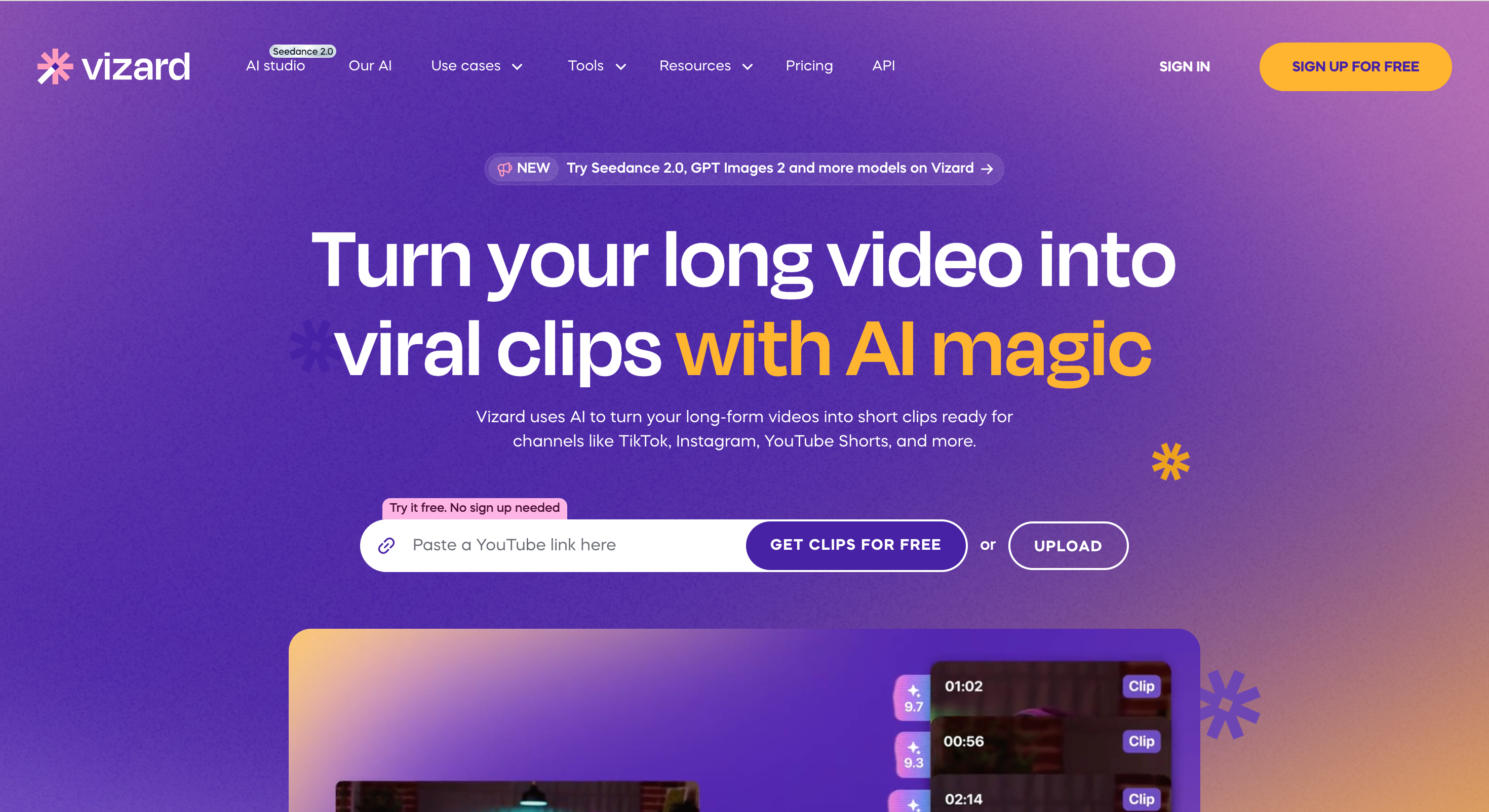
vizard.ai is not primarily an AI avatar ad generator. It is better for teams that already have video assets and want to turn long-form footage into short social clips. Its site says it uses AI to turn long videos into clips for TikTok, Instagram, YouTube Shorts, and more, with features such as AI clipping, captions, reframing, text-based editing, caption translation, and format changes.
Pros:
Strong for repurposing webinars, podcasts, interviews, and demos.
Preserves real human footage when authenticity matters.
Helpful for teams with existing video libraries.
Reduces manual editing time for short-form content.
Useful when UGC-style ads should come from real customer or founder footage.
Cons:
Not a dedicated AI avatar ad creator.
Requires source footage to get the most value.
Less suited for product URL-to-ad generation.
Not the first pick for fully synthetic UGC ads.
Best for:
Content teams, coaches, marketers, and agencies that want to turn existing footage into short UGC-style clips.
HeyGen: Polished Avatars and Localization
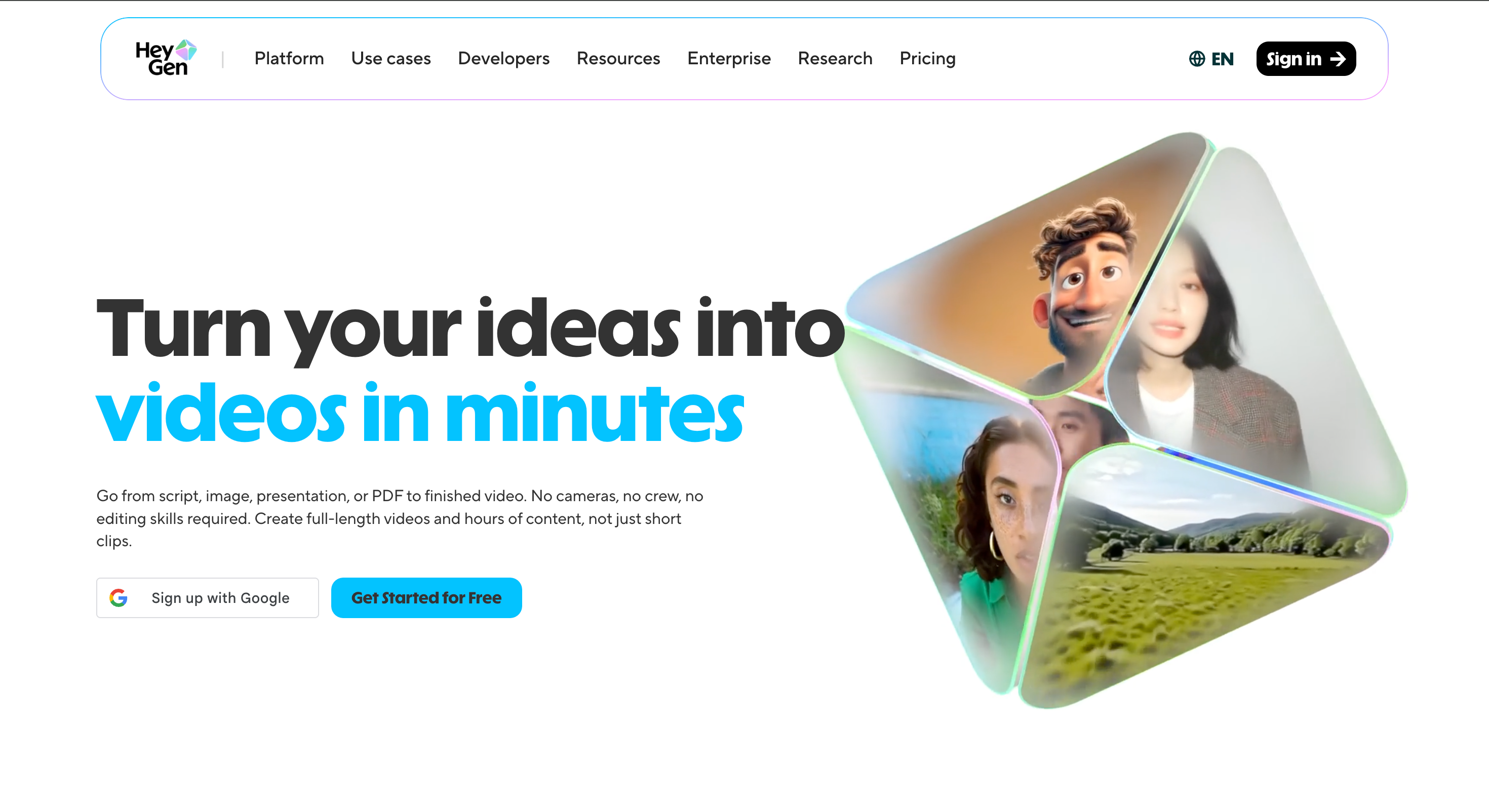
HeyGen is a strong choice for realistic avatar videos, translation, and polished presenter-led content. Its site highlights free AI video creation, realistic avatars, script/image/PDF-to-video workflows, lip-sync, voice cloning, and translation/dubbing across 175+ languages and dialects.
Pros:
Strong for polished spokesperson videos.
Good fit for global campaigns and localization.
Useful when the same message needs many language versions.
Better for professional avatar control than casual ad-only tools.
Supports business, sales, training, and marketing videos.
Cons:
Can feel more polished than casual creator-style UGC.
Not as ecommerce-native as URL-to-ad tools.
Some advanced avatar or localization features may depend on plan level.
May be more tool than needed for quick ad tests.
Best for:
Brands, educators, sales teams, and marketers that need polished avatars and multilingual video production.
Synthesia: Business Video and Enterprise Localization
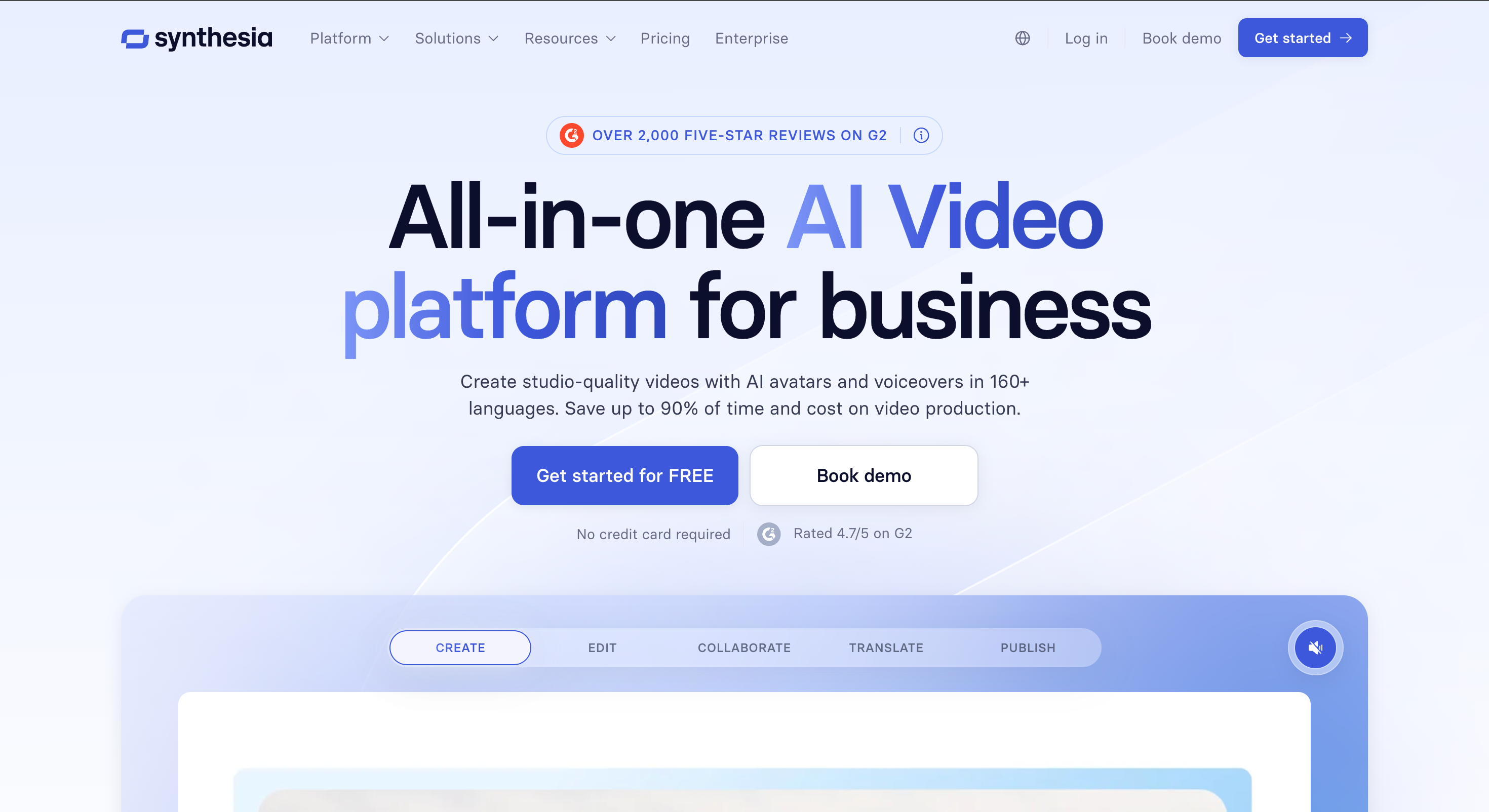
Synthesia is a mature AI video platform for business use cases. Its site positions it around AI video creation for teams, with avatars, voiceovers, translation, screen recording, brand kits, and collaboration. It is not the most UGC-native choice, but it matters when a company needs professional presenter videos, consistent branding, and scalable localization.
Pros:
Strong for polished business communication.
Useful for training, onboarding, explainers, and internal content.
Good localization and brand consistency options.
Better suited to enterprise review processes than casual ad tools.
Helpful when teams need repeatable presenter-led content.
Cons:
Less native to UGC-style ad production.
Corporate tone may feel less authentic in social feeds.
Not a product-page-to-ad workflow.
May be overbuilt for simple creator-style ads.
Best for:
Enterprise teams that need business video, training content, localization, and consistent branded presenters.
Zeely: Small-Business Product Page Ads
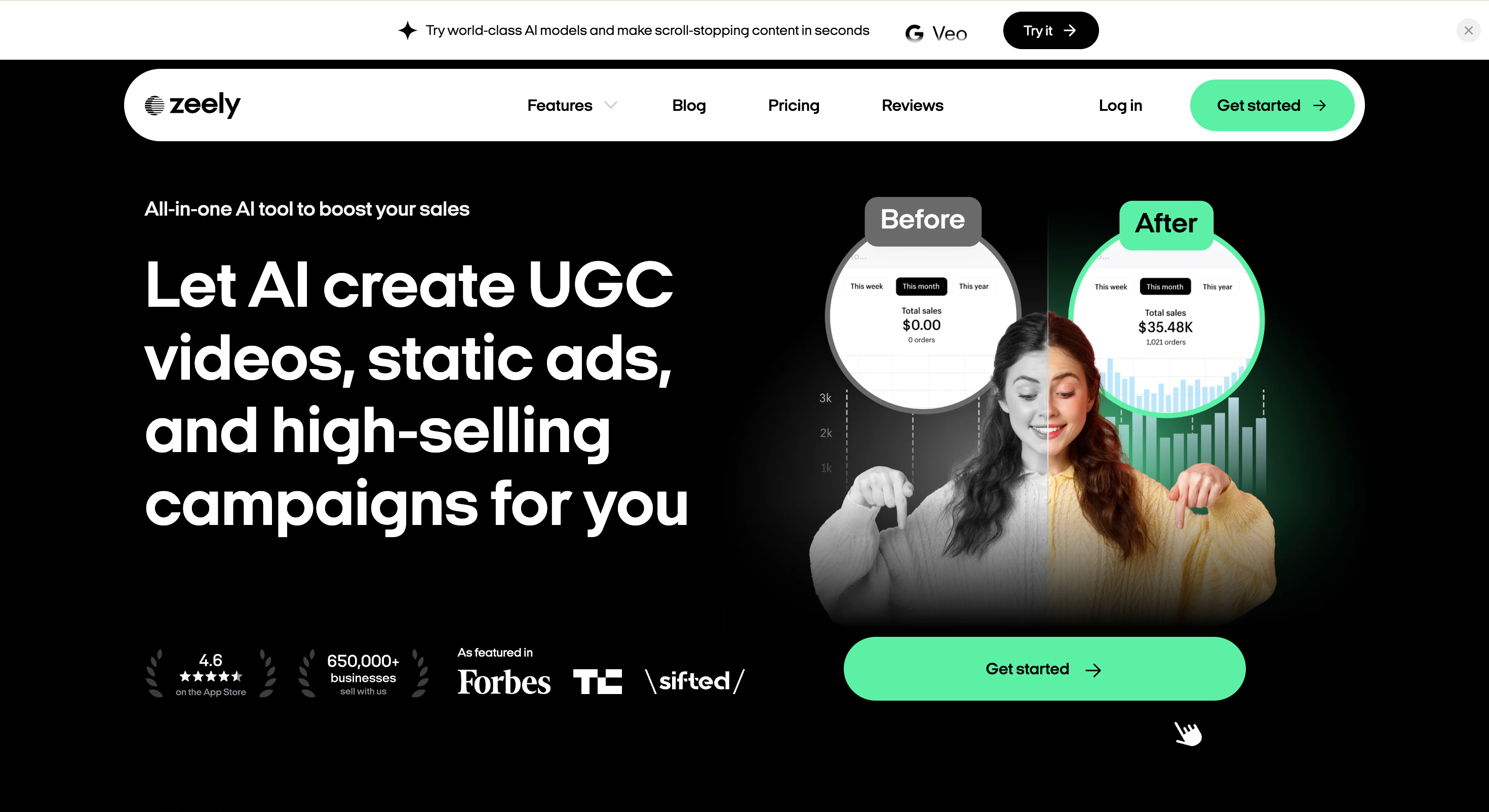
Zeely is built around AI ad creation for small businesses and ecommerce brands. Its site describes an AI ad creative platform for UGC video, static ads, product pages, AI ad scripts, and social media ads, with features connected to ecommerce and product-page workflows. Its own blog also frames the tool as a strong match for small businesses that want a low-friction product-page-to-ad path.
Pros:
Clear small-business and ecommerce positioning.
Useful when product information is already on a landing page.
Combines video and static ad creation.
Practical for lean teams without a production department.
Good fit for product-page-to-campaign workflows.
Cons:
Less ideal for teams needing a very large AI actor library.
Not the broadest creative video suite.
Advanced teams may want deeper manual controls.
Best suited to ecommerce-style use cases.
Best for:
Small businesses, ecommerce founders, and lean marketers that want product-page-driven UGC ads and static ad creatives.
How to Choose the Best AI Ad Tools for Creating UGC
Choosing the best AI ad tools for creating UGC starts with the campaign workflow, not the longest feature list. A tool that is excellent for avatar localization may be the wrong choice for ecommerce batch testing, and a URL-to-ad platform may not help much if your best material is already recorded customer footage.
1. Match the Tool to Your Source Material
If the campaign starts with a product page, choose a URL-to-ad workflow. If it starts with real customer footage, use a clipping and repurposing tool. If it starts with a script and no footage, prioritize avatars, voice quality, model choice, and commercial usage.
This is the simplest way to avoid buying the wrong AI UGC ad creator. The best platform is the one that shortens your actual production path.
2. Evaluate Authenticity, Editing, and Localization
UGC ads need to feel native to social feeds. That means the avatar, expression, voice, captions, pacing, and product framing all matter. Strong tools should let you change hooks, tone, format, CTA, and language without rebuilding the campaign from scratch.
For global teams, localization can be a deciding factor. For performance teams, batch output and creative variation matter more. For brand teams, editing control and usage rights may matter most.
3. Check Commercial Rights and Ad Workflow Fit
Before publishing AI-generated UGC, confirm commercial use, export quality, watermark rules, platform disclosure requirements, and whether the output works for Meta, TikTok, YouTube, or other ad channels.
Also check whether the tool supports the handoff from creative generation to testing. The strongest AI video ad generation platform gen UGC workflows make it easy to create variations, export clean files, compare hooks, and keep producing new tests weekly.
Conclusion
The best AI ad tools for UGC are not all solving the same problem. Some generate creator-style ads from product URLs. Some focus on AI actors. Some help localize polished avatar videos. Others turn long-form footage into social clips.
For teams that want a balanced starting point, PixGenN is a practical first test because it combines avatar-style video creation, free trial access, fast generation, commercial-use output, multilingual voices, and flexible model choice. Teams with more specific needs should choose based on source material, ad channel, testing volume, localization, and how much editing control they need.
The safest approach is to create one test ad with the same product, script, and target audience across two or three platforms. Compare realism, setup time, export quality, commercial rights, and how easily the result fits your campaign workflow.
Frequently Asked Questions
Try PixGenN to turn your images into talking avatar videos in one click
No video editing skills required. Start for free.
Start Create NowRelated Articles
Best AI Influencer Maker Tools: 5 Picks for 2026
6 Best UGC Video Maker for AI UGC Ads (Tested)
Best AI UGC Creator: 6 Tools for Authentic UGC Ads
Best AI UGC Video Generator: 8 Tools I’d Use First (2026)
AI News Anchor Generator: Best 2026 Tools for Video News
7 Best AI Influencer Generator: 2026 Hands-On Review