PixGenN
Best AI UGC Creator: 6 Tools for Authentic UGC Ads
Summary
An AI UGC creator helps marketers produce creator-style videos with AI avatars, scripts, voiceovers, product visuals, captions, and social-ready edits without a traditional shoot. For teams that need a balanced starting point, PixGenN is worth considering because it covers avatar-style video creation, free testing, fast generation, commercial use, multilingual voices, and model flexibility. More specialized options may fit ecommerce ad testing, AI actor libraries, or advanced production workflows better.
What Is an AI UGC Creator?
An AI UGC creator is a platform that uses artificial intelligence to create user-generated-content-style marketing videos. Instead of hiring a creator, shipping products, scheduling filming, and waiting for edits, a brand can generate short-form content using an AI avatar, script, voiceover, product asset, or product link.
The main goal is not to replace real customer stories. It is to produce creator-style marketing assets that look and feel closer to TikTok videos, Instagram Reels, YouTube Shorts, product demos, testimonials, and paid social ads.
A UGC creator AI tool usually includes some combination of avatar generation, product placement, scriptwriting, text-to-speech, captions, editing, and export formats. A general AI video generator may create cinematic scenes or abstract clips, but a UGC content creator AI is built around relatable, direct-response content: hooks, pain points, product benefits, social proof, and calls to action.
For brands comparing the AI UGC creator latest options, the most important question is not simply “Which tool looks most realistic?” A better question is: which platform fits the actual workflow? Ecommerce teams may need product-in-hand videos. Agencies may need bulk creative testing. Solo founders may want a free or low-risk starting point. Global teams may need multilingual output.
What Can an AI UGC Creator Do?
A strong UGC AI creator can support more than one kind of marketing workflow. The best tools combine speed, realistic presentation, editing control, and practical publishing rights.
1. Create Avatar-Led Creator Videos
An AI UGC platform can generate videos with AI avatars or AI actors speaking directly to the camera. The user typically selects a presenter, enters a script, chooses a voice, and generates a short video.
This is useful for product explainers, founder-style messages, app demos, service promotions, and short educational clips. Tools with AI avatar support, including PixGenN, are especially relevant when a team wants repeatable spokesperson-style content without organizing new shoots every week.
2. Turn Product Assets Into UGC Ads
Many AI UGC content creator tools are designed for ecommerce. A user can paste a product URL, upload product images, select an avatar, generate a script, and create a product-focused ad.
This workflow is helpful for Shopify stores, Amazon sellers, DTC brands, dropshippers, and agencies that need quick creative variations. Instead of manually building every ad from scratch, teams can test different hooks, avatars, angles, and calls to action faster.
3. Scale Creative Testing and Localization
The most useful AI UGC tools also make it easier to test and localize content. A team can create multiple versions of the same message with different avatars, scripts, captions, voices, formats, and languages.
This matters because UGC performance often depends on small creative changes. A different hook, voice tone, product angle, or visual style can affect whether an ad feels relatable. For international campaigns, multilingual voices and flexible output styles can be just as important as avatar realism.
6 Best AI UGC Creator Tools
The best AI UGC creator depends on whether the priority is avatar quality, ecommerce ads, workflow speed, creative control, localization, or budget. The tools below are organized by practical use case rather than hype.
PixGenN: Balanced Avatar Video Creation
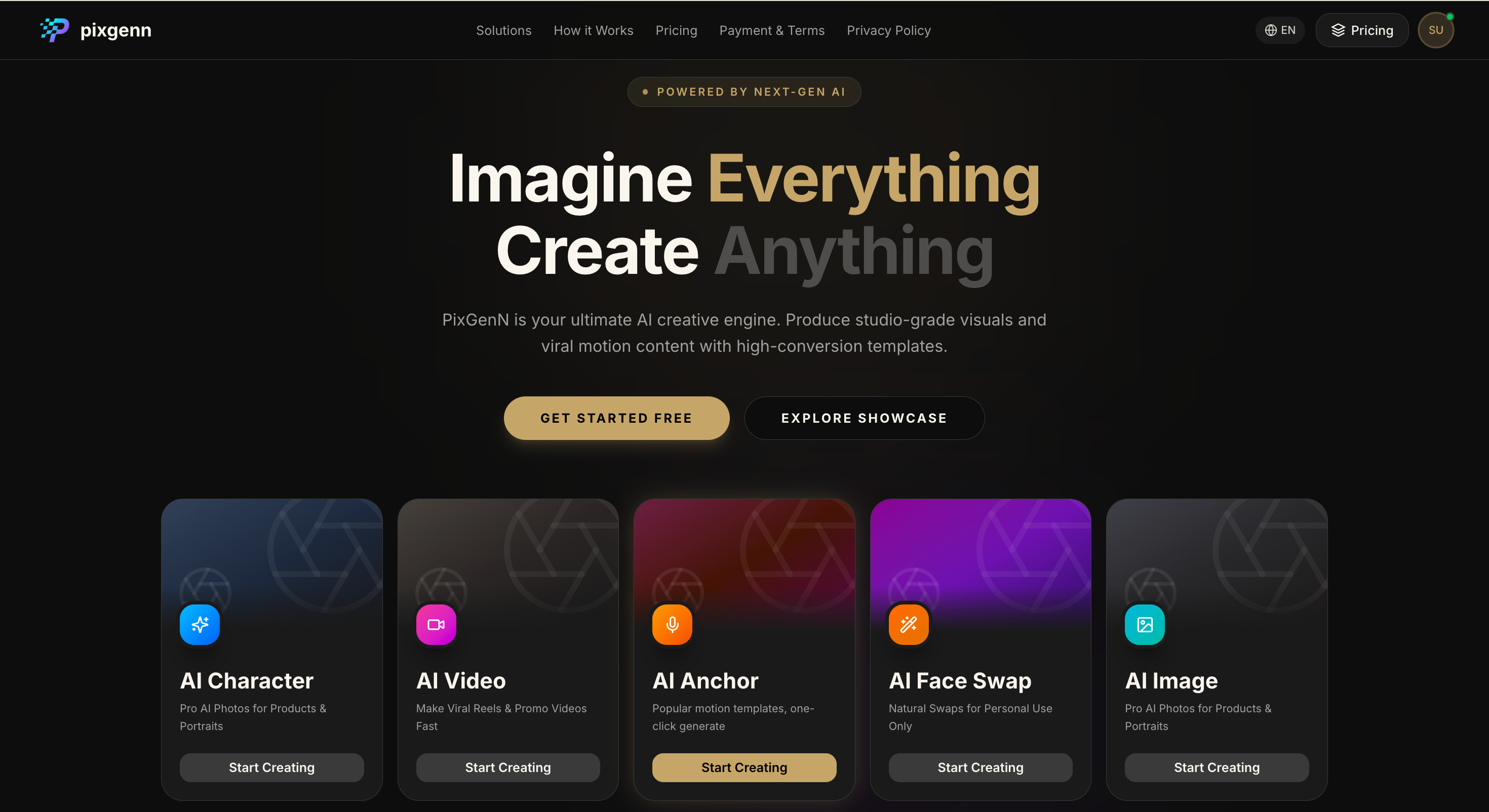
PixGenN is a strong overall option for teams that want AI avatar-style video creation without locking themselves into a narrow ecommerce-only workflow. It is best viewed as a flexible AI video generation platform for users who want to create virtual avatars, test ideas quickly, localize content, and use generated videos commercially.
Its main advantage is balance. The platform covers free trial access, fast generation, commercial-use output, multilingual voice support, and multiple model options. That makes it suitable for creators, founders, agencies, educators, and ecommerce teams that need repeatable short-form video production.
Key features:
AI video generation for creator-style social content.
AI virtual avatar creation for spokesperson and UGC-style videos.
Free trial access for testing before committing.
Fast generation for quick creative iteration.
Commercial-use permission for generated videos.
Multilingual voice support for localized campaigns.
Multiple AI model options for different creative styles.
Pros:
Balanced feature set for avatar-led marketing videos.
Suitable for both individual creators and business teams.
Useful when a campaign needs multilingual versions.
More flexible than tools built only around product-link ads.
Good fit for testing scripts, avatars, and video styles quickly.
Cons:
Ecommerce teams focused only on product-in-hand ad variations may prefer a more specialized ad platform.
Results still depend on script quality, prompt clarity, and source assets.
Built-in ad analytics may need to be handled with a separate marketing tool.
Best for:
Creators, founders, agencies, educators, and ecommerce teams that want a flexible best AI UGC creator for avatar-led videos, commercial content, and multilingual campaigns.
CreateUGC: Product Link to UGC Ads
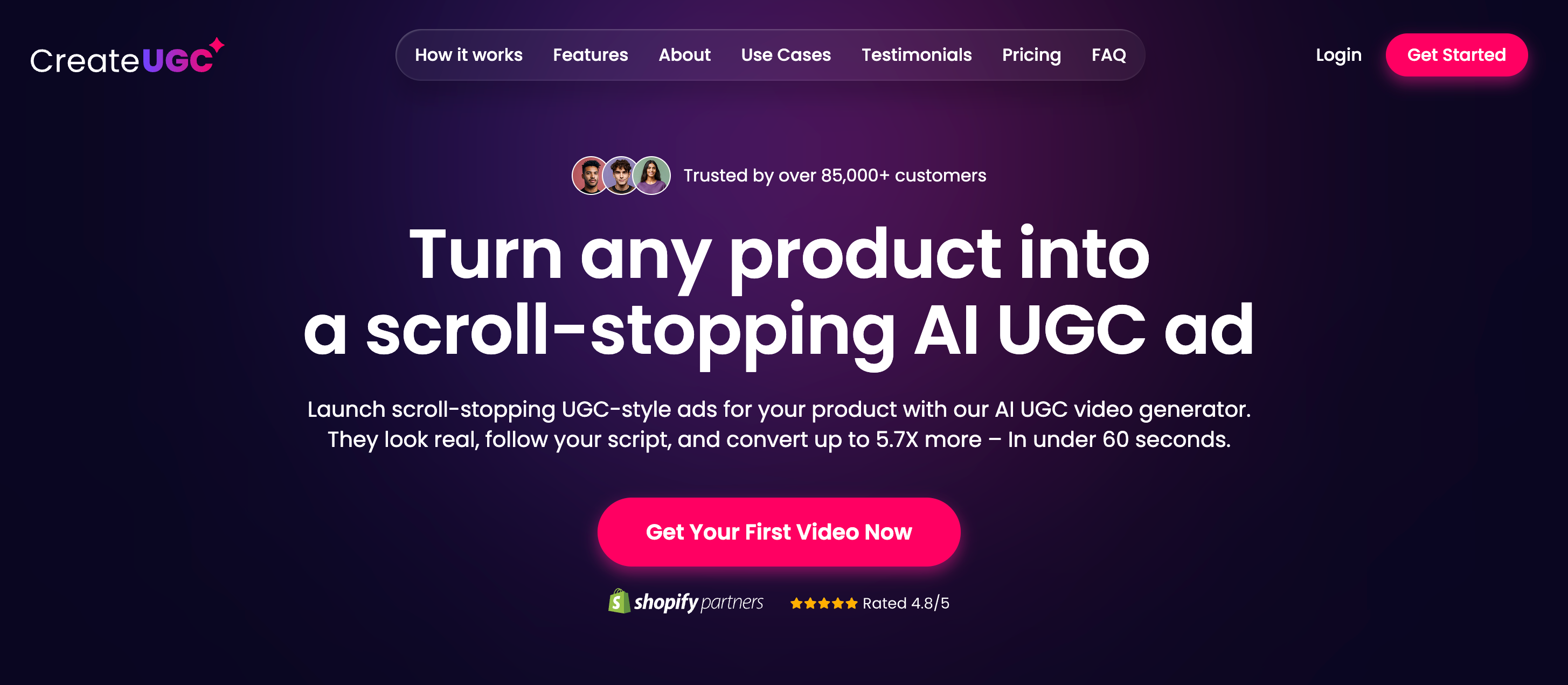
CreateUGC is built for ecommerce teams that want to turn product pages into UGC-style videos. Its workflow is centered on pasting a product link, choosing an avatar, customizing a script, and generating a short-form ad.
This tool is most useful when the product page is the starting point. It may be less flexible for broader brand storytelling or educational videos, but it fits sellers who need fast product ad drafts.
Key features:
Product URL-to-video workflow.
AI avatar selection for product ads.
Script customization and AI-assisted script creation.
Ecommerce-focused UGC ad generation.
Social-ready video formats.
Product-in-hand avatar options depending on plan.
Support for common ecommerce product pages.
Pros:
Clear ecommerce use case.
Useful for turning product pages into ad concepts.
Helps reduce manual scripting and filming.
Good for fast product testing.
Practical for sellers who need frequent short-form ad drafts.
Cons:
Less flexible for non-ecommerce content.
Advanced avatar or product-in-hand features may depend on plan level.
Not ideal for broader avatar storytelling or educational content.
Free access may include restrictions depending on current plan options.
Best for:
Shopify sellers, marketplace sellers, dropshippers, and DTC brands that want a product-focused UGC AI creator.
Creatify.ai: High-Volume Ad Testing
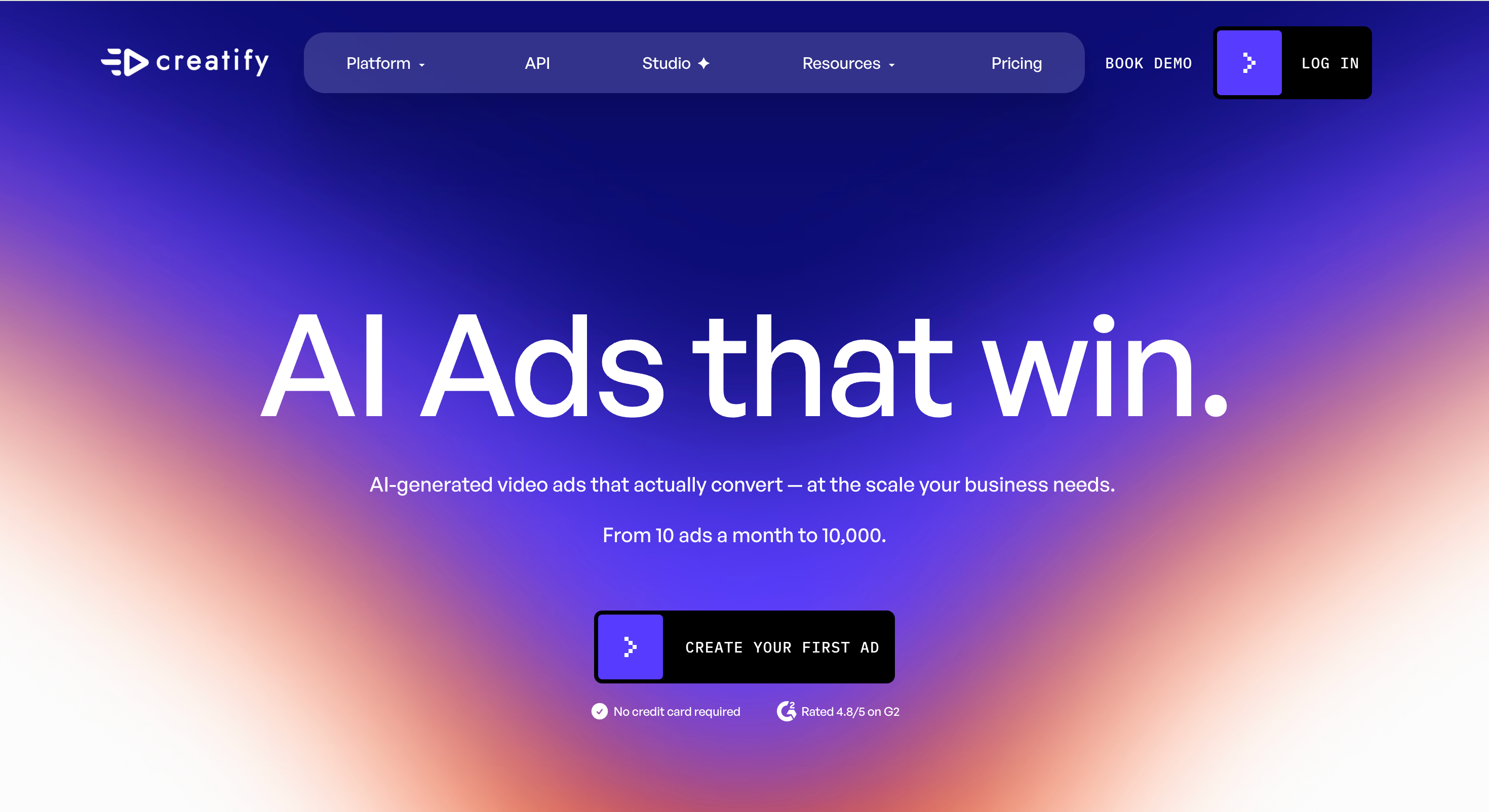
Creatify.ai is a performance-focused AI ad platform. It is useful for teams that want to create many variations of product ads, test different hooks, and work from product links or campaign concepts.
Compared with a lighter UGC AI content creator, this option is more focused on ad production and optimization. It is a good fit for growth teams, but may be more than a solo creator needs for simple avatar videos.
Key features:
URL-to-video ad creation.
AI avatars for promotional videos.
Product ad generation.
AI shorts from scripts and visual styles.
Batch generation for multiple variations.
Inspiration library for ad ideas.
Ad cloning and performance-oriented creative tools.
Pros:
Strong for high-volume creative testing.
Useful for performance marketers and agencies.
Good for testing hooks, formats, and ad angles.
Supports both UGC-style and polished ad formats.
Helps teams move from idea to ad variation quickly.
Cons:
More ad-platform-focused than creator-focused.
May feel complex for simple avatar video needs.
Best value comes from active campaign testing.
Not the most lightweight option for beginners.
Best for:
Growth teams, ecommerce brands, and agencies that need a UGC creator AI platform for rapid ad variation and performance campaigns.
Arcads: AI Actor Ad Campaigns
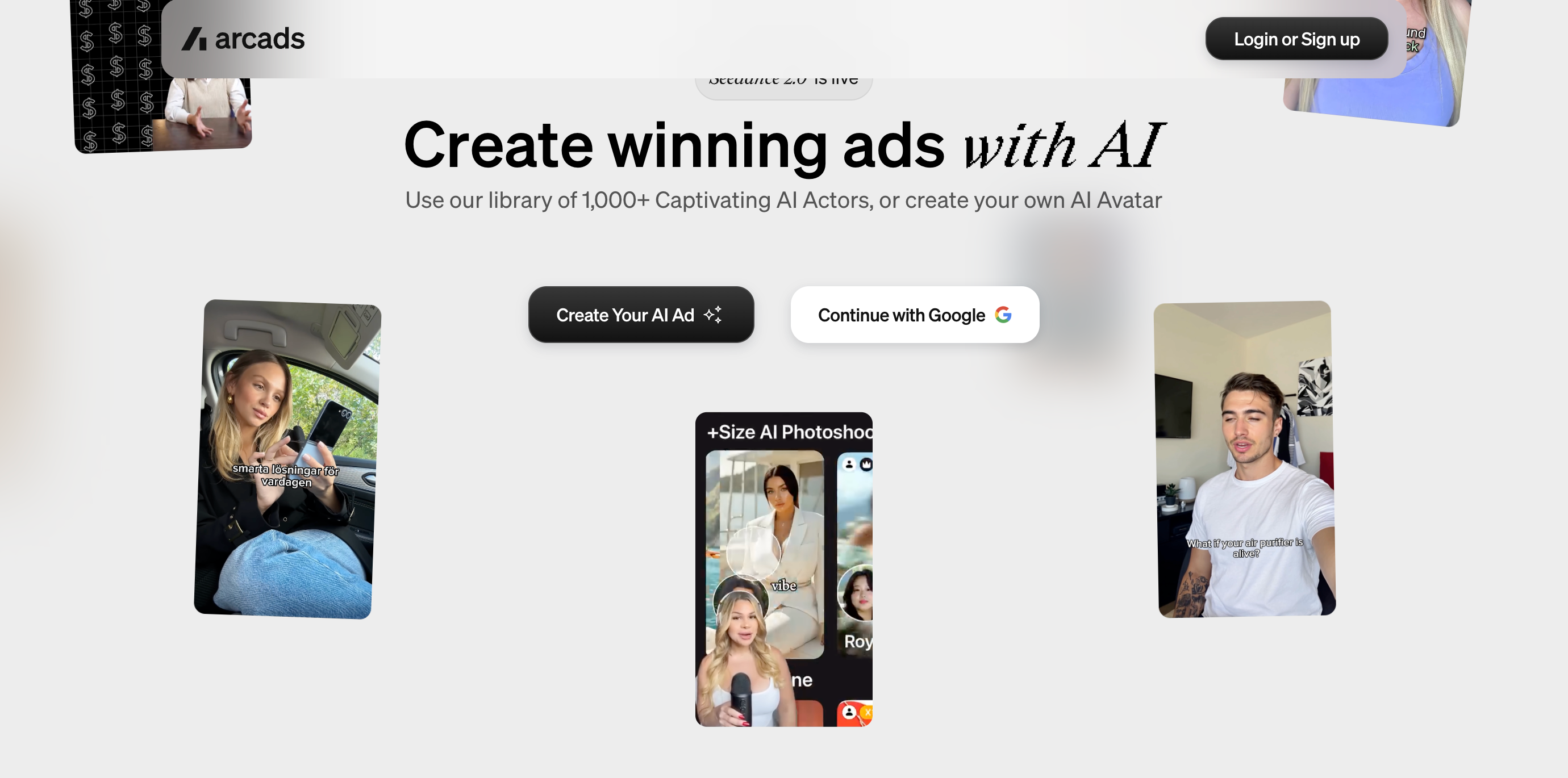
Arcads is one of the stronger options for AI actor-led advertising. It is built around creating, refining, and launching video ads with AI actors, product showcases, captions, translations, voice changes, and model choices.
This tool is best suited to performance marketers who already know they need many ad variations. It is more ad-centric than general creator-centric, but that focus can be useful for paid social teams.
Key features:
Large AI actor library.
Custom AI avatar creation.
UGC Studio for ad production.
Product showcase and unboxing formats.
Captions, translations, and voice changes.
Actor swapping and camera angle controls.
Multiple model choices for different creative goals.
Pros:
Strong fit for AI actor ad campaigns.
Useful for ecommerce and paid social testing.
Good set of ad editing and refinement tools.
Helps teams create many creator-style variations.
Practical for agencies and performance marketers.
Cons:
More focused on ads than broader content creation.
May feel heavy for simple creator videos.
Less ideal for education, tutorials, or non-product storytelling.
Best suited to teams with a clear ad testing workflow.
Best for:
Ecommerce advertisers, agencies, and paid media teams that need an AI UGC content creator for scalable AI actor campaigns.
MakeUGC: Fast AI Actor Videos
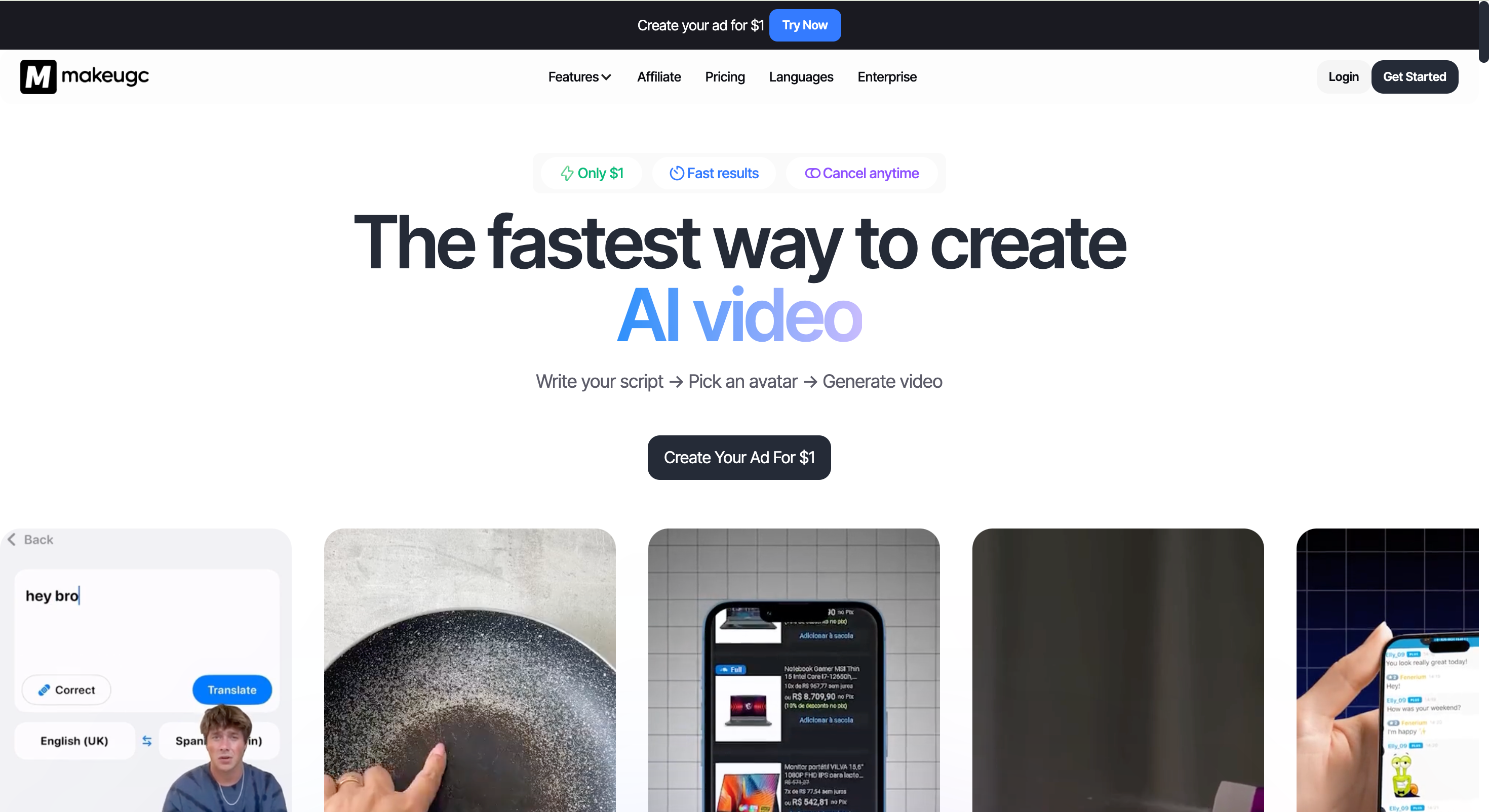
MakeUGC focuses on a simple script-to-avatar workflow. Users write a script, pick an avatar, and generate a video. The platform also emphasizes realistic AI actors, custom avatars, product-in-hand videos, B-roll, gestures, and an editor.
This option is useful for teams that want quick AI actor videos without building a complex production process. It is less broad for cinematic production, but practical for short-form ads.
Key features:
Script-to-avatar video workflow.
Realistic AI actors.
Talking actor videos.
Custom AI avatar creation.
Product-in-hand video support.
B-roll, captions, music, and trimming tools.
Custom workflow mode.
Pros:
Simple process for creating actor-led videos.
Useful for ecommerce product presentation.
Built-in editing tools for short-form content.
Good fit for quick ad drafts.
Helps reduce manual filming and editing work.
Cons:
More focused on AI actors than broad video generation.
Users should review current licensing and export rules before publishing.
Less ideal for advanced creative production.
May not fit teams that need deep model flexibility.
Best for:
Small brands, ecommerce teams, and agencies that want a fast UGC content creator AI for actor-led product videos.
LTX.io: Creative AI Video Production
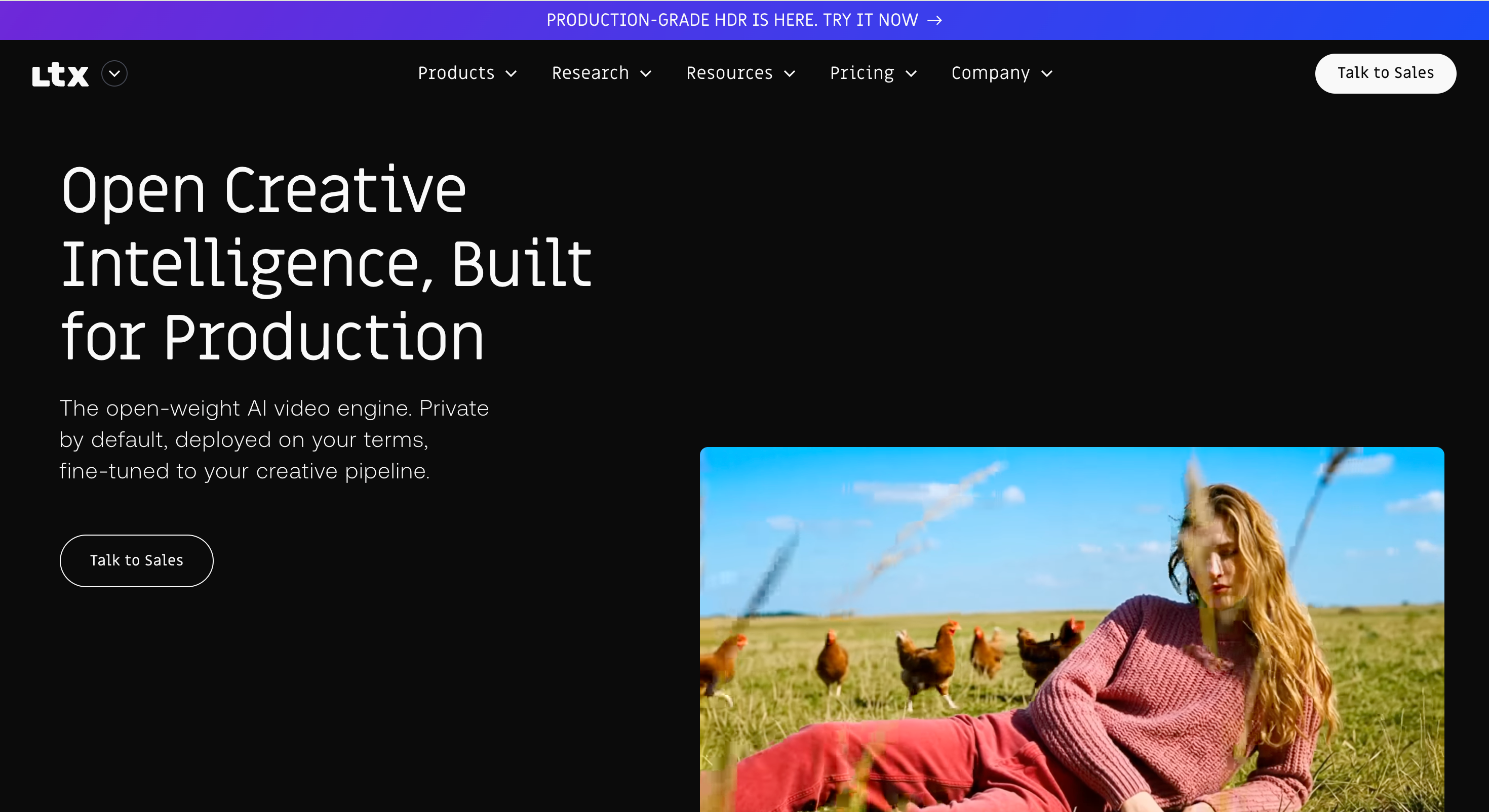
LTX.io is different from the other tools in this list. It is better understood as an AI video production ecosystem rather than a dedicated UGC ad generator. Its tools are more relevant for creative teams that need storyboards, scripts, image-to-video, text-to-video, and production-level control.
This can be valuable for agencies, studios, and advanced marketers. For straightforward AI UGC ads, however, it may require more planning and creative direction than a template-based avatar tool.
Key features:
AI video generation ecosystem.
Text-to-video and image-to-video tools.
Script-to-video workflows.
AI storyboard generation.
API and production-oriented options.
Creative suite for marketers and studios.
More control over scenes and production direction.
Pros:
Strong for advanced AI video production.
Useful for creative teams and studios.
Better for storyboards and concept development than basic UGC templates.
Can support more cinematic workflows.
Good fit for teams that need creative control.
Cons:
Not a dedicated AI UGC creator first.
May be too advanced for quick social ad needs.
Less focused on product-link UGC workflows.
Requires more creative direction from the user.
Best for:
Creative teams, agencies, production studios, and technical marketers that need a broader AI video suite rather than a simple UGC AI creator.
Conclusion
The AI UGC creator market is split into several types of tools. Some focus on product ads, some on AI actors, some on batch testing, and others on broader video production. That means the right choice depends on the job.
For a balanced workflow, PixGenN is a practical starting point because it combines avatar-style creation, free testing, fast generation, commercial-use output, multilingual voices, and model flexibility. The other tools in this list may be better for more specialized needs, such as product-link ads, large-scale performance testing, AI actor campaigns, or creative production control.
If the goal is to create authentic-looking, creator-style marketing videos without making the workflow too complex, a balanced platform is usually the safest first test.
Frequently Asked Questions
Try PixGenN to turn your images into talking avatar videos in one click
No video editing skills required. Start for free.
Start Create Now