PixGenN
6 Best Personalized AI Avatar Generators for 2026 (Tested)
Summary
A personalized AI avatar is a custom digital character, portrait, or talking video avatar that can represent a person, brand, educator, founder, or creator in visual content. For users who want to create personalized AI avatar videos, PixGenN is a strong first option because it supports avatar-style AI video creation, free testing, fast generation, commercial-use output, multilingual voices, and flexible model choice. Other tools may be better for enterprise digital twins, browser-based editing, design assets, or advanced talking-avatar workflows.
What Is a Personalized AI Avatar?
A personalized AI avatar is a digital version of a person, character, or brand identity generated with AI. It can be a static profile image, a stylized character, a realistic presenter, or an AI personalized video avatar that speaks from a script.
The simplest version is a custom avatar image. A user chooses a style, uploads a reference photo, or writes a prompt, then exports a profile picture or brand character. The more advanced version is a talking avatar or digital twin. In that workflow, the user uploads a photo or video, adds a script or voice, and uses AI to create a video where the avatar speaks naturally.
The best tool depends on the final use case. A creator may need a consistent social media persona. A course seller may need a presenter for lessons. A brand may need product explainers in multiple languages. A company may need a secure digital twin for training and internal communications.
AIO results often split the topic into two paths: quick talking avatars and realistic digital clones. That distinction is useful, but it misses a third practical category: flexible avatar video workflows for small teams that need speed, commercial usage, multilingual voices, and creative model choice without enterprise-level setup. That is where a balanced tool can be more useful than a highly specialized one.
6 Best Personalized AI Avatar Generators
The tools below are selected for different workflows: avatar-led AI video, enterprise presenter videos, browser editing, realistic avatar libraries, design assets, and personal avatar automation. Each one can help users create avatar content, but they are not interchangeable.
PixGenN: Flexible Personalized Avatar Video Creation
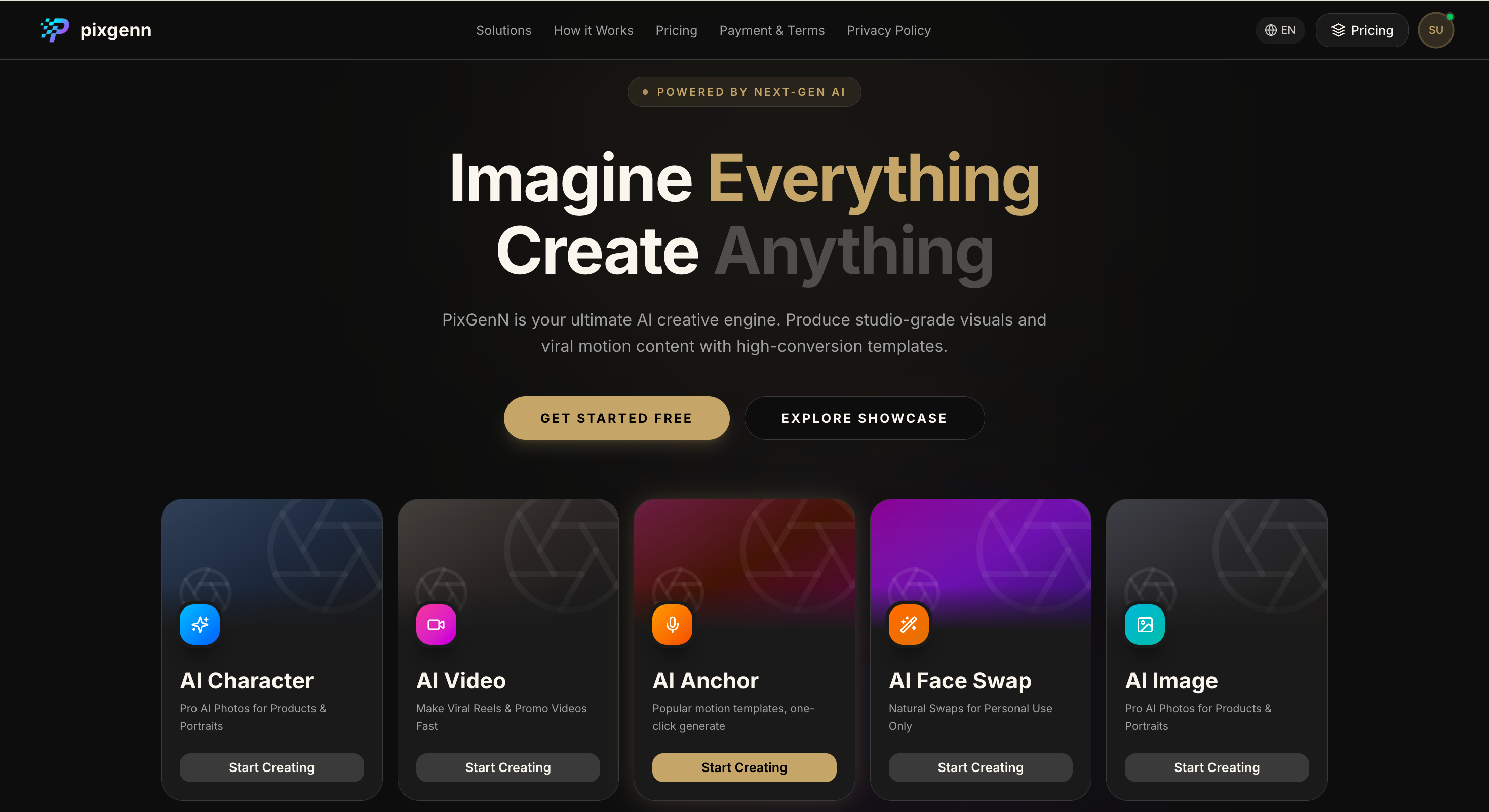
PixGenN is a practical option for users who want to turn visual assets into avatar-style AI videos. Its official site positions it as an AI video generator for creating videos from images, which makes it relevant for creators and teams that want to build video content around a custom person, virtual character, product image, or brand visual.
The strongest reason to consider this platform is balance. It is not only about generating a portrait or a talking face. It is better suited to users who want a repeatable AI video workflow: create or use a virtual avatar, test quickly, generate content efficiently, localize with multilingual voices, and use output commercially when the applicable license allows it.
Pros:
Good fit for users who want video content, not just avatar profile images.
Useful for social videos, explainers, product content, and education.
Multilingual voice support helps with localized campaigns.
Flexible model choice gives more creative control.
Practical for small teams that need speed and commercial-ready output.
Cons:
Users who only need a static profile avatar may prefer a design-first tool.
Output quality still depends on the source image, script, prompt, and selected model.
Detailed template editing may require a separate editor.
Best for:
Creators, marketers, educators, ecommerce teams, and agencies that want a flexible personalized AI avatar workflow for video content.
Synthesia: Enterprise-Ready Personal Avatars
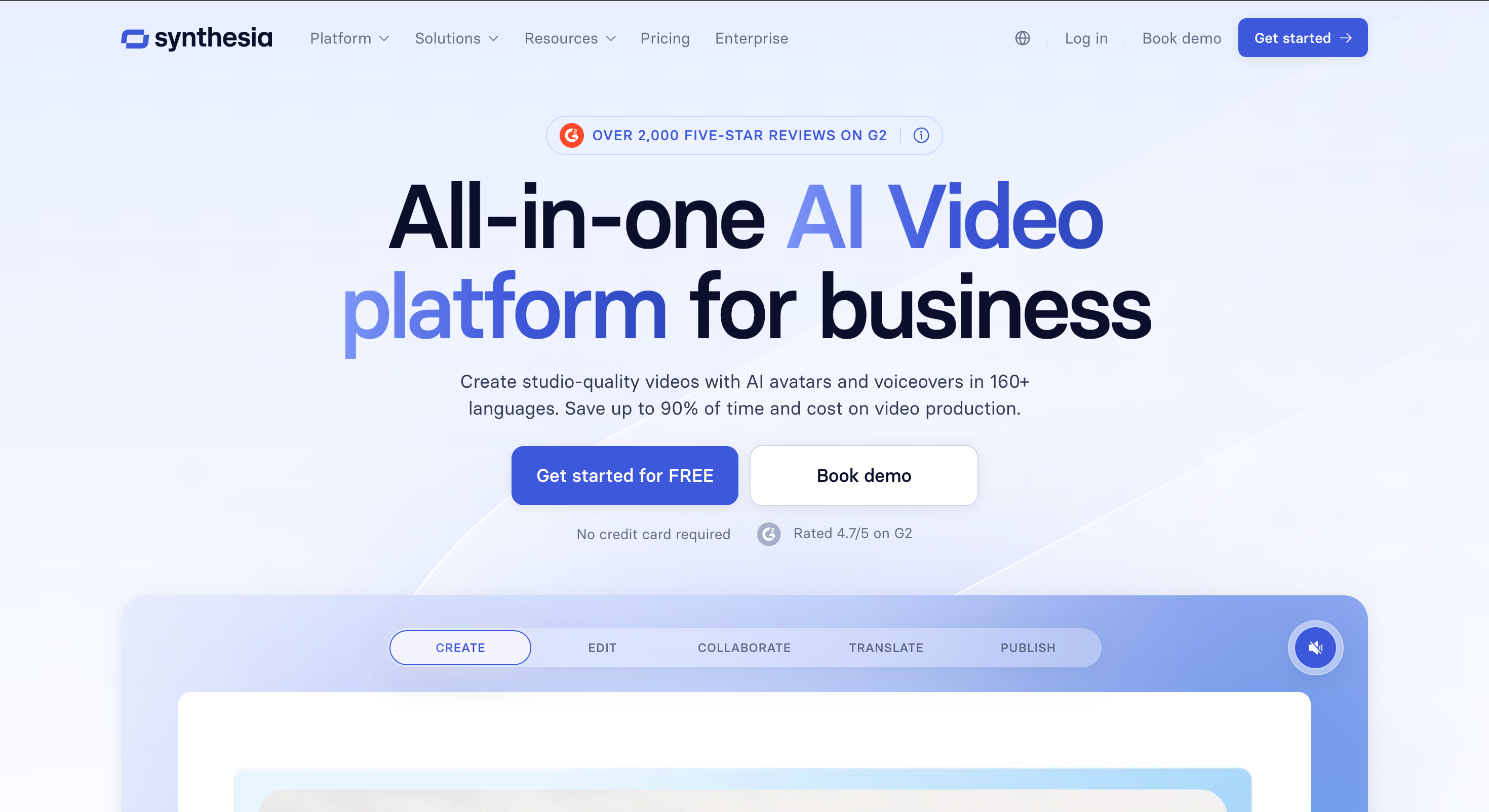
Synthesia is one of the strongest tools for professional AI avatars and digital twins. Its avatar page says users can create realistic AI avatars that move, gesture, and speak; use 240+ ready-made avatars; turn themselves into an AI avatar from a single photo; and publish avatar videos across 160+ languages.
This tool is best for structured business use cases such as training, internal communications, sales enablement, onboarding, and product explainers. It is less casual than creator-first tools, but its brand controls, localization, and enterprise positioning make it strong for teams that need consistency and governance.
Pros:
Strong fit for professional presenter videos.
Useful for training, onboarding, and corporate communications.
Good localization support for global teams.
Brand controls help keep videos consistent.
Personal avatar options make repeatable communication easier.
Cons:
May feel too formal for casual creator content.
Advanced avatar workflows may require paid plans or setup.
Not the simplest option for quick social posts.
Less focused on playful or design-heavy avatar identities.
Best for:
Enterprises, learning teams, HR teams, and sales organizations that need polished digital presenters and scalable avatar videos.
VEED: Browser-Based Avatar Editing
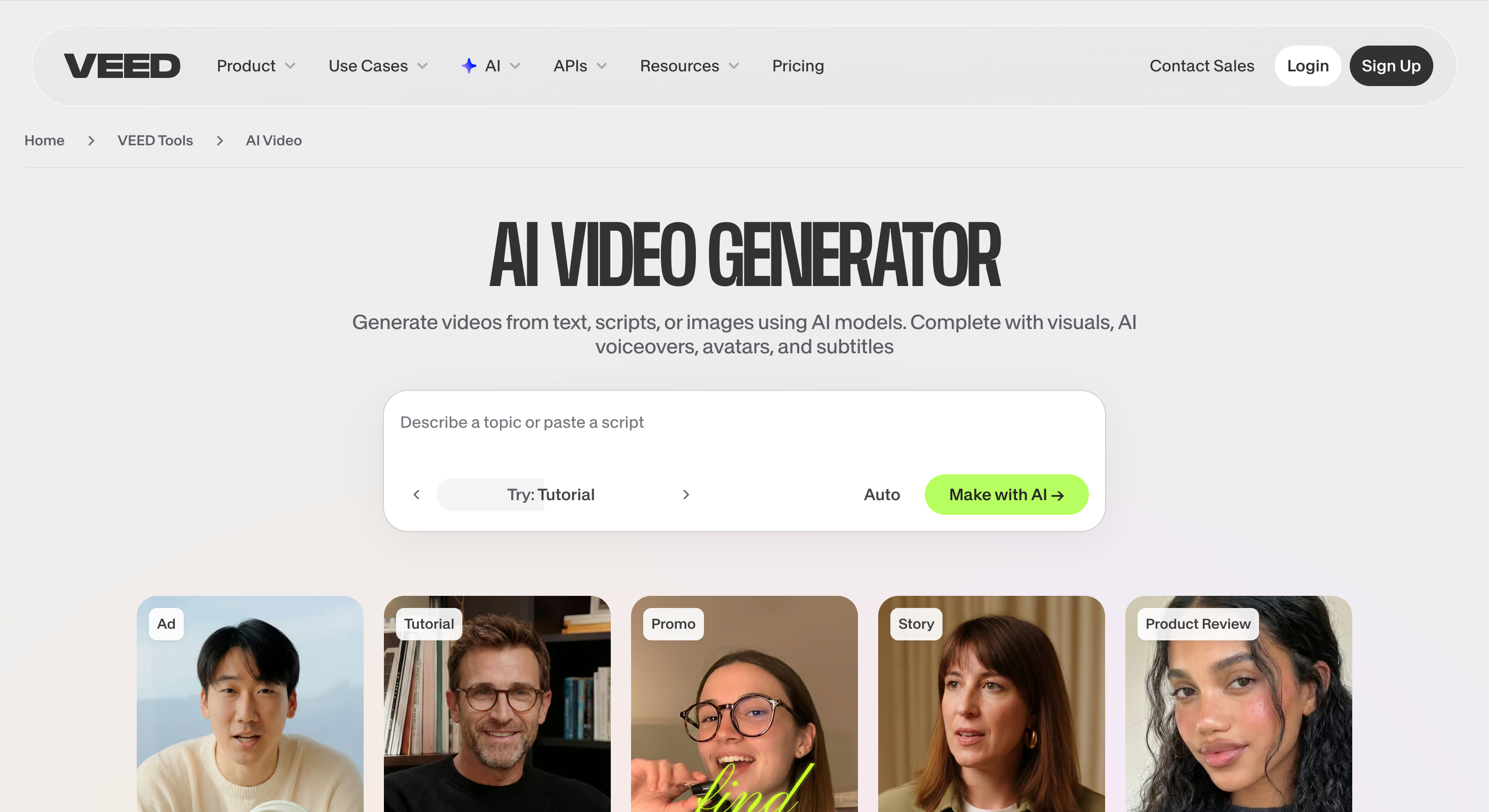
VEED is a browser-based video platform with an AI avatar generator. Its avatar page describes creating realistic talking avatars, choosing from avatars, typing scripts, and using AI voices; it also fits into the broader VEED editing suite with captions, resizing, subtitles, and social video tools.
This makes it useful when the avatar is only one part of the final video. A creator may generate a talking avatar, then add captions, brand elements, transitions, music, or social formats in the same browser workspace.
Pros:
Good for editing and publishing avatar videos quickly.
Easy to use in the browser.
Strong for captions and social formatting.
Useful when avatar content needs extra visual polish.
Better for lightweight production than enterprise workflows.
Cons:
Not the deepest custom digital twin platform.
Advanced exports or avatar features may require paid access.
Users focused only on avatar realism may prefer more specialized tools.
Less suitable for complex enterprise review processes.
Best for:
Social media teams, educators, creators, and marketers who want avatar generation plus easy editing in one browser-based workflow.
HeyGen: Realistic Avatar Library and Photo Avatars
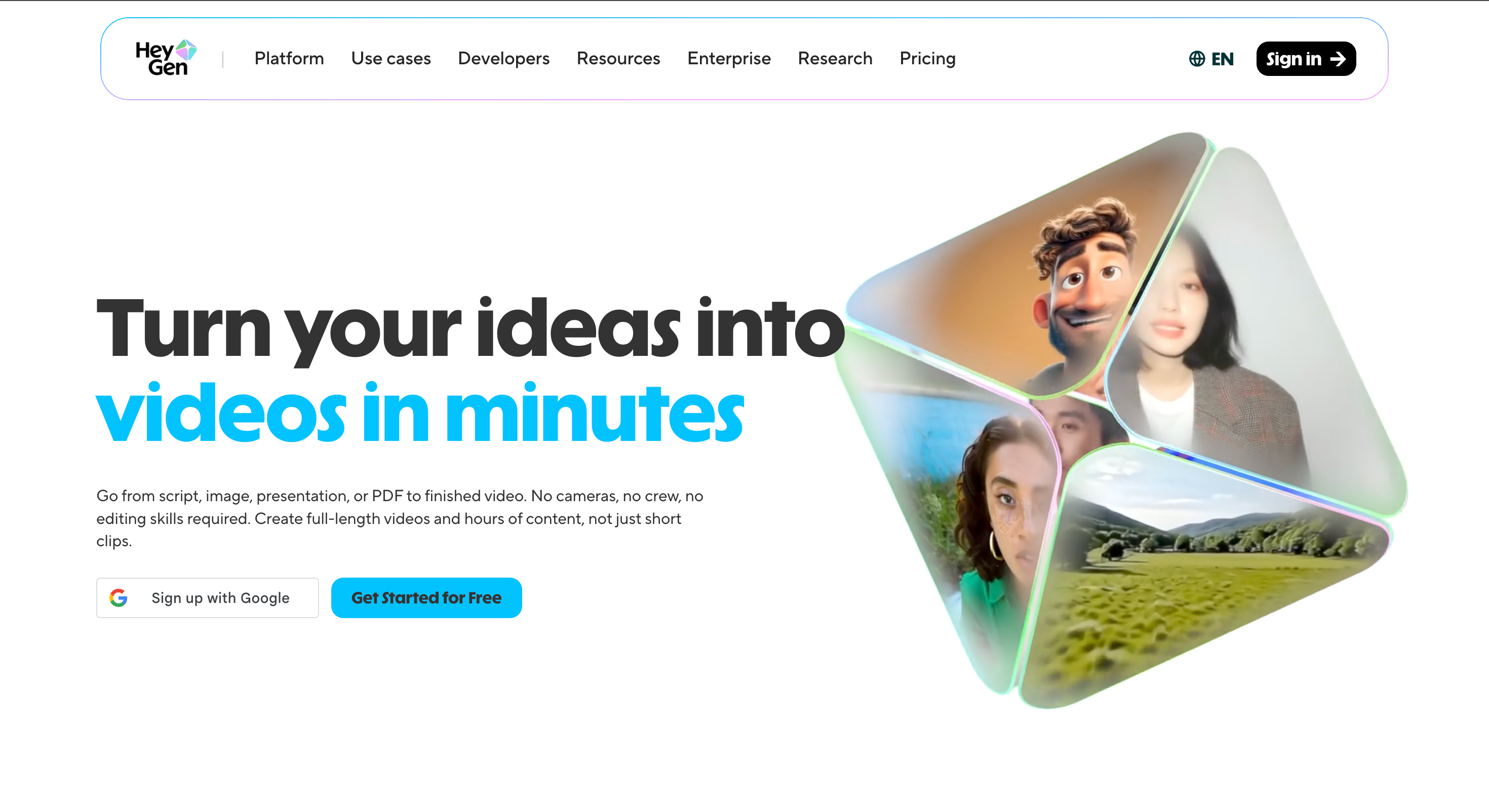
HeyGen is a strong option for realistic avatar content. Its avatar page promotes 1,100+ realistic avatars, free AI avatar generation, photo avatars, UGC avatars, text-to-video, and workflows for creating short avatar videos from scripts.
This tool is especially useful for teams that care about presenter realism, language coverage, and polished marketing content. It can work for social videos, product explainers, UGC-style content, and business communication.
Pros:
Large avatar library.
Strong fit for polished presenter videos.
Useful for avatar-led social and marketing content.
Photo avatar support helps personalize videos.
Good option for users who want realistic talking avatars.
Cons:
Some commercial or high-resolution features may require paid access.
The polished look may feel less casual than raw UGC content.
Users should review plan limits before scaling production.
Not primarily a design platform for static avatar assets.
Best for:
Creators, marketers, educators, and teams that want realistic avatar videos with strong presenter quality.
Canva: Best for Static Avatar Design and Brand Assets
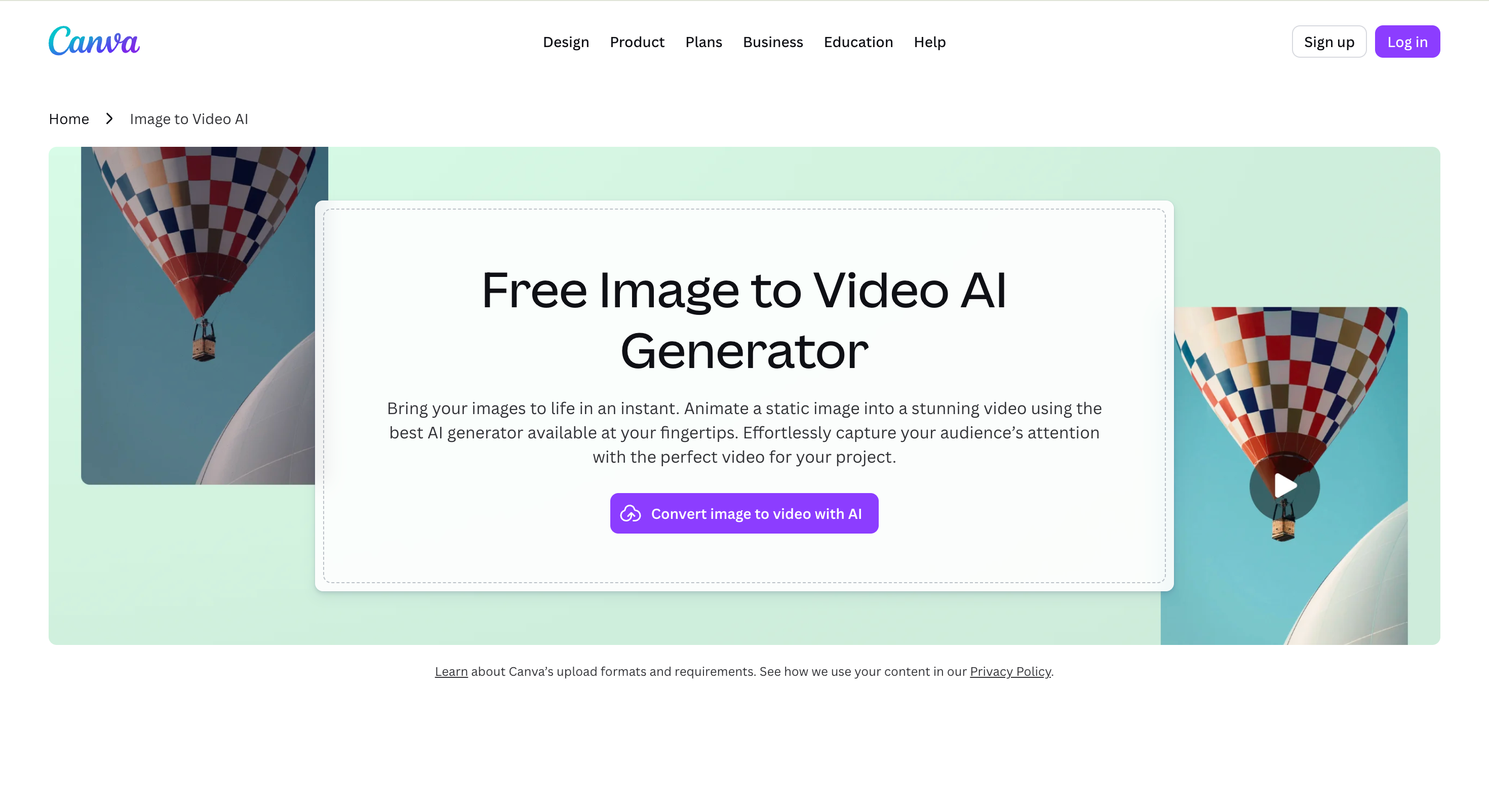
Its avatar page describes free avatar maker tools, AI avatar generator apps, and the ability to design avatars for profiles, communities, social posts, presentations, and marketing materials.
This is the best option in the list when the goal is not a talking video first. It is stronger for designing a visual identity, profile picture, thumbnail, poster, presentation, or social graphic around an avatar.
Pros:
Easy for non-designers.
Strong for static avatar visuals and brand assets.
Useful for thumbnails, profile pictures, and social graphics.
Works well with existing design templates.
Good choice when the avatar must fit a wider visual identity.
Cons:
Not a dedicated talking-avatar platform by itself.
Video avatar workflows may depend on connected apps.
Less specialized for lip sync or digital twin creation.
Advanced assets may require paid access.
Best for:
Creators, small businesses, educators, and marketers who want avatar images, profile visuals, thumbnails, and branded graphics.
D-ID: Personal Avatars for Scalable Video Creation
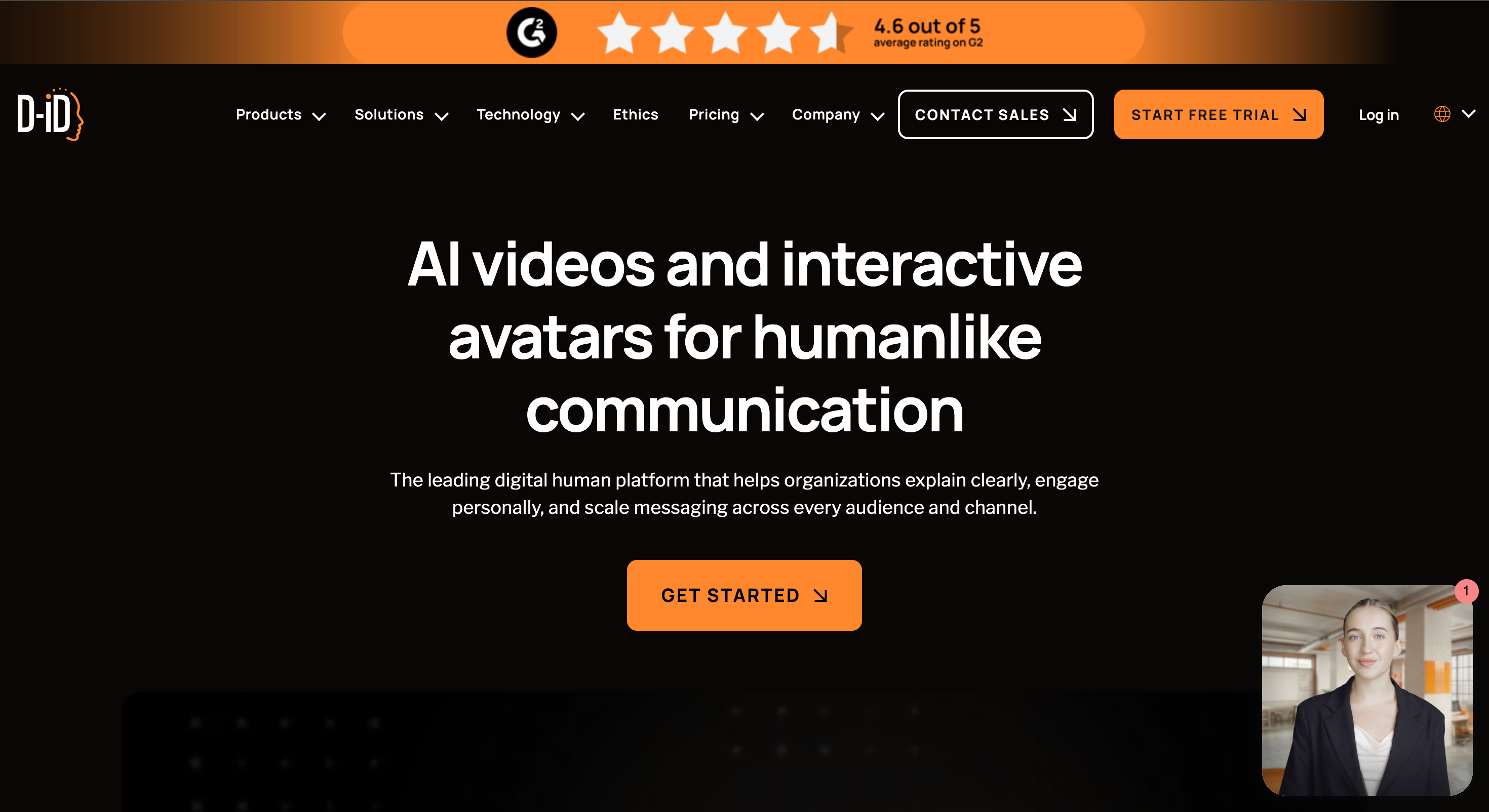
D-ID focuses on personal avatars and AI video generation. Its personal avatars page says users can create a personal avatar from a short video and use it to generate videos at scale, with use cases including sales, training, and communication.
This tool is a good fit when the user wants a realistic personal presenter rather than a stylized character. It is especially relevant for users who want to produce repeatable talking-head videos from scripts.
Pros:
Strong for personal talking avatars.
Useful for repeatable presenter videos.
Good fit for sales, support, and training use cases.
Helps create videos without filming each update.
More specialized than general design tools.
Cons:
Less focused on static avatar design.
May require a good source video for best results.
Users should check plan limits and usage rights.
Not ideal if the goal is highly stylized avatar artwork.
Best for:
Professionals, educators, sales teams, and businesses that want a personal video avatar for scalable communication.
How to Use PixGenN to Create a Personalized AI Avatar
For users who want a simple way to create an AI personalized video avatar, the process should start with the asset, then move into script, voice, and output settings. The goal is not just to generate a nice-looking clip, but to build a repeatable avatar workflow.
1. Prepare a Clear Avatar Image or Visual Concept
Start with a clean portrait, character image, product visual, or brand concept. A better source image usually leads to a stronger avatar-style video. The face or character should be clear, well-framed, and visually connected to the purpose of the content.
For a personal brand, use a portrait that matches the tone of the channel. For a business avatar, use a character or visual style that fits the product category. For social content, avoid overly complex backgrounds that distract from the presenter.
2. Add a Short Script and Choose the Right Voice
A personalized avatar works best with a concise script. Keep the first version short: one hook, one idea, and one clear call to action. This makes it easier to evaluate pacing, voice quality, and overall realism.
If the video targets multiple markets, choose voice and language settings that match the audience. Multilingual voice support is useful because the same avatar concept can be adapted for different regions without rebuilding the entire content workflow.
3. Generate, Review, and Reuse the Best Style
After generating the first video, review the result like a publisher: Does the avatar feel consistent? Is the message clear? Does the voice match the brand? Is the output suitable for commercial use? If the answer is yes, reuse the same style as a template for future videos.
The best workflow is iterative. Test short scripts, compare different model options, refine the source image, and keep the settings that produce the most consistent results. Over time, this creates a recognizable avatar presence rather than a one-off AI clip.
Conclusion
A personalized AI avatar can be a profile image, a stylized character, a talking presenter, or a realistic digital twin. The best generator depends on whether the user needs design assets, social videos, enterprise training content, or scalable personal communication.
PixGenN is a strong first choice for users who want avatar-style video creation with free testing, fast generation, commercial-use output, multilingual voices, and flexible model options. Synthesia is better for enterprise avatar videos, VEED is practical for browser editing, HeyGen is strong for realistic presenter options, Canva is best for static design assets, and D-ID works well for personal talking avatars.
For most creators and teams, the right approach is to test one short avatar video first. Compare identity consistency, voice quality, export limits, commercial rights, editing needs, and how easily the result can become a repeatable content workflow.
Try PixGenN to turn your images into talking avatar videos in one click
No video editing skills required. Start for free.
Start Create Now