PixGenN
How to Create a Personal Avatar with AI in 2026
Summary
A personal avatar is a digital version of yourself that can be used as a profile image, brand character, social identity, or video presenter. The fastest way to create personal avatar content is to choose the right format first: a static avatar image, a 3D character, or a talking personal AI avatar for video. For video-based avatar content, PixGenN is a strong option because it supports avatar-style AI video creation, free testing, fast generation, commercial-use output, multilingual voices, and flexible model choice.
What Is a Personal Avatar?
A personal avatar is a visual representation of a person in digital form. It can be a cartoon version of your face, a 3D character, a realistic profile photo, a gaming identity, a brand mascot, or a talking video presenter.
The current AI search results usually split avatar creation into three paths. The first is photo-to-art, where a selfie becomes an anime, 3D, illustrated, comic, fantasy, or photoreal-style image. OpenArt, for example, describes a workflow where users upload a clear photo and choose or describe a style; its photo-to-avatar tool is designed to preserve recognizable facial traits while applying a new visual style.
The second path is a customizable 3D or cartoon avatar. Avatar SDK’s MetaPerson Creator says it can transform a single selfie into a customizable 3D avatar, with realistic and cartoon styles, browser-based editing, and control over facial features, outfits, hairstyles, and body details.
The third path is video. A personal AI avatar can speak, move, and deliver a script, which is useful for training, social media, product explainers, sales videos, and creator content. HeyGen says users can turn a photo or short video into a lifelike digital version that speaks and moves in 175+ languages, while Synthesia describes custom avatars as realistic digital versions of yourself for personalized videos in 160+ languages.
How to Create a Personal Avatar
Before choosing a personal avatar maker, decide what the avatar needs to do. A profile picture, a 3D character, and a talking video avatar require different tools and different source materials.
1. Start With the Right Source Image
For most avatar generators, a clear image is the best starting point. Use a well-lit headshot or upper-body photo with a clean background, visible face, and natural expression. OpenArt specifically recommends a clear photo, such as a well-lit headshot or upper-body shot, for its photo-to-avatar workflow.
If the goal is a professional-looking avatar, avoid blurry selfies, heavy filters, extreme angles, and busy backgrounds. The better the input, the easier it is for the AI to keep your face recognizable while changing the style.
2. Pick the Avatar Format
Choose the format based on where the avatar will be used. For a profile picture, a stylized image is enough. For games or virtual spaces, a 3D avatar may be better. For courses, ads, or business videos, a talking video avatar is usually more useful.
Canva is helpful for profile and design use cases because its avatar maker lets users create avatars, personalize pre-made characters, explore AI avatar apps, and place avatars into designs such as business cards, stickers, marketing posters, presentations, and social assets.
3. Turn the Avatar Into Video When Needed
If the avatar needs to speak, choose a video-capable platform. A static design tool can create the face, but a talking avatar tool or AI video generator is needed for scripts, voices, lip sync, and motion.
This is where PixGenN fits well. It is better suited to users who want avatar-led videos rather than only a profile picture. With free trial access, fast generation, commercial-use output, multilingual voices, and multiple model options, it can support creators, marketers, educators, and small teams that need repeatable video content.
3 Best Personal Avatar Maker Tools
The best tool depends on whether you want a profile image, a 3D character, a talking avatar, or a full AI video workflow. The tools below cover the most useful categories.
PixGenN: Best for Personal AI Avatar Videos
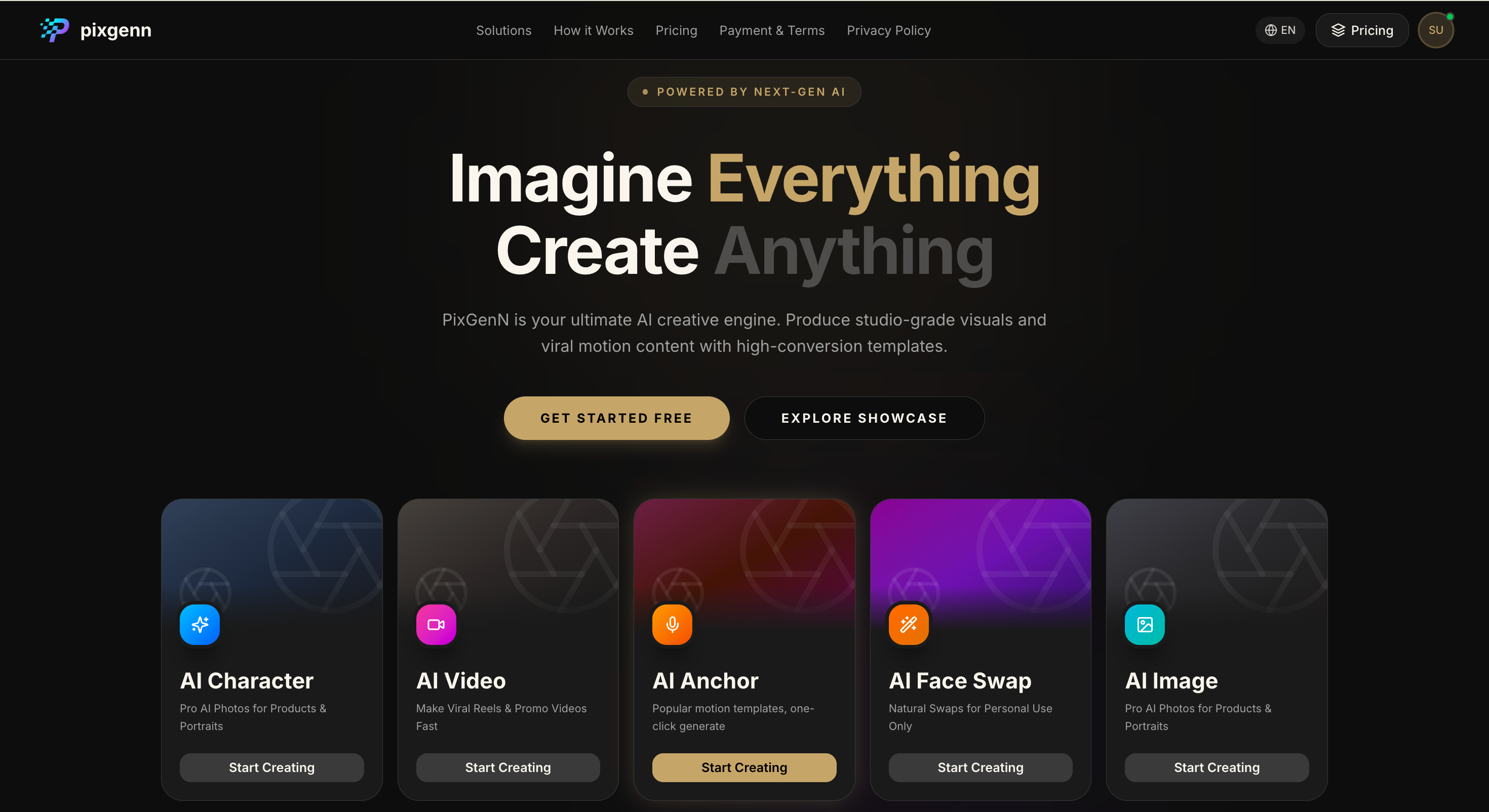
PixGenN is a practical choice for users who want to create avatar-style videos from images instead of stopping at a static profile picture. It is especially useful when the avatar needs to become a presenter, creator-style spokesperson, or multilingual video asset.
Key features:
AI video generation from image-based inputs.
Avatar-style video creation for personal brands and business content.
Free trial access for testing the workflow.
Fast generation for short-form videos.
Commercial-use permission for generated videos.
Multilingual voice support.
Multiple AI model options for different creative styles.
Pros:
Strong fit for users who want video output, not just avatar images.
Useful for social media, education, ecommerce, and marketing.
Multilingual voice support helps with global content.
Commercial-use positioning makes it practical for business assets.
Flexible model choice gives more creative control.
Cons:
Users who only need a simple profile image may prefer a design-first tool.
Output quality depends on source image, prompt, script, and model choice.
Detailed layout design may require a separate editor.
Best for:
Creators, educators, marketers, founders, and agencies that want to turn a personal avatar into reusable video content.
OpenArt: Best for Photo-to-Art Avatar Styles
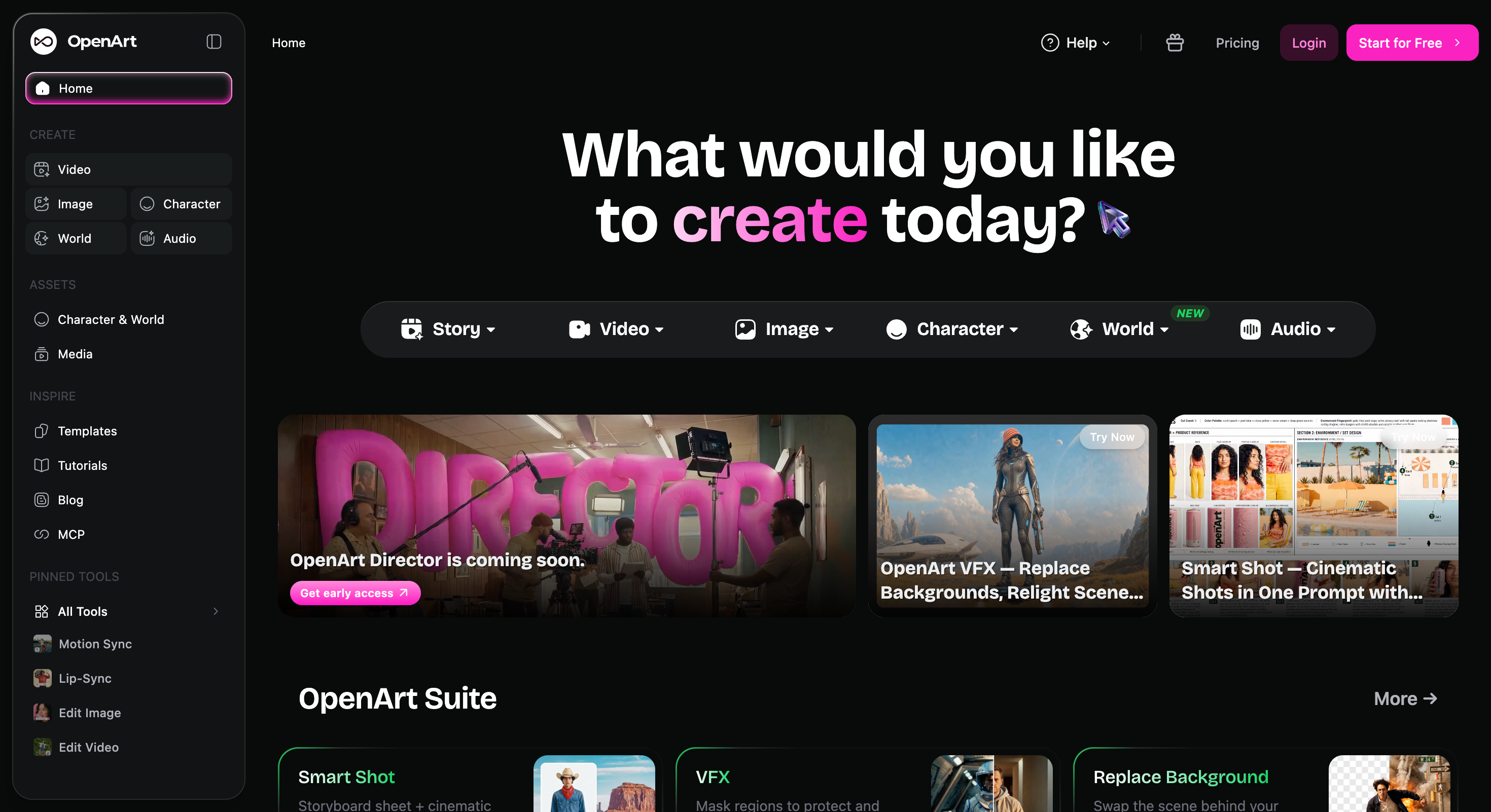
OpenArt is useful when the goal is to turn a selfie into a stylized avatar. Its photo-to-avatar tool lets users upload an image and create styles such as anime, 3D rendered, illustrated, retro pixel, fantasy, comic book, watercolor, or photoreal headshot.
Key features:
Photo-to-avatar generation.
Style prompts for different visual looks.
Support for JPEG, PNG, and WEBP uploads.
Anime, 3D, illustrated, comic, fantasy, and photoreal styles.
Recognizable facial feature preservation.
Profile picture and visual identity use cases.
Matching avatar sets for couples, families, teams, or groups.
Pros:
Strong for creative profile pictures.
Easy way to test many artistic styles.
Good for gaming, social profiles, and personal branding.
Keeps recognizable traits while changing the visual style.
Useful for consistent sets of avatars.
Cons:
More image-focused than video-focused.
Users may need another tool for talking avatar videos.
Not the best option for enterprise digital twins.
Best for:
Users who want a stylized avatar that still looks like them.
Avatar SDK: Best for 3D and Cartoon Avatar Builders
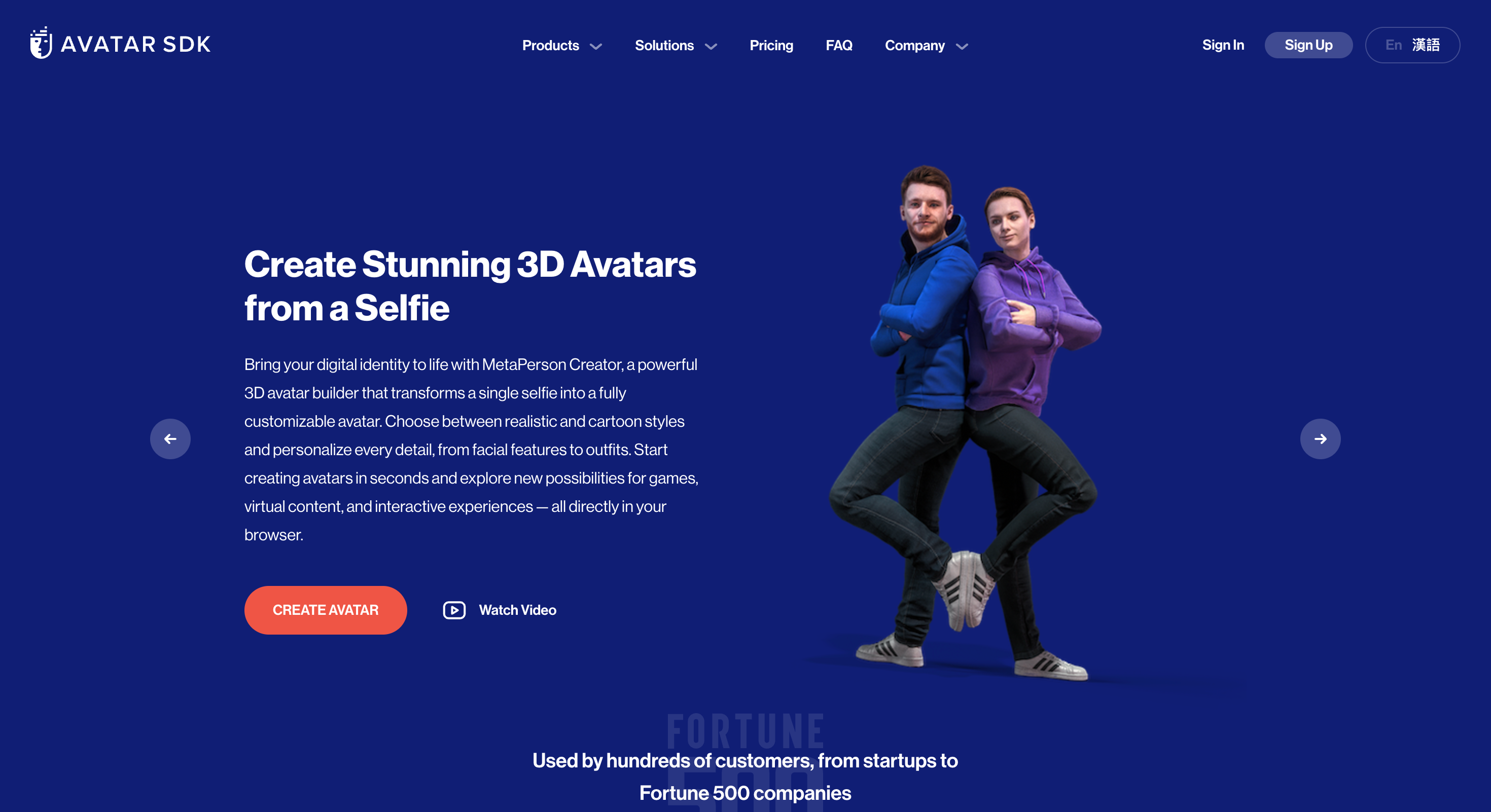
Avatar SDK is a better fit when a user wants a customizable 3D character rather than a flat profile image. Its MetaPerson Creator is described as a browser-based tool that turns a selfie into realistic or cartoon-style 3D avatars and allows customization of facial features, body type, outfits, and hairstyles.
Key features:
Selfie-to-3D avatar creation.
Realistic and cartoon-style options.
Browser-based customization.
Facial feature editing.
Outfit, hairstyle, and body customization.
3D avatar use cases for games and virtual content.
Avatar animation options through related SDK tools.
Pros:
Strong for 3D avatar creation.
More customizable than basic photo-to-avatar tools.
Useful for games, virtual environments, and interactive content.
Works directly in the browser.
Offers both realistic and cartoon styles.
Cons:
More technical than simple avatar image tools.
Not primarily built for short-form talking videos.
Users may need extra tools for publishing, editing, or voice.
Best for:
Users who need a customizable 3D personal avatar for virtual spaces, games, or interactive projects.
How to Choose the Right Personal Avatar Maker
A good avatar tool should match the final use case, not just the visual style. Before choosing, compare format, realism, export quality, and whether the avatar can be reused.
1. Choose by Output Type
If you need a profile image, choose a static avatar maker. If you need a virtual character, choose a 3D builder. If you need a video presenter, choose a talking avatar or AI video platform.
This prevents overbuying. A simple profile picture does not need an enterprise digital twin tool. A multilingual video campaign needs more than a cartoon avatar generator.
2. Check Consistency and Reusability
The best personal avatar maker should help you create a repeatable identity. For image tools, that means consistent style and recognizable facial traits. For video tools, that means stable appearance, voice quality, and scripts that can be generated again and again.
If the avatar represents a brand, consistency matters more than novelty.
3. Review Rights, Privacy, and Commercial Use
If you upload your face, voice, or video, check privacy policies and consent requirements. If you plan to use the avatar in ads, courses, client work, or paid content, check commercial-use rights before publishing.
For realistic digital clones, only use your own likeness or a person’s likeness with clear permission. Avoid making an avatar that imitates someone else without consent.
Conclusion
A personal avatar can be a profile picture, a stylized selfie, a 3D model, or a realistic talking digital twin. The fastest way to choose the right tool is to decide whether you need an image, a character, or a video presenter.
For users who want a practical personal AI avatar for video content, PixGenN is a strong first test because it combines avatar-style video creation, free testing, fast generation, commercial-use output, multilingual voices, and flexible model options. For static design, OpenArt is better starting points. For 3D characters, Avatar SDK is more suitable.
The best approach is to create one small test asset first. Compare resemblance, style consistency, voice quality, export limits, privacy, and commercial-use terms before using the avatar as your long-term digital identity.
Frequently Asked Questions
Try PixGenN to turn your images into talking avatar videos in one click
No video editing skills required. Start for free.
Start Create Now